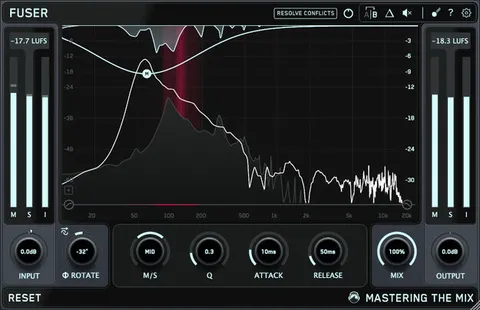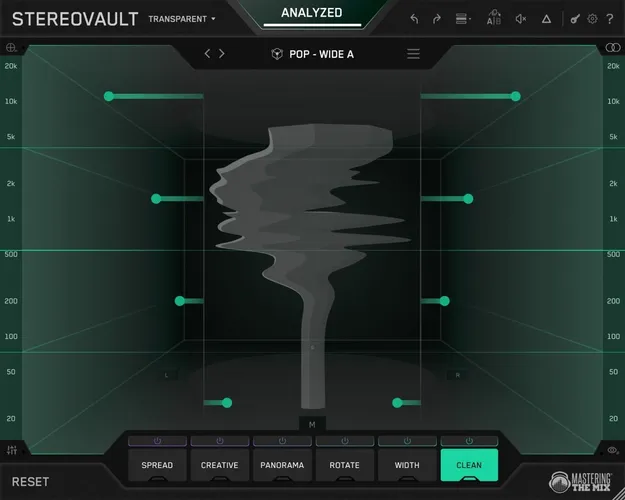
STEREOVAULT stereo width plugin interface by Mastering The Mix

STEREOVAULT: Stereo Width Plugin by Mastering The Mix Free Download

Rated 4.5/5 on Plugin Boutique (26 ratings)

STEREOVAULT is a stereo width effect plugin from Mastering The Mix that analyzes your audio, suggests width settings, and lets you shape the stereo image across up to six frequency bands in VST3, AU, or AAX formats.

VST3AUAAXWindowsmacOS64-bit
AVAILABLE ATPlugin Boutique
Free trial available from the developer
01Overview

STEREOVAULT treats stereo width as a processing decision rather than a single widening knob. It analyzes the audio first, offers starting points by source and genre, and then gives you tabs for spreading, panning, rebalancing Mid and Side energy, and correcting the stereo image. Two workflows cover different jobs: Transparent Mode for full mixes and masters, and Flexible Mode for individual tracks and stems. Level Match keeps loudness out of your judgment, and the Stereo Visualiser shows what the stereo image is doing across the spectrum.

Best for

  • Mix bus stereo width
  • Master bus stereo shaping
  • Stem width control
  • Bass mono-safe widening
  • Sound design stereo effects
  • Reference-based width matching
Category
Stereo Width
Store
Plugin Boutique
02Key features

What you get

  • Smart Presets for mix, music, bass, drums and vocals
  • Focused, Balanced, Wide and Super Wide width options
  • Loudness-compensated Level Match after analysis
  • Reference track import to generate a width preset
  • Real-time 2D and 3D stereo visualiser with phase warnings
  • Transparent Mode with mastering-grade crossover filters
  • Flexible Mode with moveable bands per tab
  • Up to six frequency bands for independent stereo processing
03In depth

Smart presets, level matching and reference import

STEREOVAULT analyzes the audio and suggests stereo width settings for instrument types including mix, music, bass, drums and vocals, across Focused, Balanced, Wide and Super Wide options. After analysis, adjustments are loudness-compensated so you can hear the actual change in width rather than a change in volume.

You can also import a reference track. The plugin generates a width preset based on that reference's stereo profile, which gives you a concrete target when deciding how wide a mix should sound.
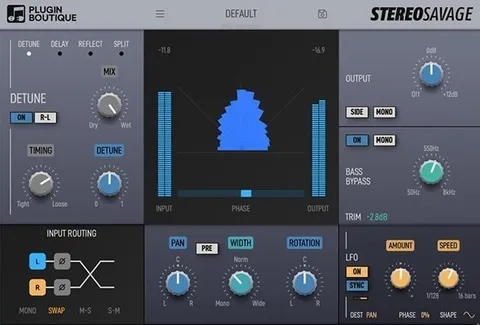
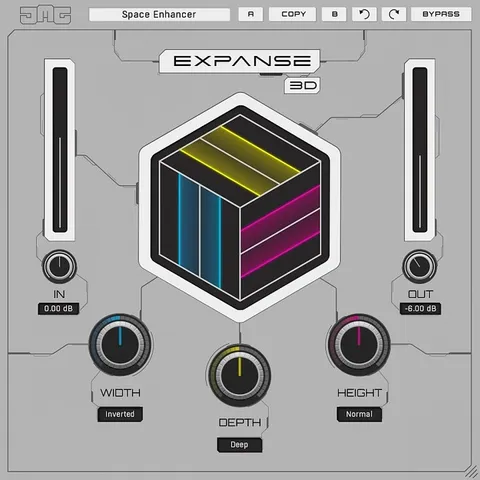
Transparent and Flexible workflows with six processing tabs

Transparent Mode is built for clean processing on full mixes and masters, using crossover filters and a shared band layout across tabs. Flexible Mode lets you move bands independently per tab, which suits mixing, sound design and detailed shaping of individual tracks and stems.

The six tabs are Spread, Creative, Panorama, Width, Rotate and Clean. Spread offers Pristine, Diffuse and Vintage widening methods. Creative adds Stretch, Flux, Chorus, Haas and Space. Width redistributes Mid and Side energy with Blend and Balance modes, and Clean provides Mid or Side EQ for per-band correction. The Band Editor and QuickSplit make it quick to set up up to six bands.

04Specs

Will it run?

Formats, systems and requirements as listed by Plugin Boutique. Missing details are left out, not guessed.

DeveloperMastering The Mix
TypePlugin
CategoryStereo Width
FormatsVST3, AU, AAX
Operating systemsWindows, macOS
Architecture64-bit
Free trialYes
05FAQ

Questions, answered

What formats and operating systems does STEREOVAULT support?

STEREOVAULT is available in VST3, AU and AAX formats, for Windows and macOS. It is a 64-bit plugin.

What do I need to run STEREOVAULT?

On macOS it requires OS X 10.15 or higher and a 64-bit AU, VST3 or AAX host, with Apple Silicon native support. On Windows it requires Windows 10 or higher and a 64-bit VST3 or 64-bit AAX host.

Does STEREOVAULT have a trial?

Yes, a trial version is available.

When should I use Transparent Mode instead of Flexible Mode?

Transparent Mode is designed for full mixes and masters, with a shared band layout across tabs. Flexible Mode is better suited to individual tracks and stems, where you want moveable bands per tab.

07Developer

More from Mastering The Mix

All Mastering The Mix products →