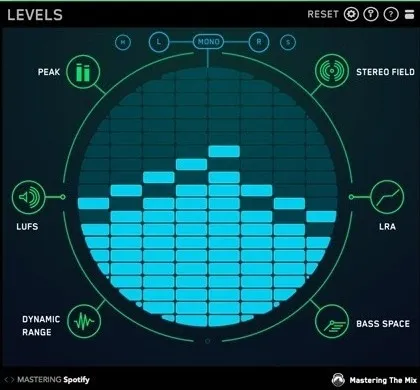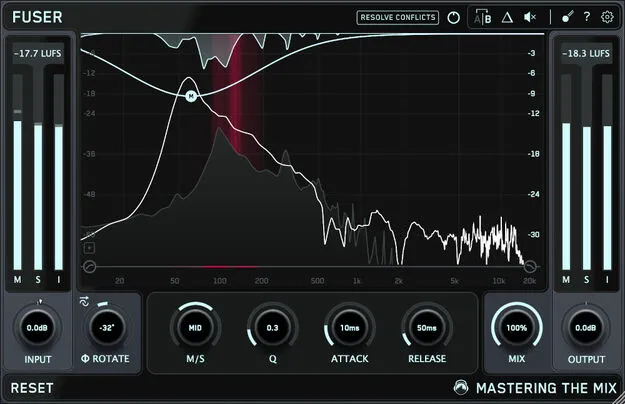
FUSER mix conflict-resolution plugin interface by Mastering The Mix

FUSER: Mix Conflict-Resolution Plugin by Mastering The Mix Free Download

Rated 4.7/5 on Plugin Boutique (716 ratings)

FUSER is a dynamics processor plugin from Mastering The Mix that resolves conflicting audio sources in a mix. It combines volume balance, phase optimization and mid-side sidechain ducking in one effect.

VST3AUAAXWindowsmacOS64-bit
AVAILABLE ATPlugin Boutique
Free trial available from the developer
01Overview

FUSER is aimed at producers working with crowded mixes, where kicks and basses, guitars, or vocals compete for the same frequency space. The plugin is placed on a channel in the signal chain and works to make the elements it is handling sit together more clearly. Its Conflict Detection and Resolve Conflicts features give you a starting point for fixing clashes, which you can then refine manually. It is available as a VST3, AU and AAX plugin with a trial.

Best for

  • Kick and bass clashes
  • Mix clarity
  • Layering similar sounds
  • Guitar and vocal balance
  • Crowded mix cleanup
Store
Plugin Boutique
02Key features

What you get

  • Resolves conflicting audio sources with volume balance, phase and sidechain tools
  • Smart Conflict Detection and Resolve Conflicts feature for a starting point
  • Visual mid-side conflict hotspots in the interface
  • Phase Analyze for minimal phase cancellation when layering sounds
  • Input gain level match pointer for relative volume balance
  • Manual node creation and parameter fine-tuning
  • Sidechain-based ducking to clear space for a focal element
03In depth

How FUSER Resolves Conflicts in a Mix

Mastering The Mix describes FUSER as a way to clear up conflicting audio sources. The plugin approaches the problem from several angles at once: volume balance, phase optimization and smart mid-side sidechain ducking.

The Resolve Conflicts feature is meant to give you a sensible starting point, so you do not have to find every clash by hand. A visual display shows mid-side conflict hotspots, which helps you see where two sources overlap before you change any settings.

For finer control, you can create nodes manually and adjust parameters to tighten the sound of a specific area.
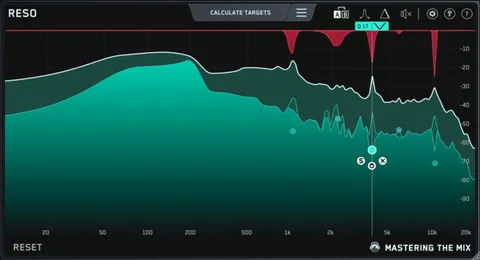
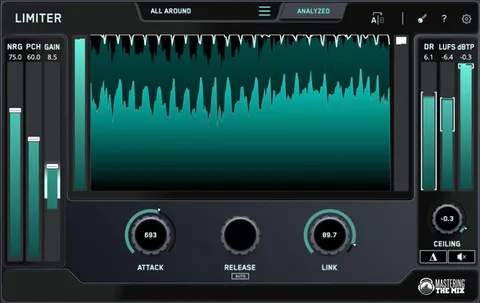
Phase Analyze and Input Gain Matching

FUSER includes a Phase Analyze feature that automatically identifies and sets the phase rotation for layered sounds. The developer says this minimizes phase cancellation when layering similar sources such as kicks and basses.

An input gain level match pointer is also included to help you set relative volume balance between the sources in your mix. Together with the phase tools, these features are intended to make layered parts behave predictably.

04Specs

Will it run?

Formats, systems and requirements as listed by Plugin Boutique. Missing details are left out, not guessed.

DeveloperMastering The Mix
TypePlugin
CategoryDynamics Processor
FormatsVST3, AU, AAX
Operating systemsWindows, macOS
Architecture64-bit
Free trialYes
05FAQ

Questions, answered

What formats does FUSER support?

FUSER is available in VST3, AU and AAX formats. It runs on Windows and macOS.

What do I need to run FUSER?

On Mac you need OS X 10.15 or higher and a 64-bit AU, VST3 or AAX host, with Apple Silicon native support. On Windows you need Windows 10 or higher, 64-bit, and a 64-bit VST3 or AAX host. AAX is compatible with Pro Tools 11 and later only.

How do I fix a kick and bass clash with FUSER?

Place FUSER on the bass and use the kick as its sidechain input. The plugin finds where the two clash and makes room for the kick only when it hits.

Does FUSER require an internet connection?

That applies when you access FUSER through a Rent to Own plan or the Beatport Studio membership, which install and run it through the Beatport Access portal. In that case an internet connection is required every 30 days to validate your license.

07Developer

More from Mastering The Mix

All Mastering The Mix products →