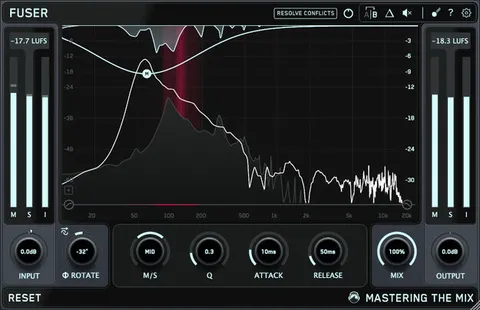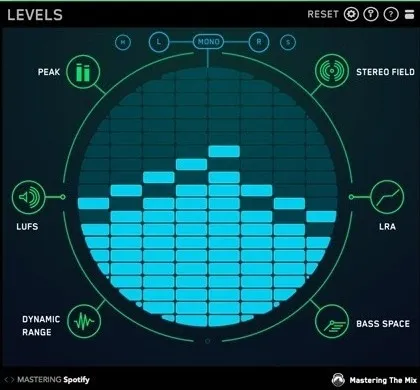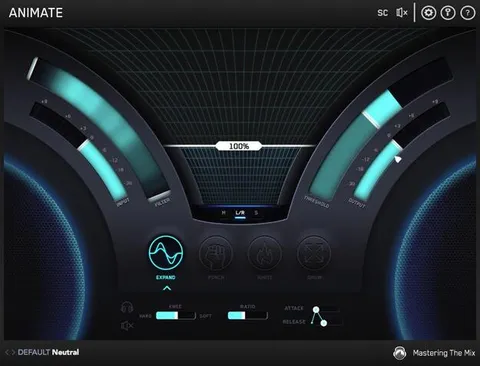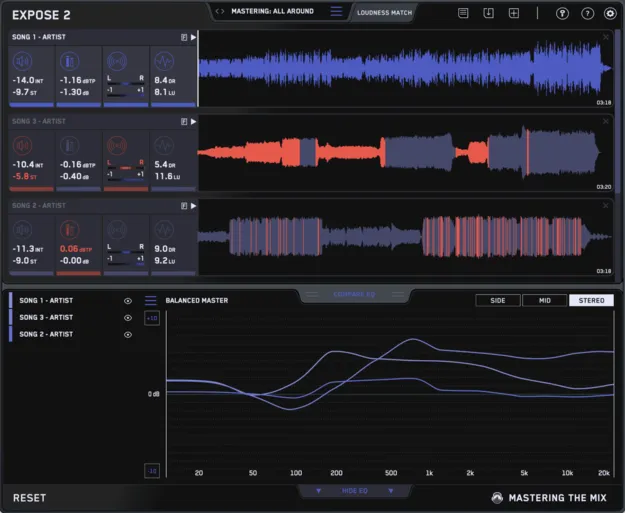
EXPOSE 2 standalone audio quality control app interface by Mastering The Mix

EXPOSE 2: Standalone Audio Quality Control App by Mastering The Mix Free Download

Rated 4.6/5 on Plugin Boutique (1,873 ratings)

EXPOSE 2 is a standalone audio quality control application from Mastering The Mix that analyzes your tracks for loudness, true peak, stereo phase and tonal balance before release. It runs without a DAW.

StandaloneWindowsmacOS64-bit
AVAILABLE ATPlugin Boutique
Free trial available from the developer
01Overview

EXPOSE 2 is built to catch technical problems in a finished track before it goes out to listeners. You drop a song into the app and it reads loudness, peaks, stereo information and dynamic range, then flags the sections where something is off. Because it runs as a standalone application, you do not need a DAW or a plugin host to use it. It is available for Windows and macOS, and an upgrade is offered to previous owners of EXPOSE 1.

Best for

  • Pre-release mastering checks
  • Streaming loudness targets
  • Club master levels
  • Stereo phase checks
  • Tonal balance comparison
  • Reference track matching
Store
Plugin Boutique
02Key features

What you get

  • Integrated and short-term LUFS loudness readings
  • True peak measurement in decibels with 16x oversampling
  • Left and right and correlation heat maps for stereo checks
  • Dynamic range and loudness range readouts
  • Compare EQ against a reference track or genre preset
  • Loudness Match for comparing tracks at equal perceived volume
  • Analysis Feedback with guidance tied to your delivery target
  • 27 presets plus 5 user preset slots
03In depth

Checking Tonal Balance Against a Reference

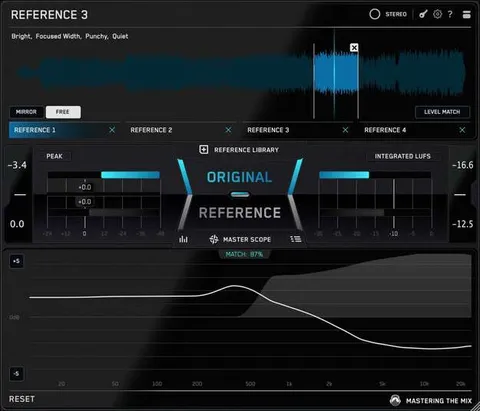
Compare EQ shows the average tonal balance of your track next to a reference track you import, or next to a genre-specific preset. Mastering The Mix says these presets were built from sonic profiles of commercially successful tracks.

The comparison is useful for spotting a mix that sounds muddy, dull, thin or harsh relative to your target. The app also includes Loudness Match, which normalizes playback of all tracks using a LUFS algorithm, so you can compare sources at the same perceived volume.
Measurements and Analysis Feedback

EXPOSE 2 reports integrated LUFS, short-term LUFS, true peak in decibels measured with 16x oversampling, sample peak, left and right heat maps, a correlation heat map, short-term dynamic range and loudness range. When a problem is detected, the readouts and waveform are highlighted so you can see exactly where it occurs.

Analysis Feedback gives specific guidance on how to adjust your audio for your goal, whether that is a loud club master or a master optimized for streaming platforms. You choose the output destination, such as streaming, club or CD, from 27 presets, and you can save 5 user preset slots.

04Specs

Will it run?

Formats, systems and requirements as listed by Plugin Boutique. Missing details are left out, not guessed.

DeveloperMastering The Mix
TypePlugin
CategoryReferencing Tools
FormatsStandalone
Operating systemsWindows, macOS
Architecture64-bit
Free trialYes
05Upgrades

Upgrade and crossgrade options

06FAQ

Questions, answered

Does EXPOSE 2 work as a plugin inside my DAW?

No. EXPOSE 2 is a standalone application and does not run as a plugin inside a DAW. You open it on its own and drag your audio into it.

What operating systems does EXPOSE 2 support?

EXPOSE 2 is listed for Windows and macOS. The macOS version requires OS X 10.15 or higher and has Apple Silicon native support. The Windows version requires Windows 10 or higher and is 64-bit only.

Do I need an internet connection to use EXPOSE 2?

When you access EXPOSE 2 through a Rent to Own plan or the Beatport Studio membership, it runs through the Beatport Access portal, and an internet connection is required every 30 days to validate your license.

Is there a trial version?

Yes, a trial is available for EXPOSE 2.

08Developer

More from Mastering The Mix

All Mastering The Mix products →