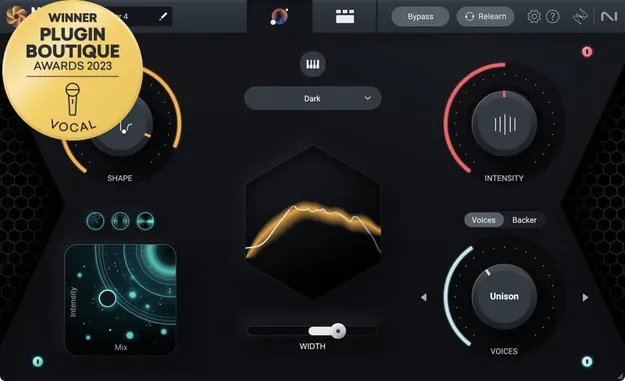
Nectar 4 Advanced by iZotope vocal processing plugin interface

Nectar 4 Advanced: Vocal Processing Plugin by iZotope

Rated 4.4/5 on Plugin Boutique (8 ratings)

Nectar 4 Advanced is a vocal processing plugin from iZotope that combines mixing, production and vocal design tools in one suite. It runs as a VST3, VST2, AU or AAX plugin on Windows and macOS.

VST3VST2AUAAXWindowsmacOS64-bit
AVAILABLE ATPlugin Boutique
Opens the store in a new tab
01Overview

Nectar 4 Advanced is built around vocals. It bundles thirteen component plugins, including dynamic EQs, an auto-level module, a de-esser, compression, saturation, reverb and delay, with a Vocal Assistant that applies settings based on a target sound or a reference track. The Voices module creates vocal harmonies, the Backer module generates background singers, and Melodyne 5 Essential is included for pitch correction. Its Audiolens feature lets you use a reference track from any source as a tonal target.

Best for

  • Vocal mixing
  • Vocal harmony production
  • Background vocal creation
  • Vocal chain templates
  • Demo vocal layering
  • Ad-lib processing
Developer
iZotope
Store
Plugin Boutique
02Key features

What you get

  • Vocal Assistant with target library and custom reference matching
  • Auto Level Module with Tame Noise and Sidechain Mode
  • Two 24-band Dynamic EQs with Follow EQ pitch tracking
  • Voices module with 11 auto-harmonies and MIDI mode
  • Backer module with eight background singer styles
  • Audiolens reference separation for tone matching
  • Melodyne 5 Essential included for pitch correction
  • Thirteen component plugins for a complete vocal chain
03In depth

Vocal Assistant and Auto-Level Workflow

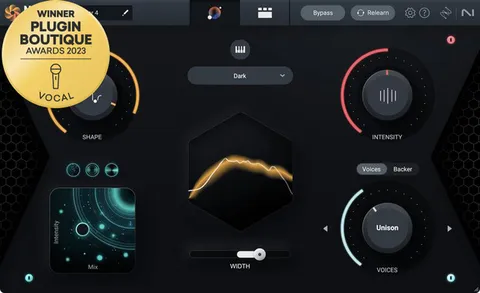
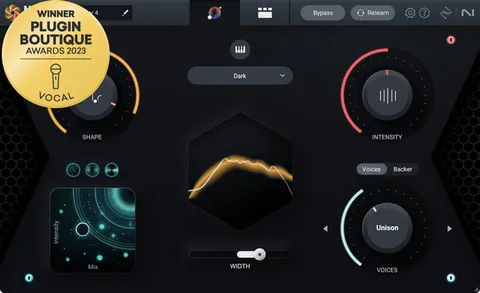
Vocal Assistant offers a set of targets from your library and can match the tone of a custom reference track you import. You can adjust EQ, intensity and width from one screen, and blend effects such as dimension, reverb and delay.

The Auto Level Module sits at the start of the signal chain and manages vocal levels before other processing. Its Tame Noise feature separates sung and unsung material so that only tonal parts are leveled. You can adjust Mix, Strength and Range, or use Sidechain Mode to match another track in the mix. The developer describes it as an alternative to traditional compressors for levelling.

The Follow EQ mode in the two 24-band Dynamic EQs tracks pitch in real time, so resonances can be reduced as the vocal moves.
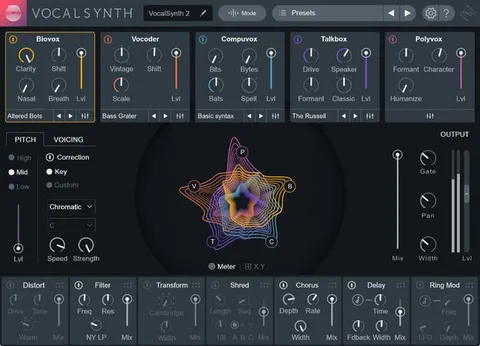
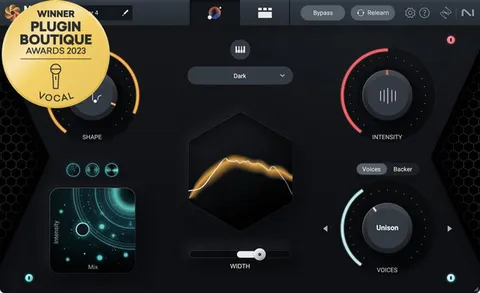
Harmony, Backing Vocals and Layers

The Voices module offers 11 auto-harmonies, a MIDI mode for choosing exact notes, and an editor for the number of voices and their chords. Direction controls whether voices sit above or below the main vocal, and the Mixer View handles level and placement of each voice.

The Backer module shifts your vocal into eight styles to create background singers. You can build your own style from a reference target, blend the result with Tone, Pitch and Formant controls, and automate style and shift changes across a track. You can also import your own acapella.

04Specs

Will it run?

Formats, systems and requirements as listed by Plugin Boutique. Missing details are left out, not guessed.

DeveloperiZotope
TypePlugin
CategoryVocal Processing
FormatsVST3, VST2, AU, AAX
Operating systemsWindows, macOS
Architecture64-bit
05Upgrades

Upgrade and crossgrade options

06FAQ

Questions, answered

Which formats and operating systems does Nectar 4 Advanced support?

Nectar 4 Advanced is available in VST3, VST2, AU and AAX formats, all 64-bit. It runs on Windows 10 and 11 and on macOS, and the listed macOS support covers versions from 10.12 upward in the minimum requirements, with macOS 12.6 to 13.5.x listed for Nectar 4 itself.

What do I need to use Nectar 4 Advanced?

You need a supported host such as Logic Pro, Ableton Live, Pro Tools, Cubase, FL Studio, Studio One, Reason, REAPER or Bitwig Studio. Activation requires internet access and either a computer-based license or an iLok USB dongle.

Does Nectar 4 Advanced include pitch correction?

Yes. It includes Celemony's Melodyne 5 Essential, which is licensed for use within the plugin and is computer-based only for activation.

Can I use my own reference track with Nectar 4 Advanced?

Yes. Vocal Assistant can import a custom reference track and match its tone, and Audiolens can separate the vocal from a reference track to create a tonal target.

08Developer

More from iZotope

All iZotope products →