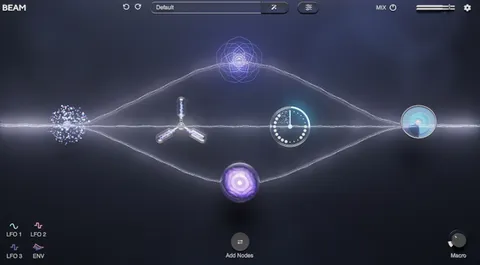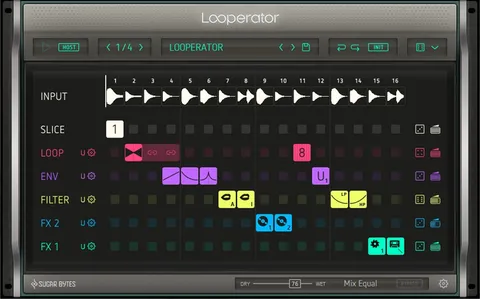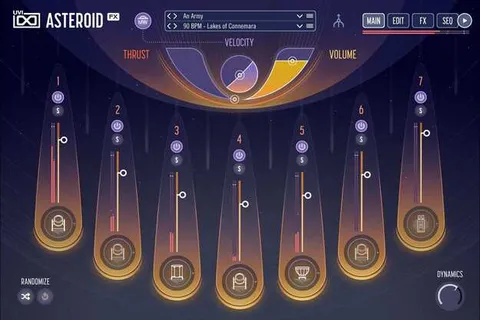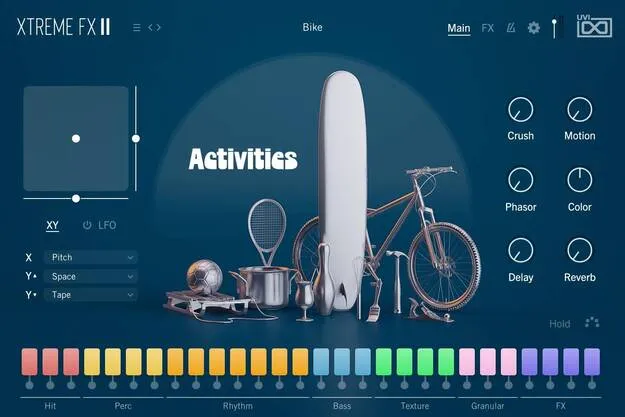
Xtreme FX 2 by UVI sound design and effects plugin interface

Xtreme FX 2: Sound Design and Foley Effects Plugin by UVI

Rated 4.8/5 on Plugin Boutique (5 ratings)

Xtreme FX 2 is a sound design and foley plugin from UVI that combines a large library of effects and sounds with instrument-style sound shaping tools and XY performance control.

WindowsmacOS64-bit
AVAILABLE ATPlugin Boutique
Opens the store in a new tab
01Overview

Xtreme FX 2 sits between a sound effects library and an instrument. Its library holds more than 4,000 samples, and its shaping tools let you turn practical sounds and foley into playable, stylized instruments. The developer describes it as a deep sonic tool with clear, detailed playback. Sounds are categorized for quick browsing, and you can add your own samples through drag-and-drop. It runs on Windows and macOS in 64-bit.

Best for

  • Sound design
  • Foley recording alternatives
  • Film and game sound effects
  • Stylized instrument design
  • Live performance tweaking
Developer
UVI
Store
Plugin Boutique
02Key features

What you get

  • 4,000+ high-quality sounds and instruments
  • Categorized library for quick browsing
  • Drag-and-drop support for your own samples
  • Advanced sound shaping tools
  • XY performance control for real-time changes
  • Runs in UVI Workstation and Falcon
  • Free iLok account activation, no dongle
03In depth

Sound Design and Foley Workflow

Xtreme FX 2 is built around sounds for film, games and production work, from practical foley to effects you can shape into something new. The library is organized into categories, so you can find a starting point quickly.

Drag-and-drop support lets you bring in your own samples alongside the included library. That makes it easy to mix your recordings with UVI's sounds and process them in the same instrument.
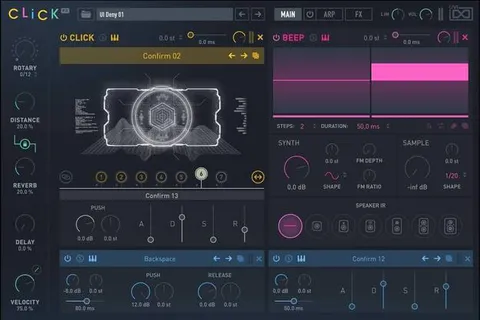
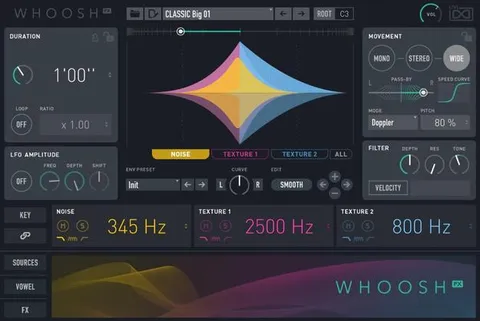
Sound Shaping and XY Performance Control

The advanced sound shaping tools let you reshape each sound beyond simple playback. The XY performance control gives you a single gesture for moving between sound settings while you play or record, which suits live tweaking and automation.

Use it when you want an effect to change over time rather than sit at one fixed setting. The same approach works for building stylized instruments from short sound sources.

Requirements and Setup

Xtreme FX 2 runs inside UVI Workstation version 3.1.14 and Falcon version 3.0.2. It supports macOS 10.14 Mojave through macOS 26 Tahoe and Windows 10 through Windows 11 in 64-bit. Activation uses a free iLok account, so no dongle is needed, but an internet connection is required for the license.

Plan for about 12GB of disk space. A solid state drive is recommended, and the system needs at least 4 GB of RAM.

04Specs

Will it run?

Formats, systems and requirements as listed by Plugin Boutique. Missing details are left out, not guessed.

DeveloperUVI
TypePlugin
CategoryMulti Effect
Operating systemsWindows, macOS
Architecture64-bit
05FAQ

Questions, answered

What is Xtreme FX 2?

Xtreme FX 2 is a UVI plugin that combines a library of over 4,000 effects and sounds with tools for shaping them into instruments. It targets sound design and foley work.

Which operating systems does Xtreme FX 2 support?

Xtreme FX 2 supports macOS 10.14 Mojave through macOS 26 Tahoe and Windows 10 through Windows 11, both in 64-bit.

What do I need to use Xtreme FX 2?

Xtreme FX 2 runs inside UVI Workstation version 3.1.14 and Falcon version 3.0.2. It needs an internet connection and a free iLok account for activation, and about 12GB of disk space.

Do I need a dongle to activate Xtreme FX 2?

No. Activation uses a free iLok account, and a dongle is not required. An internet connection is needed for license activation.

07Developer

More from UVI

All UVI products →