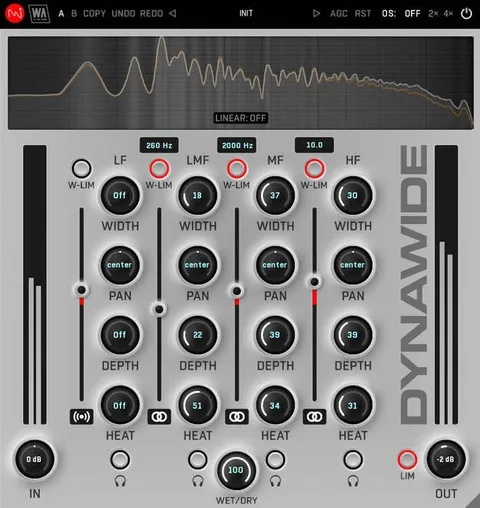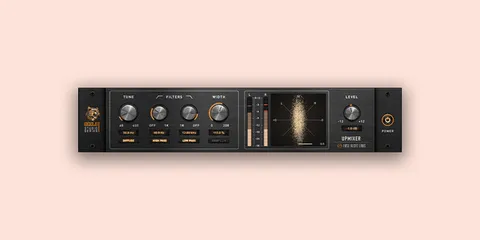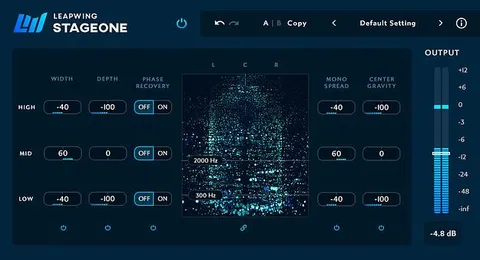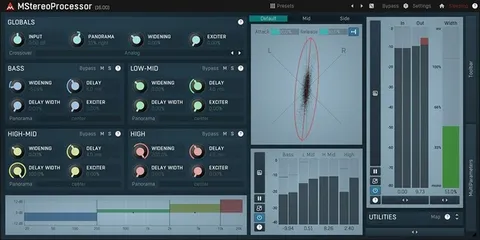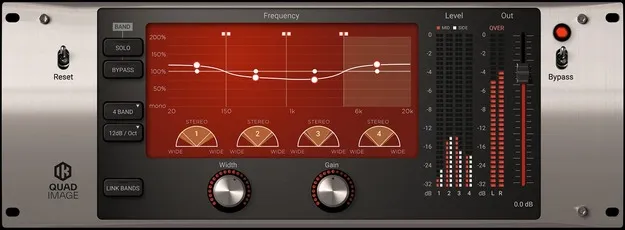
Quad Image by IK Multimedia multiband stereo width plugin interface

Quad Image: Multiband Stereo Width Processor by IK Multimedia

Quad Image is a multiband stereo imaging plugin from IK Multimedia that combines Mid/Side matrix processing with multiband architecture. It lets you control stereo width separately for each frequency band.

VST3VST2AUAAXWindowsmacOS64-bit
AVAILABLE ATPlugin Boutique
Opens the store in a new tab
01Overview

Quad Image applies Mid/Side processing across several frequency bands, so you can adjust how wide or centered each part of the spectrum sits in the stereo field. The developer presents it as a member of its T-RackS Quad-Series processors and says it uses high-quality filters for band splitting, which matters because Mid/Side processing is closely tied to phase behavior. The control set is kept simple. It is available in VST3, VST2, AU and AAX formats for Windows and macOS.

Best for

  • Master bus stereo balance
  • Drum overhead width control
  • Synth stereo widening
  • Low-end mono focus
  • Mix correction
Developer
IK Multimedia
Category
Stereo Width
Store
Plugin Boutique
02Key features

What you get

  • Multiband M/S (Mid/Side) stereo width processing
  • Independent width control for each frequency band
  • High-quality band-splitting filters
  • Simple control set for a multiband processor
  • Corrects center and side balance in mixes
  • Creative widening of stereo sources like synths
  • Available in VST3, VST2, AU and AAX formats
03In depth

Stereo Width Control Per Frequency Band

Because Quad Image works in separate bands, you can widen the high end while keeping bass centered, or do the reverse. The developer describes it as a tool for correcting the balance between center (M) and side (S) content in a mix, in selected regions of the spectrum.

The same approach can be used creatively. Widening a stereo source such as a synth track in specific bands is one way to produce unusual stereo effects.
Typical Uses on Master Buses and Drum Overheads

Quad Image is usually placed on the stereo master bus, where it can address an unbalanced mid and side balance across the full mix.

It also suits individual sources. The developer points to drum overheads, where the focus of center elements such as kick and snare can be restored when they were recorded too wide.

04Specs

Will it run?

Formats, systems and requirements as listed by Plugin Boutique. Missing details are left out, not guessed.

DeveloperIK Multimedia
TypePlugin
CategoryStereo Width
FormatsVST3, VST2, AU, AAX
Operating systemsWindows, macOS
Architecture64-bit
05FAQ

Questions, answered

What is Quad Image used for?

Quad Image controls stereo width separately in each frequency band. It can correct the center and side balance of a mix or create wider stereo effects on individual sources.

Which formats and operating systems does Quad Image support?

Quad Image is available in VST3, VST2, AU and AAX formats. It runs on Windows and macOS.

What do I need to use Quad Image?

On Mac, you need an Apple M1 or Intel Core i5 processor, 8 GB of RAM and macOS 10.15 or newer. On Windows, you need a Core i5 or equivalent processor, 8 GB of RAM and Windows 10 (64-bit) or newer, plus an ASIO-compatible sound card. Both require 9 GB of hard drive space. An internet connection is required for the Custom Shop operations.

07Developer

More from IK Multimedia

All IK Multimedia products →