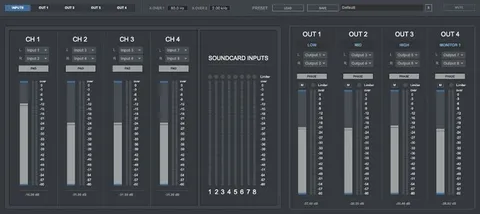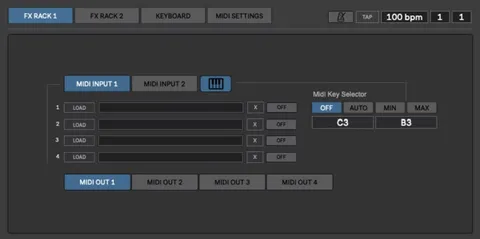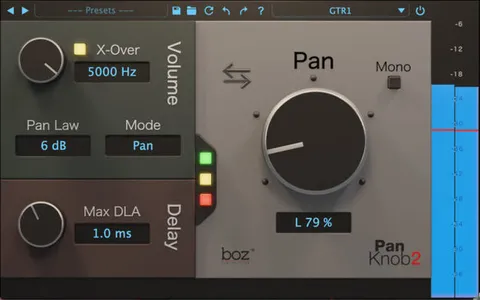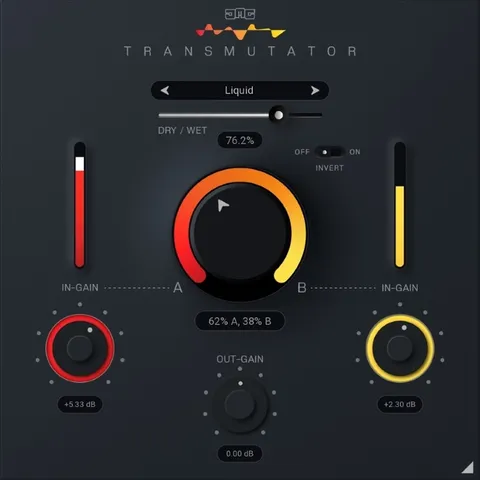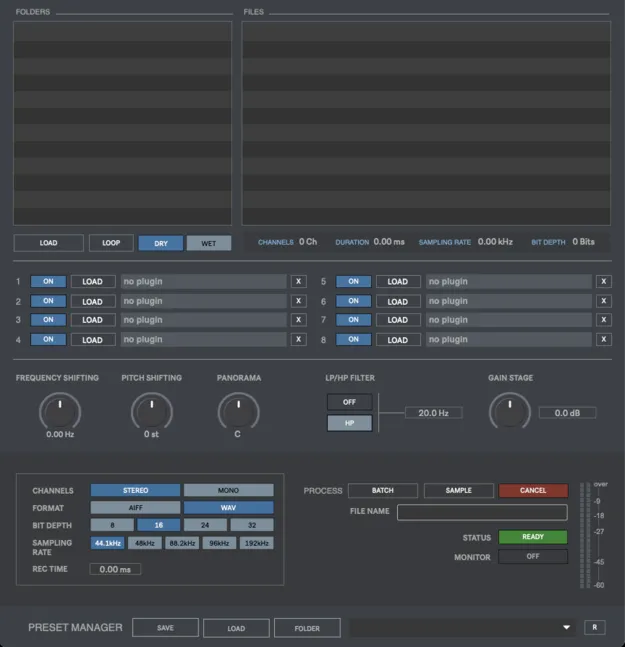
Batch Pro 2 Upgrade from Batch Pro 1 standalone batch audio processing software interface

Batch Pro 2 Upgrade from Batch Pro 1: Standalone Batch Audio Processor

Batch Pro 2 Upgrade from Batch Pro 1 is a standalone audio utility by Digital Brain Instruments for processing large numbers of audio files in one click. It is offered as an upgrade for existing Batch Pro 1 owners.

StandaloneWindowsmacOS64-bit
AVAILABLE ATPlugin Boutique
Opens the store in a new tab
01Overview

Batch Pro 2 Upgrade is aimed at producers who already own Batch Pro 1 and want the newer version of Digital Brain Instruments' batch processing software. The tool handles file conversion and editing across many files at once, including changes to format, sampling rate, bit depth, channel layout, pitch, frequency, filtering and gain. It runs as a standalone application on Windows and macOS rather than inside a DAW.

Best for

  • Batch file conversion
  • Sample library preparation
  • Changing sampling rate
  • Stereo to mono export
  • Bulk gain adjustment
  • Pitch shifting many files
Category
Utilities
Store
Plugin Boutique
02Key features

What you get

  • Real-time audio processing with one-click batch handling
  • Processes WAV, AIFF and MP3 files
  • Stereo to mono and mono conversion
  • Sampling rate options from 44.1 to 192 kHz
  • Bit depth export at 8, 16, 24 or 32 bits
  • Pitch shifting from -24 to +24 semitones
  • Frequency shifting within plus or minus 1000 Hz
  • LP and HP filters, plus gain from -40 to +40 dB
  • Up to 8 VST or AU plugins in the processing chain
  • Dry/wet audio preview and presets manager
03In depth

Batch Processing Features for Studio File Work

Batch Pro 2 is built around processing many files in one pass. You can export WAV and AIFF files as stereo or mono, choose sampling rates of 44.1, 48, 88.2, 96 and 192 kHz, and set bit depths of 8, 16, 24 or 32 bits.

Pitch can be changed from -24 to +24 semitones, frequency shifting can be applied within plus or minus 1000 Hz, and files can be run through HP or LP filters. Gain can be adjusted from -40 dB to +40 dB.

Files can also pass through up to 8 VST or AU plugins, and a dry/wet preview lets you hear the result before and after processing.
Workflow, Presets and System Requirements

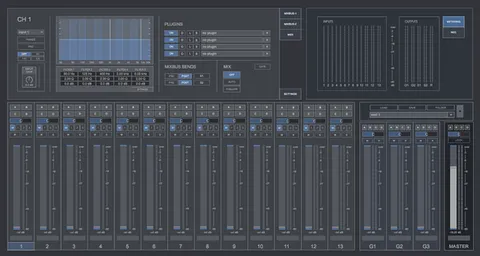
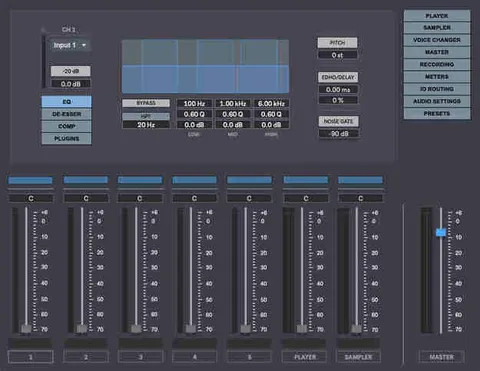
The Presets Manager stores your batch settings so you can reuse a processing chain on later sessions. Audio preview lets you check files before and after batch processing.

Batch Pro 2 runs on macOS 10.11.6 or later, including Intel and Apple Silicon Macs, and on Windows 8 or later. Both platforms are 64-bit only and need at least 2 GB of RAM. The software is delivered as a standalone application and will not work as a plugin inside a DAW.

04Specs

Will it run?

Formats, systems and requirements as listed by Plugin Boutique. Missing details are left out, not guessed.

DeveloperDigital Brain Instruments
TypePlugin
CategoryUtility
FormatsStandalone
Operating systemsWindows, macOS
Architecture64-bit
05FAQ

Questions, answered

What formats does Batch Pro 2 support?

Batch Pro 2 processes WAV, AIFF and MP3 files and exports WAV and AIFF in stereo or mono.

What do I need to run Batch Pro 2?

Batch Pro 2 runs as a standalone application on Windows 8 or later, or macOS 10.11.6 or later, both 64-bit with at least 2 GB of RAM. It does not function as a plugin inside a DAW.

Which operating systems are supported?

Batch Pro 2 is available for Windows and macOS. On Mac, Intel and M1 Apple Silicon are supported.

Can I process files through my own plugins?

Yes. Batch Pro 2 can process files through up to 8 VST or AU plugins as part of the batch chain.

07Developer

More from Digital Brain Instruments

All Digital Brain Instruments products →