Layering and shaping sounds in Interakt
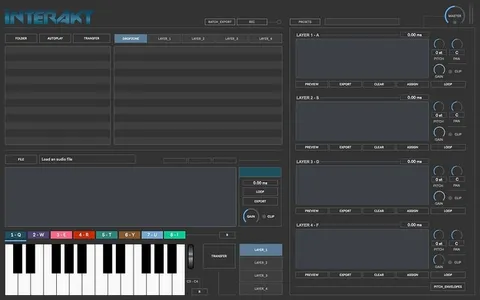
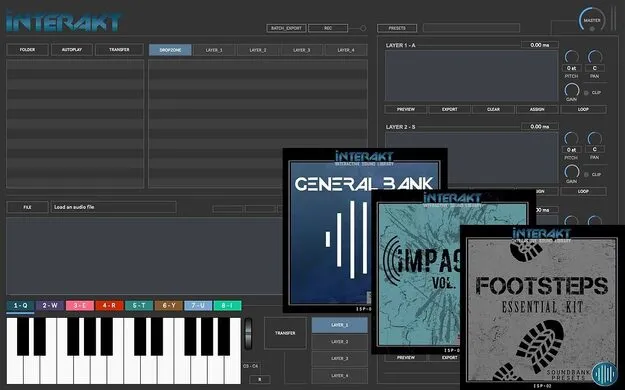
The workflow centers on a file browser, an eight-slot dropzone and four layer sections. You drag files from the browser into the dropzone to audition and set start and end points for up to eight selections. Those selections, or files taken straight from the browser, can then be dropped into the layers.
Each layer offers panning, pitch shifting and an envelope. Fade in and fade out settings help avoid clicks when a selection is triggered. Dropzone pitch bend adds another way to modulate a selection.
For output, you can add up to two VST or AU plugins to the master section, record the master output at up to 192 kHz depending on your soundcard, and batch export selections and layers.