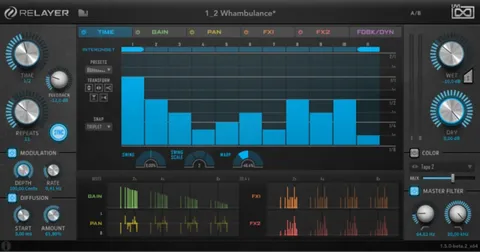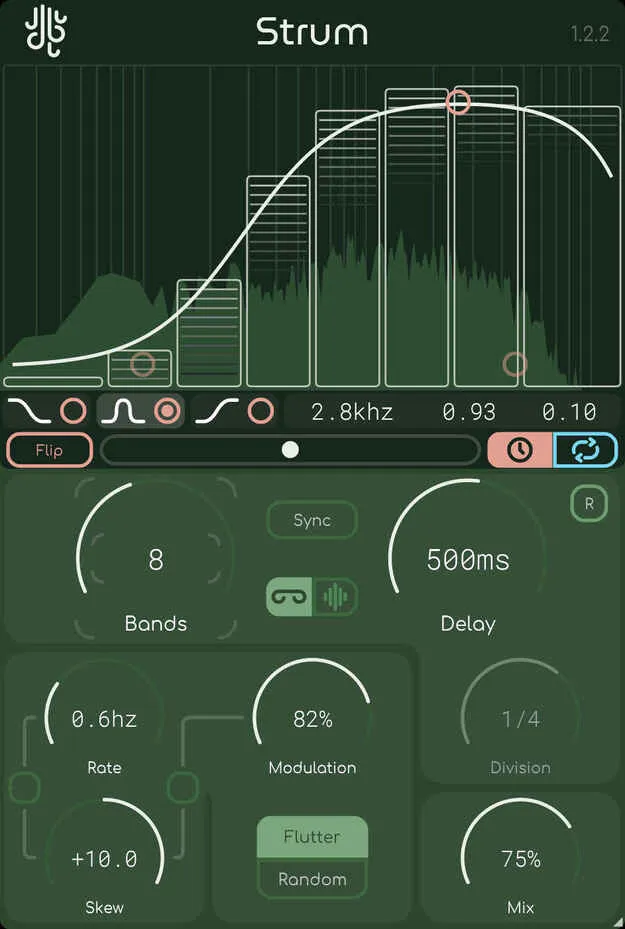
Strum by Lese multiband delay plugin interface

Strum: Multiband Spectral Delay Plugin by Lese Free Download

Rated 4.4/5 on Plugin Boutique (198 ratings)

Strum is a multiband delay plugin by Lese that splits your signal into bands and lets you control the delay time and feedback of each band separately, in free or DAW-synced mode.

VST3AUAAXWindowsmacOS
AVAILABLE ATPlugin Boutique
Free trial available from the developer
01Overview

Strum is a multiband delay built to make spectral delay effects easier to work with. It divides the incoming signal into a series of bands and gives you separate control over the delay time and feedback of each one. Strum can run in free mode or in sync mode, where each band follows your DAW's tempo and time signature, so the delays can strum in a rhythmic pattern. A modulation panel adds flutter and random modes for extra movement in the delay times.

Best for

  • Spectral delay effects
  • Rhythmic strummed delays
  • Frequency-based modulation
  • Sound design textures
  • Creative mix delays
Developer
Lese
Category
Delays
Store
Plugin Boutique
02Key features

What you get

  • Multiband delay that splits the signal into bands with individual delay time and feedback
  • Free and sync modes, with sync locking each band to DAW tempo and time signature
  • Modulation panel with flutter and random modes for delay time movement
  • Modulation skew with a link control to bias modulation depth and frequency by band
  • Factor Band control for EQ-style adjustment of band points
  • Proprietary crossover filter bank with flat frequency and phase response
  • Optional delay overlay that can be disabled while keeping band split markers visible
03In depth

Spectral Control and Modulation Skew

Strum's skew function lets you bias the modulation according to frequency. With the skew link enabled, the skew knob raises or lowers the frequency and depth of modulation as the frequency changes across the bands. This makes it possible to shape movement differently in low, middle and high ranges without treating each band by hand.

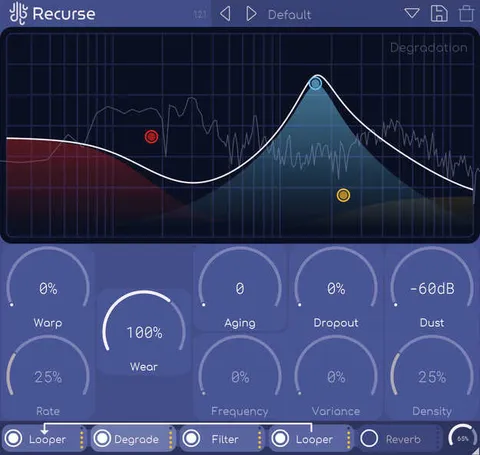
Band points are adjusted with a Factor Band control system that works in a way similar to an equalizer. Lese notes that the design is related to its Sweep and Recurse plugins, and the control gives you detailed command over the frequency range that each delay acts on.
Clean Filtering and Visual Feedback

Strum's multi-crossover uses a proprietary filter bank that Lese describes as having both flat frequency and flat phase response. According to the developer, the filtering does not color the sound when no processing is needed.

An overlay shows how the delay time and feedback change as you adjust them. If it feels busy, you can turn it off from the menu, opened by clicking the Lese logo. The band split points remain visible even with the overlay disabled.

04Specs

Will it run?

Formats, systems and requirements as listed by Plugin Boutique. Missing details are left out, not guessed.

DeveloperLese
TypePlugin
CategoryDelay
FormatsVST3, AU, AAX
Operating systemsWindows, macOS
Free trialYes
05FAQ

Questions, answered

What formats does Strum support?

Strum is available in VST3, AU and AAX formats.

Which operating systems does Strum run on?

Strum supports Windows and macOS. On macOS it is listed for both Intel and ARM processors.

Is there a trial version of Strum?

Yes, Strum offers a trial.

What does sync mode do in Strum?

In sync mode, each individual band's delay time is locked to the tempo and time signature of your DAW, so the delays follow your project's rhythm.

07Developer

More from Lese

All Lese products →