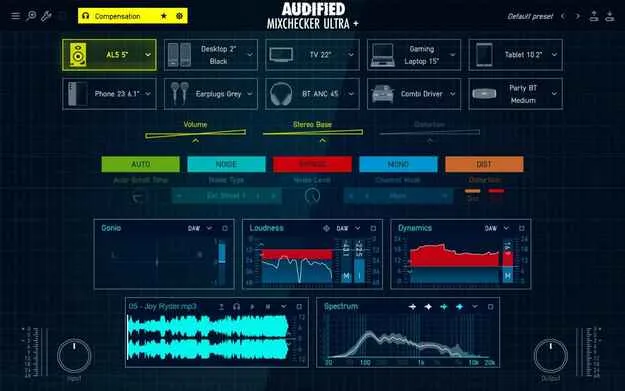
MixChecker Ultra+ by Audified mix referencing plugin interface

MixChecker Ultra+: Mix Referencing Tool by Audified

Rated 4.7/5 on Plugin Boutique (74 ratings)

MixChecker Ultra+ is a mix referencing plugin from Audified that simulates how your mix sounds on more than 90 playback devices, from studio monitors to car audio and earbuds.

Windows
AVAILABLE ATPlugin Boutique
Opens the store in a new tab
01Overview

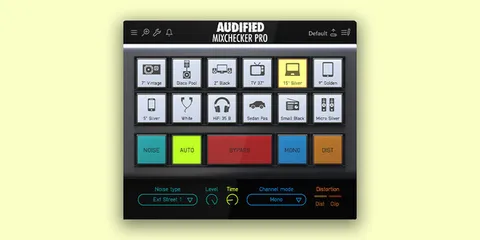
MixChecker Ultra+ is a Windows plugin built for checking mixes across different playback systems. Its device simulations cover consumer and studio gear, and it can add noisy listening environments such as subways or shopping malls. A headphone compensation layer corrects the frequency response of a specific headphone model, so the device simulations are heard against a more neutral baseline. The plugin also includes analysis meters and a reference player for comparing your track with a track you like.

Best for

  • Mix translation checks
  • Headphone mix referencing
  • Streaming loudness checks
  • Car and Bluetooth playback tests
  • Mixing in untreated rooms
  • Stereo image diagnostics
Developer
Audified
Store
Plugin Boutique
02Key features

What you get

  • Simulations of more than 90 listening devices
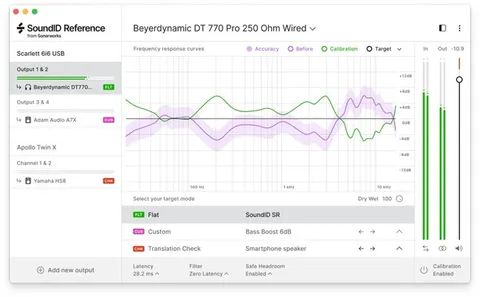
  • Headphone compensation for your specific headphone model
  • Device-level volume, stereo base and distortion controls
  • Custom WAV impulse response loader
  • Noisy environment simulations such as subways and streets
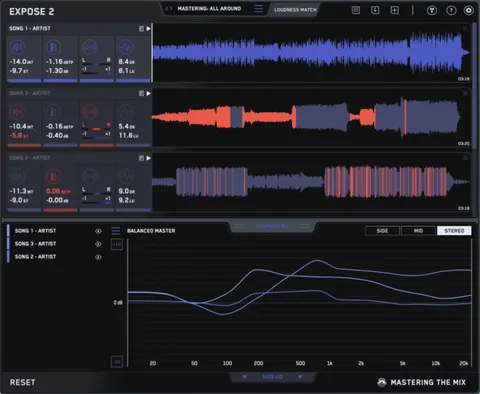
  • Loudness, Dynamics, Spectrum, Stereo and Gonio meters
  • Player module for comparing against a reference track
  • Saveable presets and an interactive built-in tutorial
03In depth

Device simulations for mix translation

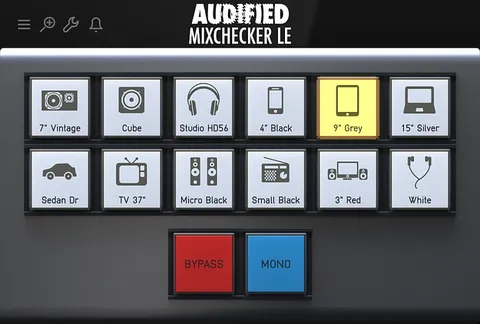
The core of MixChecker Ultra+ is its library of more than 90 device simulations. The list includes industry-standard studio monitors and headphones, laptops, phones and earbuds, car audio, club PA systems and small Bluetooth speakers.

Each device can be adjusted on its own. You can change its volume or set the stereo base of the simulation to better match real listening conditions. The engine also models non-linear behavior, so you can switch on distortion and check whether your mix clips or distorts on a chosen device.

For acoustic context, you can import your own WAV impulse response to hear the mix in a specific room, such as a friend's studio or a large hall.
Analysis meters and reference comparison

MixChecker Ultra+ includes a set of analysis modules you can select independently: Loudness, Dynamics, Spectrum, Stereo, Gonio and Player. Each module can be expanded into a larger window for more detail.

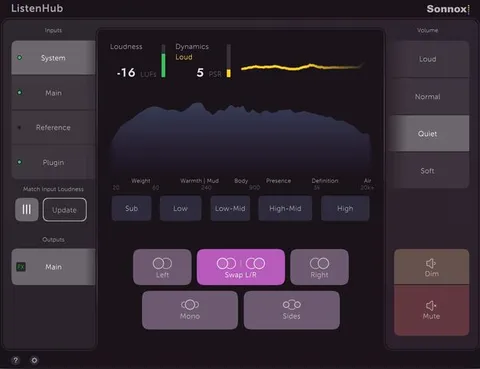
The Loudness module includes presets for popular streaming services and shows whether your track exceeds an adjustable threshold. The Dynamics module displays the peak to short-term loudness ratio. The Gonio and Stereo modules help identify issues such as inverted, fully mono or lopsided signals.

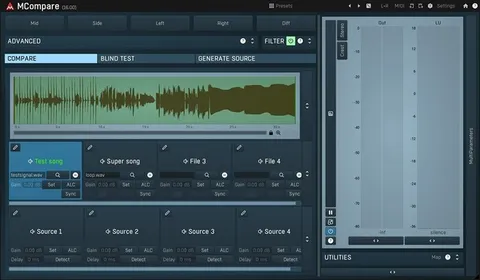
The Player module imports a reference track in WAV or MP3 format and compares it with your mix in each module.

04Specs

Will it run?

Formats, systems and requirements as listed by Plugin Boutique. Missing details are left out, not guessed.

DeveloperAudified
TypePlugin
CategoryReferencing Tools
Operating systemsWindows
05Upgrades

Upgrade and crossgrade options

06FAQ

Questions, answered

What operating system does MixChecker Ultra+ run on?

MixChecker Ultra+ is listed for Windows.

What does headphone compensation do?

It corrects the natural frequency response of a specific headphone model, so you hear your mix closer to how it actually is rather than as your headphones color it.

Can I use my own room sound?

Yes. The IR loader accepts standard WAV impulse response files, so you can check your mix in a specific acoustic space.

Can I compare my mix with a commercial track?

Yes. The Player module imports a reference track in WAV or MP3 format and compares it with your mix in each analysis module.

08Developer

More from Audified

All Audified products →