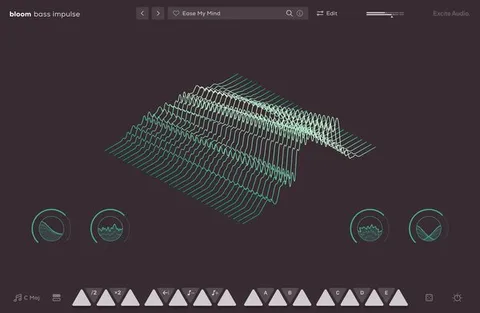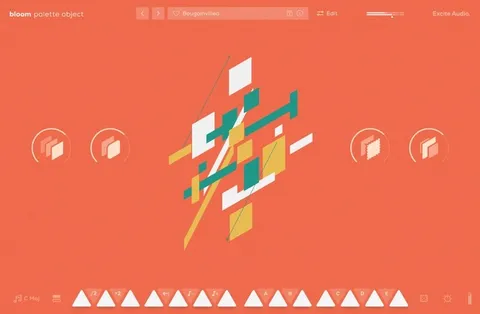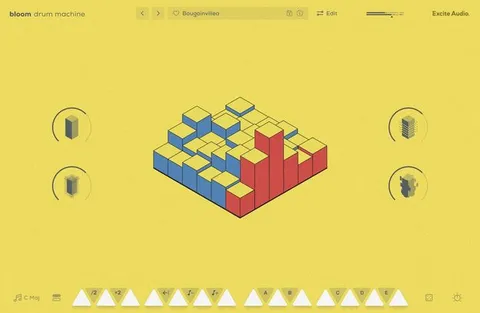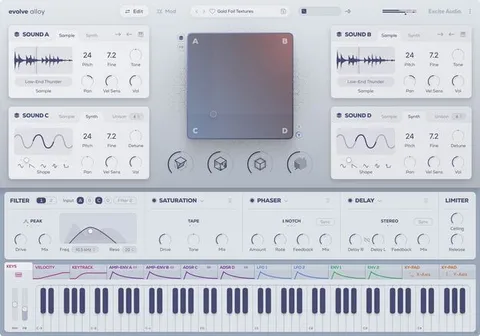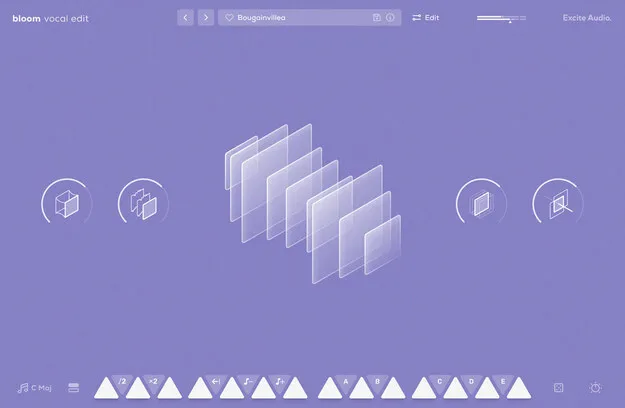
Bloom Vocal Edit Upgrade by Excite Audio vocal chop plugin interface

Bloom Vocal Edit Upgrade: Vocal Chop Instrument by Excite Audio Free Download

Rated 4.7/5 on Plugin Boutique (66 ratings)

Bloom Vocal Edit Upgrade is a vocal chop virtual instrument by Excite Audio for owners of Bloom Vocal Edit Lite. It adds sample banks, presets and editing tools for producing vocal hooks and phrases.

VST3VST2AUAAXStandaloneWindowsmacOS64-bit
AVAILABLE ATPlugin Boutique
Free trial available from the developer
01Overview

Bloom Vocal Edit Upgrade is aimed at producers who already use Bloom Vocal Edit Lite and want a larger instrument. It loads 112 vocal samples across eight banks, with 250 presets and 14 sample keys mapped across the keyboard. Samples sync to the host tempo, and you can import your own audio. The plugin is built for triggering, sequencing and processing vocal material inside a DAW.

Best for

  • Vocal chop hooks
  • EDM vocal phrases
  • Hip-hop vocal textures
  • Pop vocal layers
  • Glitch vocal effects
  • Custom sample import
Developer
Excite Audio
Store
Plugin Boutique
02Key features

What you get

  • 14 sample keys mapped across two octaves
  • 8 sample banks with 112 vocal samples
  • 250 presets included
  • 5 factory and 5 custom modifiers
  • Import up to 112 of your own samples
  • Samples synced to host BPM
  • 4 macros: Glue, Fuzz, Metallic, Width
  • Phrase Player with arpeggiator-style Rate, Latching and Swing
03In depth

Vocal Chops, Macros and Effects

Bloom Vocal Edit Upgrade organizes its material around 14 sample keys. White keys trigger vocal samples and loops, while black keys adjust playback characteristics and trigger sequences and effect modulation.

Four macro controls handle quick tonal changes. Glue smooths dynamics, Fuzz adds pedal-style distortion, Metallic adds a short slapback delay, and Width controls stereo width and ensemble effects. Five main FX parameters cover Bitcrush, Delay, Reverb, Lo-Cut and Hi-Cut, and a global bypass lets you compare with the processing off.

The Phrase Player sequences samples and modulation, with five factory and five custom modifiers such as half-time, double-time, reverse and octave shifts.
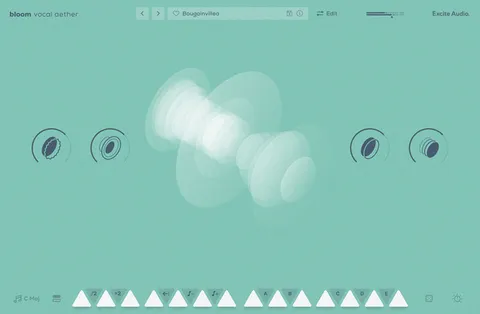
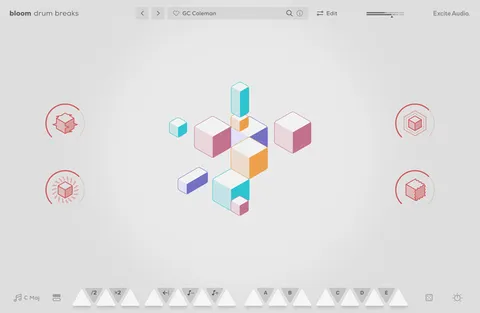
Importing Samples and Using Your Own Audio

The instrument accepts up to 112 of your own samples, which can be swapped at any time. You can drag and drop audio files onto the waveform view on the edit page or into an empty slot on the banks page.

Sample Randomise switches samples at the press of a button, which is useful for finding new vocal combinations quickly. Key selection and host BPM sync keep imported and factory material aligned with your project tempo.

All samples that come with Bloom Vocal Edit are royalty-free, according to the developer.

04Specs

Will it run?

Formats, systems and requirements as listed by Plugin Boutique. Missing details are left out, not guessed.

DeveloperExcite Audio
TypePlugin
CategoryVirtual Instruments
FormatsVST3, VST2, AU, AAX, Standalone
Operating systemsWindows, macOS
Architecture64-bit
Free trialYes
05FAQ

Questions, answered

Is Bloom Vocal Edit Upgrade available for macOS and Windows?

Yes. It is listed for both Windows and macOS. On macOS it supports Intel and native Apple Silicon, and the minimum listed version is macOS 10.15.

Which plugin formats does Bloom Vocal Edit Upgrade support?

It is available in VST3, VST2, AU, AAX and Standalone formats. The listed Windows formats are VST, VST3, AAX and Standalone.

What do I need to use Bloom Vocal Edit Upgrade?

It runs as a 64-bit plugin in a compatible DAW, and the listed hosts include Ableton Live, Pro Tools, Logic Pro, FL Studio, Cubase, Nuendo, Reaper and Reason. An internet connection is required to authorize the software.

Can I use my own vocal samples with this instrument?

Yes. You can import up to 112 of your own samples and swap them at any time. Set the key and BPM of your samples so they integrate with the engine.

Is there a trial version?

Yes, a trial is available for this product.

07Developer

More from Excite Audio

All Excite Audio products →