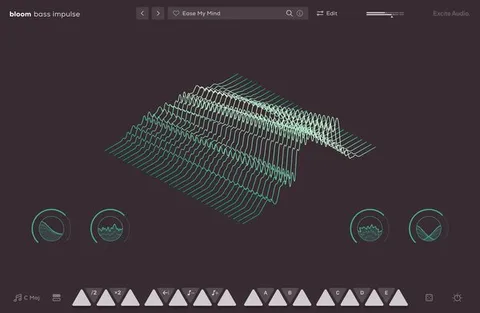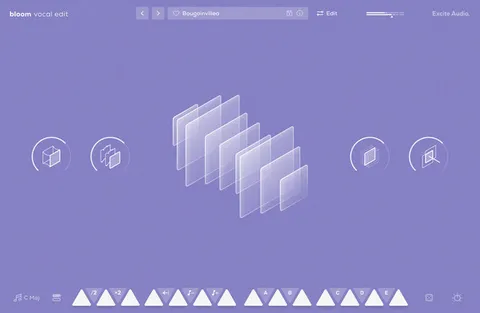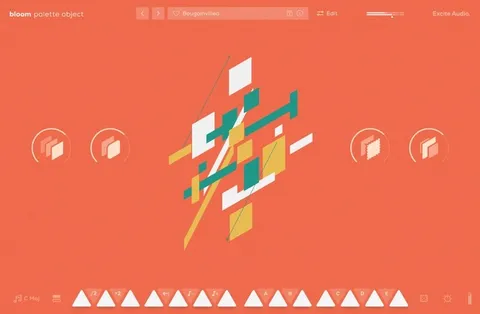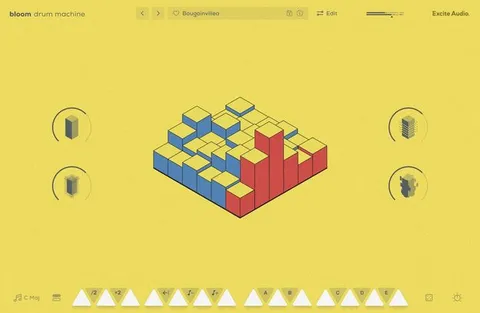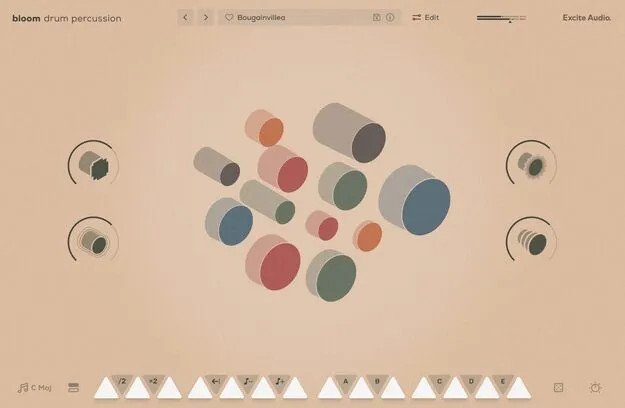
Bloom Drum Percussion Crossgrade percussion plugin interface by Excite Audio

Bloom Drum Percussion Crossgrade from any Full Bloom: Latin & African Percussion Plugin Free Download

Rated 4.8/5 on Plugin Boutique (65 ratings)

Bloom Drum Percussion Crossgrade from any Full Bloom is a percussion virtual instrument by Excite Audio, offering 112 hand-played Latin and African samples across 8 banks and 250 presets. It is a crossgrade for owners of any full Bloom product.

VST3VST2AUAAXStandaloneWindowsmacOS64-bit
AVAILABLE ATPlugin Boutique
Free trial available from the developer
01Overview

Excite Audio's Bloom Drum Percussion Crossgrade is built around hand-played Latin and African instruments, from djembes and surdos to bongos, agogos and talking drums. The samples are spread across 14 keys and synced to the host tempo, so you can trigger rhythms directly from a keyboard or MIDI controller. The crossgrade is offered to owners of any full Bloom product, and the full version of Bloom Drum Percussion is also available separately.

Best for

  • Latin percussion grooves
  • African rhythm patterns
  • Samba-inspired drum loops
  • Lo-fi percussion textures
  • Hand percussion layering
Developer
Excite Audio
Store
Plugin Boutique
02Key features

What you get

  • 14 bpm-synced sample keys across two octaves
  • 8 sample banks with 112 percussion samples
  • 250 presets in traditional and modern styles
  • Five factory and five custom modifiers
  • Four macros: Drive, Slap Delay, Multi Delay, Lo-Fi
  • Import up to 112 of your own samples
  • All included samples are royalty-free
  • Three rearrangeable effects: Noise, Reverb, Dynamics
03In depth

Percussion Sounds and Sample Character

The library covers a wide frequency range, from the deep resonance of djembes and surdos to the sharper attack of bongos and rolling repiniques. Timbales, tantans and talking drums add melodic depth, while shakers, agogos and tambourines add brightness and texture.

Excite Audio says the samples were recorded with a blend of analogue gear and contemporary production techniques. Rarer sounds such as turtle shells, bamboo slit drums and samba whistles are included alongside more familiar instruments.

All samples that come with the product are royalty-free, and you can import up to 112 of your own samples, which can be swapped at any time.
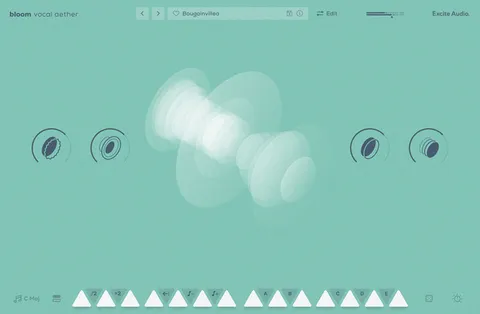
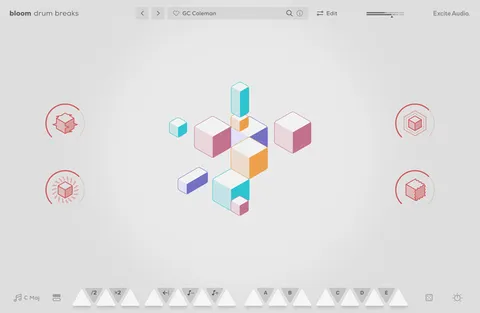
Workflow: Keys, Modifiers and Effects

The 14 sample keys are synced to host BPM. Five factory modifiers (Half-time, Double-Time, Reverse, Octave Down and Octave Up) and five custom modifiers can be used to change playback and trigger sequences.

Four macros (Drive, Slap Delay, Multi Delay and Lo-Fi) control the effect chain, and five main FX parameters (Noise, Reverb, Dynamics, Lo-Cut and Hi-Cut) shape the overall sound. The sequencer offers per-track step rate, swing, probability and velocity controls.

The instrument also includes a Global Bypass and a Sample Randomise function for quick exploration.

04Specs

Will it run?

Formats, systems and requirements as listed by Plugin Boutique. Missing details are left out, not guessed.

DeveloperExcite Audio
TypePlugin
CategoryVirtual Instruments
FormatsVST3, VST2, AU, AAX, Standalone
Operating systemsWindows, macOS
Architecture64-bit
Free trialYes
05FAQ

Questions, answered

What formats and operating systems does Bloom Drum Percussion support?

It is available in VST3, VST2, AU, AAX and Standalone formats. It runs on Windows and macOS, and the macOS requirement is 10.15 or higher with Intel or native Apple Silicon support.

What do I need to use Bloom Drum Percussion Crossgrade?

You need a compatible DAW such as Ableton Live, Pro Tools, Logic Pro, FL Studio, Cubase, Nuendo, Reaper or Reason. The plugin is 64-bit only, a buffer size of 512 samples or higher is recommended, and an internet connection is required to authorise the software.

Who is the crossgrade for?

Excite Audio offers the crossgrade to owners of any full Bloom product. The full version of Bloom Drum Percussion is also available.

Can I use my own samples in Bloom Drum Percussion?

Yes. You can import up to 112 of your own audio files by dragging them onto the waveform view or an empty bank slot, and set their key and BPM to integrate them with the engine.

07Developer

More from Excite Audio

All Excite Audio products →