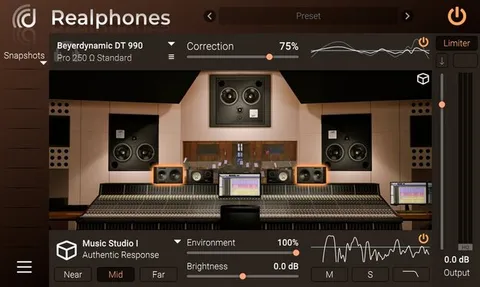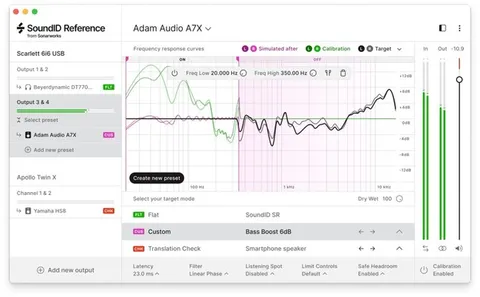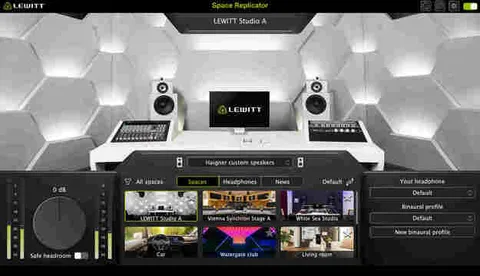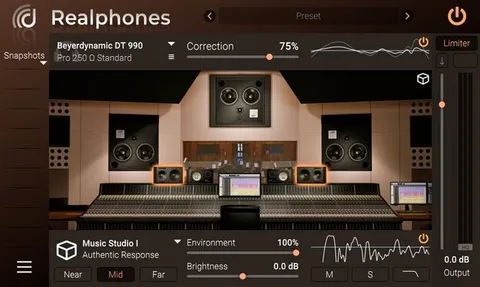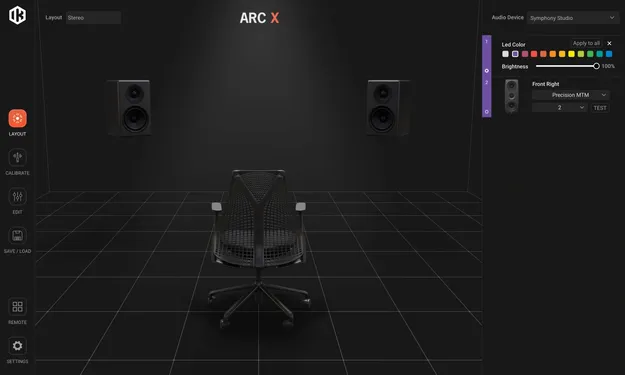
ARC X room correction plug-in interface by IK Multimedia

ARC X: Room Correction and Monitoring Plug-in by IK Multimedia

ARC X is a room correction and monitoring plug-in from IK Multimedia that measures your room's acoustic response and applies a correction profile to your master bus. It runs in VST3, AU and AAX formats on Windows and macOS.

VST3AUAAXWindowsmacOS64-bit
AVAILABLE ATPlugin Boutique
Opens the store in a new tab
01Overview

ARC X is aimed at producers and engineers who want their monitoring to reflect the sound of the room more accurately. The plug-in uses IK's VRM (Volumetric Response Modeling) technology to build a picture of how your space colors the sound. Based on that measurement, it creates a correction profile. Because it works as a plug-in, it is suited to in-the-box workflows, where correction sits directly on the master bus and stays under your control inside the DAW.

Best for

  • Home studio room correction
  • Master bus monitoring
  • Reference speaker emulation
  • Loudness checking while mixing
  • In-the-box mastering prep
Developer
IK Multimedia
Store
Plugin Boutique
02Key features

What you get

  • Room measurement with 1-, 3-, 7- and 21-point options
  • Volumetric Response Modeling (VRM) based correction
  • Natural and Linear phase correction modes
  • Adjustable low and high correction ranges
  • Variable correction filter resolution and smoothing
  • 9 selectable target curves
  • Emulation of more than 20 reference monitors
  • Peak, RMS, LUFS and Dynamic Range metering
03In depth

Room measurement and correction

ARC X is built around measurement. You connect a measurement microphone to your audio interface and follow the guided analysis. The plug-in offers 1-, 3-, or 7-point quick measurements for fast setups, and a 21-point scan for more precise work.

From that data, ARC X creates a correction profile for your space. Correction ranges can be adjusted so you keep the original voicing of your monitors where you want it. You can also choose between Natural and Linear phase modes and set the resolution of the correction filter, moving between surgical correction and a broader, more natural balance.
Target curves and metering

The plug-in includes 9 target curves, so you can aim for a flat response or a specific tonal shape. Virtual monitoring adds reference speaker emulation, with the developer stating that the plug-in can replicate the frequency and phase response of more than 20 industry-standard monitors and playback systems.

The DAW plug-in also includes metering powered by T-RackS technology, covering Peak, RMS, LUFS and Dynamic Range, so you can check loudness while you work.

04Specs

Will it run?

Formats, systems and requirements as listed by Plugin Boutique. Missing details are left out, not guessed.

DeveloperIK Multimedia
TypePlugin
CategoryReferencing Tools
FormatsVST3, AU, AAX
Operating systemsWindows, macOS
Architecture64-bit
05FAQ

Questions, answered

What formats does ARC X support?

ARC X is available in VST3, AU and AAX formats. It is a 64-bit plug-in.

Which operating systems does ARC X run on?

ARC X runs on Windows and macOS. On Windows it needs Windows 10 (64-bit) or newer, and on macOS it needs macOS 10.15 or newer, with macOS 11 or newer required for Apple Silicon processors.

What do I need to measure my room with ARC X?

You need a measurement microphone connected to an audio interface with a phantom-powered XLR mic input and a pair of monitoring outputs. The measurement process requires a 44.1 kHz or 48 kHz sampling rate. On Windows, the interface also needs ASIO drivers, and the system needs an OpenGL 2 compatible graphics adapter.

Can ARC X be used with monitors from other brands?

Yes. The developer states that the ARC X plug-in is intended for users with iLoud Micro Monitors or studio monitors from other brands who want to keep calibration within the DAW.

07Developer

More from IK Multimedia

All IK Multimedia products →