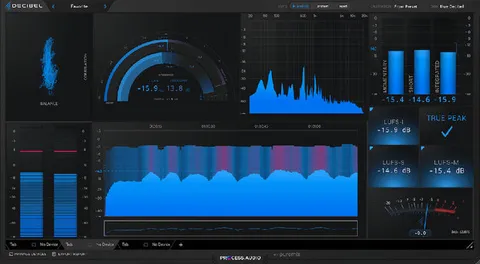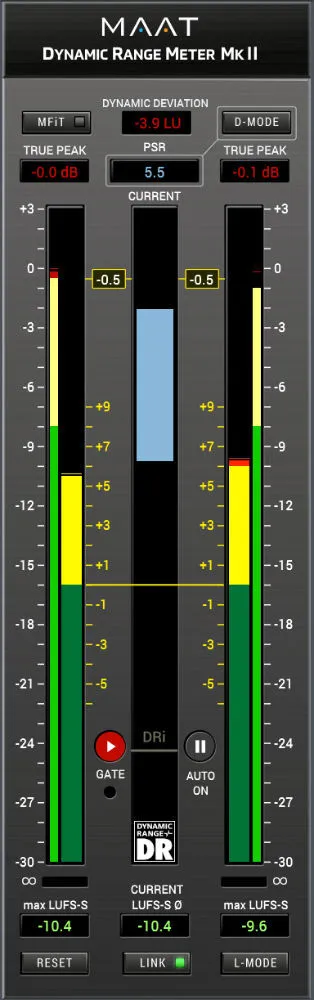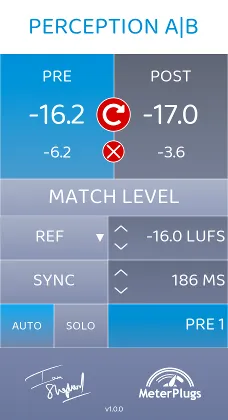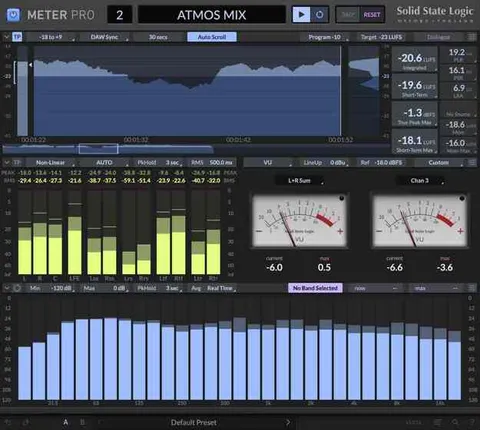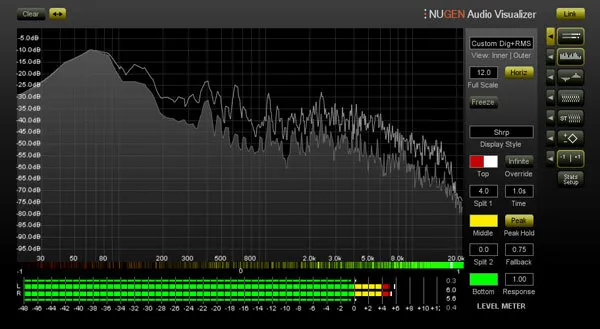
Visualizer by NUGEN Audio audio analysis and metering plugin interface

Visualizer: Audio Analysis and Metering Plugin by NUGEN Audio Free Download

Rated 5.0/5 on Plugin Boutique (11 ratings)

Visualizer is a metering and audio analysis plugin by NUGEN Audio that combines level meters, spectrum analysis, stereo scopes and comparison views in one configurable window.

VST3VST2AUAAXRTASStandaloneWindowsmacOS32-bit only
AVAILABLE ATPlugin Boutique
Free trial available from the developer
01Overview

Visualizer is built for producers who need to see what their audio is doing. It brings together multiple level meters, FFT and stereo spectrum analysis, spectrogram views, vector and stereoscope displays, and correlation meters. Its intelligent window system resizes and aligns views so you can cross-reference information without switching between plugins. Comparison mode lets you examine two sources side by side, overlaid or as a difference view.

Best for

  • Mix bus metering
  • Mastering reference checks
  • EQ matching and notching
  • Phase and stereo analysis
  • Broadcast level setting
  • Studio acoustics checks
Developer
NUGEN Audio
Category
Metering
Store
Plugin Boutique
02Key features

What you get

  • Multiple level meters including Peak, RMS and K12, K14 and K20
  • FFT and stereo spectrum analysis
  • Spectrogram and stereo spectrogram views
  • Vector scope and stereoscope displays
  • Correlation meter and correlation by frequency
  • Stereo bias meter and stats and parameters module
  • Comparison mode with overlay, side-by-side and differential views
  • Intelligent window system with user-configurable presets
03In depth

Analysis views and the intelligent window system

Visualizer combines a broad set of analysis tools in a single interface. The meter section includes peak, RMS and K-system readings (K12, K14, K20), alongside FFT and stereo spectrum analysis, a spectrogram and a stereo spectrogram.

The window system is the central feature. You can select multiple view combinations, and the windows resize and align automatically to keep information legible and easy to compare. User-configurable presets let you switch between setups and interface sizes quickly.
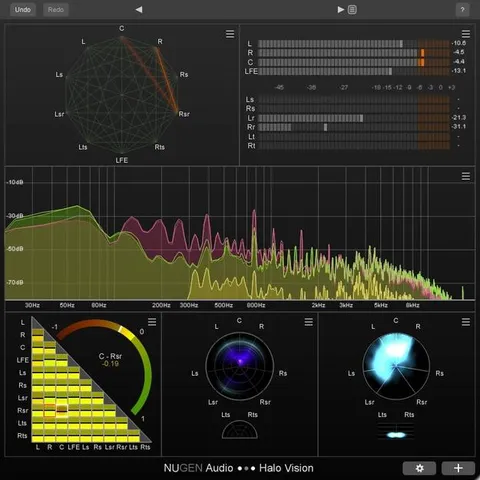
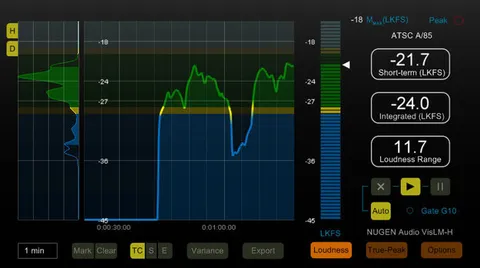
Comparison mode for mixing and mastering

Comparison mode places two sources in one Visualizer window, using overlay, side-by-side and differential views. NUGEN Audio positions this for checking the difference before and after a mastering chain, and for comparing spectra when matching EQ or notching out problem frequencies.

The interface is resizable, and frequency and dB axes can be zoomed and scrolled, with peak hold and adjustable FFT and RMS windows for finer control over the readings.

04Specs

Will it run?

Formats, systems and requirements as listed by Plugin Boutique. Missing details are left out, not guessed.

DeveloperNUGEN Audio
TypePlugin
CategoryMetering
FormatsVST3, VST2, AU, AAX, RTAS, Standalone
Operating systemsWindows, macOS
Architecture32-bit only
Free trialYes
05FAQ

Questions, answered

What formats does Visualizer support?

Visualizer is available in VST3, VST2, AU, AAX and RTAS formats, and also as a standalone application.

Which operating systems does Visualizer run on?

Visualizer runs on Windows and macOS. The listed minimum for Mac is OS X 10.6.x, and for Windows it is XP or above, each with 512 MB of RAM.

Is Visualizer available in 64-bit?

The product is listed as 32-bit only.

Is there a trial version?

Yes, Visualizer offers a trial.

What is the Visualizer HDX extension?

NUGEN Audio describes the Visualizer HDX extension as enabling support for Avid AAX DSP Hybrid operation.

07Developer

More from NUGEN Audio

All NUGEN Audio products →