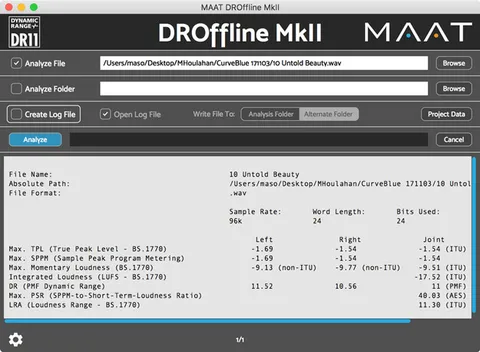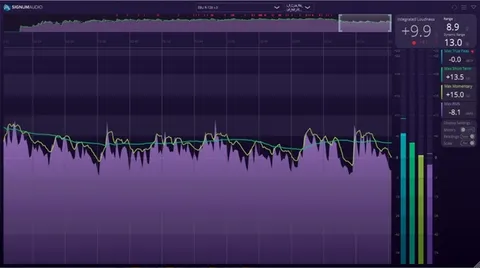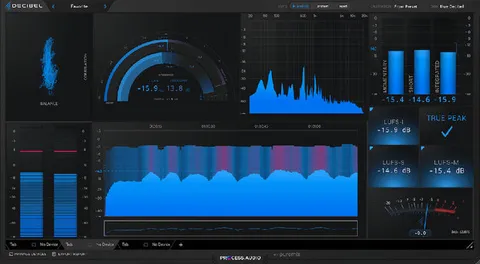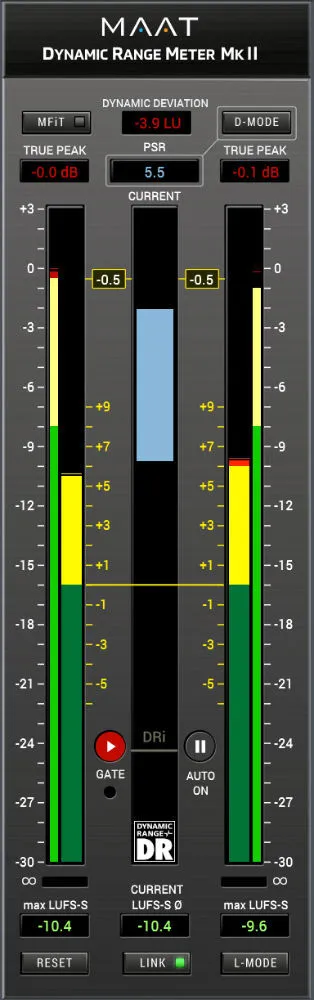
DRMeter MkII loudness meter plugin interface by MAAT

DRMeter MkII: Loudness and Dynamic Range Meter by MAAT Free Download

Rated 4.8/5 on Plugin Boutique (146 ratings)

DRMeter MkII is a loudness meter plugin by MAAT for music production. It combines R128 and A/85 loudness measurements with DR dynamic range metering and channel-specific L/R metering.

VST3VST2AUAAXWindowsmacOS64-bit
AVAILABLE ATPlugin Boutique
Free trial available from the developer
01Overview

DRMeter MkII is a metering plugin designed for general use, with a focus on music production. It measures loudness to the R128 and A/85 standards and adds official DR dynamic range measurement. Unlike standard loudness meters, it also shows left and right channel trends alongside classic L/R metering, so you can spot channel-specific issues. The developer, MAAT, describes it as one meter for a wide range of work, from mastering and CD preparation to promo soundtracks and voice-over.

Best for

  • Music mastering loudness
  • CD preparation
  • iTunes loudness leveling
  • Voice-over loudness checks
  • Promo soundtrack metering
  • Broadcast SPPM monitoring
Developer
MAAT
Category
Metering
Store
Plugin Boutique
02Key features

What you get

  • Loudness metering to R128 and A/85 standards
  • Official DR dynamic range measurement (DRi)
  • Dynamic Deviation display against your Target Loudness
  • Channel-specific left/right trends with L/R metering
  • DualVu display of Relative and Absolute scales
  • Round trip MFiT mode through iTunes AAC codec
  • User presets for client or program settings
  • Adjustable Target Loudness and True Peak Threshold
03In depth

Loudness and Dynamic Range Metering Features

DRMeter MkII covers several measurement modes. In D-MODE, you can view DR dynamic range, PSR (Peak-to-Short-term Ratio) and LRA (Loudness Range). L-MODE shows RMS, Momentary Loudness and Short-term Loudness. The Integrated section displays DRi and LUi (Program Loudness).

Dynamic Deviation presents your current dynamic density relative to a Target Loudness you set, along with a True Peak Threshold. Positive values indicate more dynamic content than your Dynamic Margin, and negative values indicate less. The DualVu display shows Relative and Absolute scales at the same time.

Measurements run continuously in the background, so you can switch between methods without losing the overall picture.
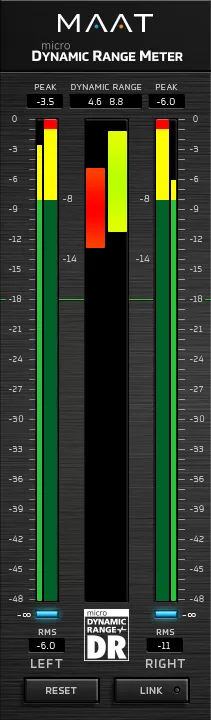
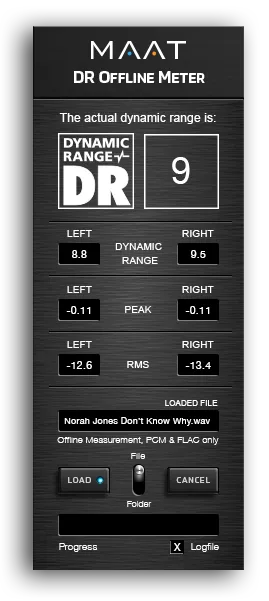
Workflow Options and Configuration

The plugin fits into a mixed workflow. An MFiT mode measures and monitors signal through a round trip iTunes AAC codec, which the developer says helps with leveling for iTunes delivery. Other options include a Gate On/Off setting for downward compatibility, a True Peak disable option, and user presets for switching between client or program-specific settings.

The interface is a single resizable window. Play and Pause controls and three automatic modes for integrated measurement help you manage when integrated readings are taken. A Global Reset Button and -∞ dBFS input indicators are included, along with adjustable colour thresholds for peak and loudness.

04Specs

Will it run?

Formats, systems and requirements as listed by Plugin Boutique. Missing details are left out, not guessed.

DeveloperMAAT
TypePlugin
CategoryMetering
FormatsVST3, VST2, AU, AAX
Operating systemsWindows, macOS
Architecture64-bit
Free trialYes
05Upgrades

Upgrade and crossgrade options

06FAQ

Questions, answered

What formats does DRMeter MkII support?

DRMeter MkII is available in VST3, VST2, AU and AAX formats. It runs on Windows and macOS and is a 64-bit plugin.

What do I need to run DRMeter MkII?

On macOS, you need version 10.9 or newer (Universal Binary 2, 64-bit only). On Windows, you need Windows 7 or newer (32 and 64-bit). Both platforms require OpenGL 3.2 or newer. AAX Native requires Pro Tools 10.3.10 or newer, and sample rates from 44.1 to 384 kHz are supported.

Does DRMeter MkII have a trial?

Yes, a trial version is available.

08Developer

More from MAAT

All MAAT products →