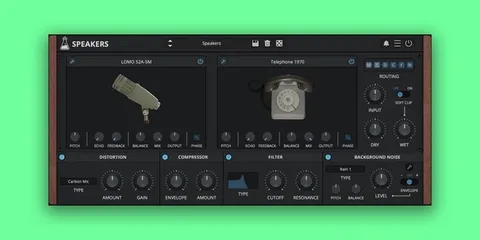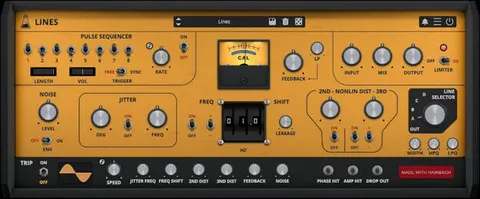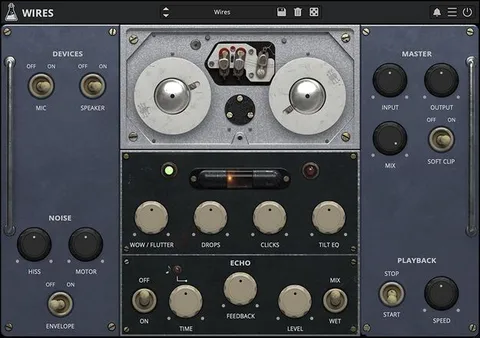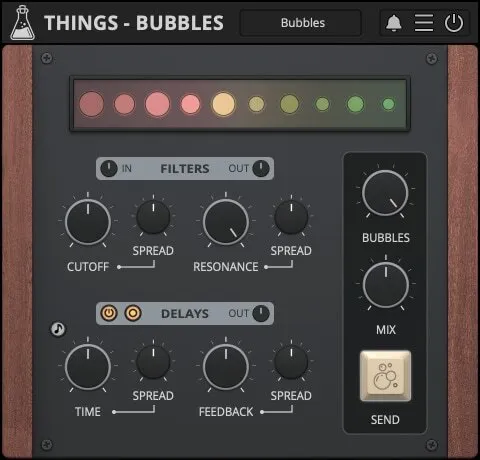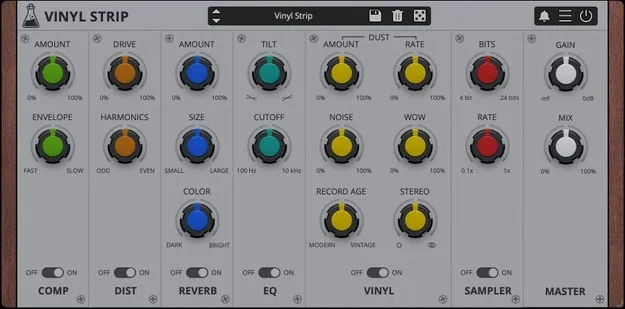
Vinyl Strip by AudioThing multi-effect plugin interface with six effect modules

Vinyl Strip: Modular Multi-Effect Channel Strip by AudioThing Free Download

Rated 4.6/5 on Plugin Boutique (444 ratings)

Vinyl Strip is a modular multi-effect plugin from AudioThing that combines six effect modules, including distortion, compression, bit crushing, tilt EQ, reverb and vinyl emulation, in a rearrangeable channel strip.

VST3VST2AUAAXCLAPWindowsmacOS64-bit
AVAILABLE ATPlugin Boutique
Free trial available from the developer
01Overview

Vinyl Strip is built around a channel strip layout, so the order of its effects is up to you. Its six modules can be dragged and dropped into different signal flows, for example placing the compressor after the vinyl emulation or before it. AudioThing describes the plugin as a way to add an old school character to samples and tracks and to reproduce the sound of a classic vinyl record in a digital setting. It is available in VST3, VST2, AU, AAX and CLAP formats for Windows and macOS.

Best for

  • Lo-fi drum processing
  • Vinyl-style sample textures
  • Retro mix bus coloration
  • Bit-crushed effects
  • Old school sound design
Developer
AudioThing
Store
Plugin Boutique
02Key features

What you get

  • Six modules: Distortion, Compressor, Bit Crusher, Tilt EQ, Vintage Reverb and Vinylizer
  • Modules can be rearranged in any combination by drag-and-drop
  • Master module stays fixed while other modules are re-arranged
  • Preset system with randomizer
  • Optimized by the developer to be lightweight on the CPU
  • Vinyl record emulation via the Vinylizer module
  • Available in VST3, VST2, AU, AAX and CLAP formats
03In depth

Modules and signal flow

Vinyl Strip includes Distortion, Compressor, Bit Crusher, Tilt EQ, Vintage Reverb and Vinylizer. By default, all modules except the Master module can be moved and re-arranged, which lets you build different signal chains from the same set of effects.

The drag-and-drop arrangement was introduced in version 1.5.0. Because the modules can be combined in any order, the same settings can produce noticeably different results depending on whether, for example, the bit crusher comes before or after the reverb.
Presets, CPU use and workflow

Vinyl Strip includes a preset system with a randomizer, which can be useful for finding starting points quickly. AudioThing states that the plugin is optimized to be lightweight on the CPU, so it can be used on several tracks in a session without a heavy processing load.

The plugin is suited to producers who want lo-fi, worn or retro textures on drums, samples and full mixes. Its Master module is fixed in place, so the final stage of the chain stays consistent.

04Specs

Will it run?

Formats, systems and requirements as listed by Plugin Boutique. Missing details are left out, not guessed.

DeveloperAudioThing
TypePlugin
CategoryMulti Effect
FormatsVST3, VST2, AU, AAX, CLAP
Operating systemsWindows, macOS
Architecture64-bit
Free trialYes
05FAQ

Questions, answered

What is Vinyl Strip?

Vinyl Strip is a modular multi-effect plugin from AudioThing. It bundles six effect modules in a channel strip that you can rearrange to suit your signal flow.

What formats and operating systems does Vinyl Strip support?

Vinyl Strip is available in VST3, VST2, AU, AAX and CLAP formats as 64-bit plugins. It runs on Windows 7 to 11 and on macOS 10.9 to macOS 13, including Apple Silicon Macs with a Universal 2 build.

Does Vinyl Strip have a trial?

Yes, a trial version is available for Vinyl Strip.

Can I change the order of the effects?

Yes. All modules except the Master module can be moved by drag-and-drop, so you can place the compressor before or after the vinyl emulation, for example.

07Developer

More from AudioThing

All AudioThing products →