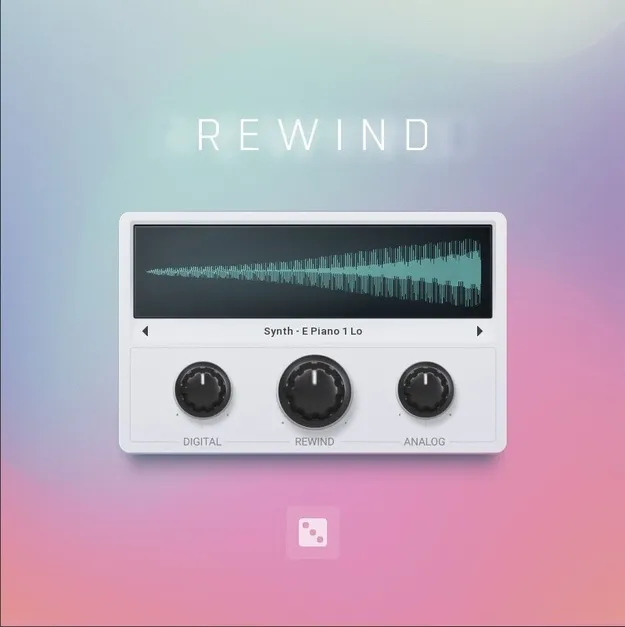
Rewind by MeldaProduction reverse granular instrument plugin interface

Rewind: Reverse Granular Instrument by MeldaProduction

Rated 4.2/5 on Plugin Boutique (80 ratings)

Rewind is a MeldaProduction virtual instrument dedicated to reverse sound, combining a granular engine and a reverse tape loop to transform 128 included samples into new textures.

VST3VST2AUAAXWindowsmacOS64-bit
AVAILABLE ATPlugin Boutique
Opens the store in a new tab
01Overview

Rewind is an instrument from MeldaProduction, part of its MSoundFactory line, built around the idea of reversed sound. Its granular engine breaks a sample into small fragments called grains and plays them backwards, while a reverse tape loop adds a second layer of backward playback. The developer describes its character as lo-fi, with the potential to create poetic chimes, nostalgic pads and darker textures. It ships with 128 sound sources to start from.

Best for

  • Ambient pad design
  • Reverse chime textures
  • Suspense and film scoring
  • Lo-Fi sound design
  • Evolving drone patches
Store
Plugin Boutique
02Key features

What you get

  • 128 included sound sources for reverse textures
  • Granular engine with Position, Density, Size and Chaos controls
  • Lo-Fi module with Digital bit-crushing and Analog warmth
  • Reverse tape loop with Half and Double octave switching
  • Multi-mode filter with Low-Pass, Band-Pass, High-Pass and Notch
  • Two ADSR envelopes for amplitude and filter
  • Five FX modules reorderable in a drag-and-drop Order panel
  • Randomiser that changes every parameter in one click
03In depth

Granular engine and Lo-Fi character

The granular engine is the core of Rewind. You pick one of the 128 sound sources and set Position, Density and Size to decide where grains are taken from, how many play at once and how long each one lasts. Stereo Width, Chaos, Detune and Dust add stereo spread, unpredictability and crackle.

A Lo-Fi module adds grit and warmth. The Digital knob applies bit-crushing, while the Analog knob adds warmth, saturation and subtle pitch instability. A switch places the Lo-Fi stage before or after the filter, which changes how much the filter shapes the distortion.
Tape loop, filter and effects

The Tape Loop section captures synced audio and plays it backwards. The Rewind knob sets the amount of the effect, Half and Double shift playback an octave down or up, and Age, Wash, Regen and Fade control wear, smear, feedback and transitions.

The multi-mode filter offers Low-Pass, Band-Pass, High-Pass and Notch modes, with two ADSR envelopes for amplitude and filter cutoff. The FX section includes Chorus, Rotary, Flanger, Delay and Reverb modules that can be reordered in any sequence in the Order panel, followed by a Master section with EQ, stereo controls, a compressor, saturation and a maximizer.

04Specs

Will it run?

Formats, systems and requirements as listed by Plugin Boutique. Missing details are left out, not guessed.

DeveloperMeldaProduction
TypePlugin
CategoryVirtual Instruments
FormatsVST3, VST2, AU, AAX
Operating systemsWindows, macOS
Architecture64-bit
05FAQ

Questions, answered

What is Rewind?

Rewind is a virtual instrument from MeldaProduction that uses a granular engine and a reverse tape loop to turn its 128 included samples into reversed, textured sounds.

Which formats and operating systems does Rewind support?

Rewind is available in VST3, VST2, AU and AAX formats. It runs on Windows 8, 10 and 11 (64-bit) and macOS 10.14 and newer (64-bit), including native Apple Silicon support on macOS.

What do I need to use Rewind?

You need a VST, VST3, AU or AAX compatible host in 64-bit, and an Intel or AMD processor with SSE2 support on Windows, or an Intel, AMD or M1 processor with SSE2 support on macOS. Owners of MSoundFactory or MSoundFactoryLE get it free through MPluginManager, and it can also be bought separately to use with the free MSoundFactory Player.

07Developer

More from MeldaProduction

All MeldaProduction products →