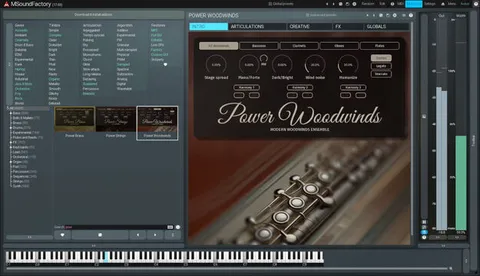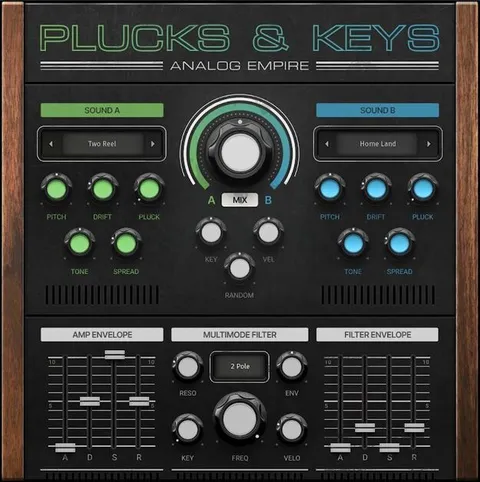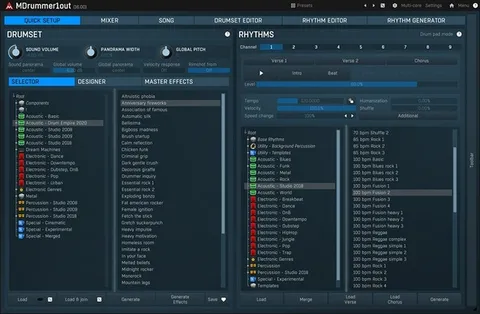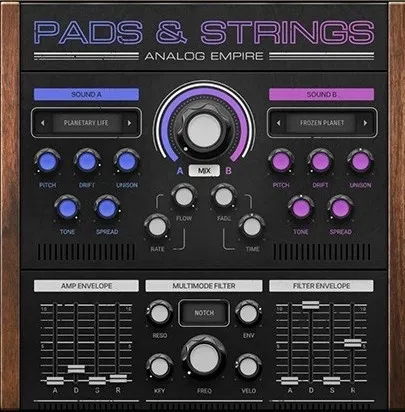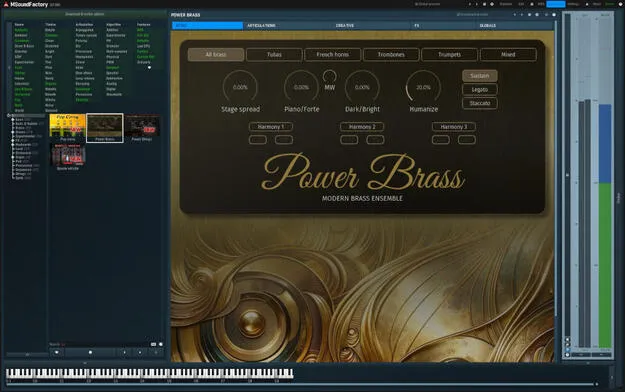
PowerBrass by MeldaProduction brass virtual instrument plugin interface

PowerBrass: Virtual Brass Instrument by MeldaProduction

Rated 4.5/5 on Plugin Boutique (205 ratings)

PowerBrass is a virtual instrument plugin by MeldaProduction that simulates a brass section, including trumpets, trombones, French horns and tubas. It is available in VST3, VST2, AU and AAX formats for Windows and macOS.

VST3VST2AUAAXWindowsmacOS64-bit
AVAILABLE ATPlugin Boutique
Opens the store in a new tab
01Overview

PowerBrass is built around a compact sample library of brass instruments, with trumpets, trombones, French horns and tubas among them. The developer describes the samples as carefully recorded and edited to keep the natural dynamics and nuances of each instrument while staying light on disk space and CPU. Its articulations range from legato to staccato, and the plugin also includes a Creative tab for synthesis-style sound design alongside its built-in effects section.

Best for

  • Orchestral brass parts
  • Synth-style brass sounds
  • Layered brass ensembles
  • Film and game scoring
  • Pop and electronic production
Store
Plugin Boutique
02Key features

What you get

  • Brass instruments including trumpets, trombones, French horns and tubas
  • Articulations from smooth legato to crisp staccato
  • Switch articulations live using the low keys of your keyboard
  • Multiple articulations can be enabled at the same time
  • Independent pitch and volume per articulation for layering
  • Detailed envelope settings for each articulation
  • Creative tab with Convolution, Frequency Modulation and Diffusion
  • Built-in reverb, delay, five-band EQ and modulation effects
03In depth

Articulations and Expression Control

PowerBrass offers a range of articulations, from smooth legato to crisp staccato. You can switch between them during a live performance using the low keys of your keyboard, and you can enable several articulations at the same time.

Each articulation has independent pitch and volume settings, which makes layering straightforward. Every articulation also has its own detailed envelope settings for shaping how it responds.
Creative Sound Design and Built-In Effects

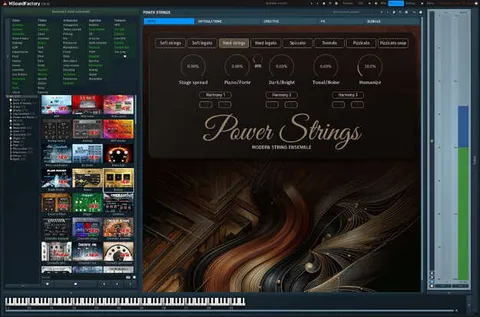
The Creative tab offers Convolution, Frequency Modulation, harmonic control and Diffusion. Those tools can push a brass section toward a synthetic character, and MeldaProduction says the results blend natural and artificial qualities.

The effects section includes a reverb with five room and hall types, an advanced delay, a five-band EQ, Motion FX, Distortion, Chorus, Modulation and LoFi, so you can finish a sound without adding separate effect plugins.

04Specs

Will it run?

Formats, systems and requirements as listed by Plugin Boutique. Missing details are left out, not guessed.

DeveloperMeldaProduction
TypePlugin
CategoryVirtual Instruments
FormatsVST3, VST2, AU, AAX
Operating systemsWindows, macOS
Architecture64-bit
05FAQ

Questions, answered

What formats does PowerBrass support?

PowerBrass is available in VST3, VST2, AU and AAX formats.

Which operating systems does PowerBrass run on?

PowerBrass runs on Windows and macOS. On Windows it supports Windows 8, 10 and 11 (64-bit). On macOS it supports macOS 10.14 and newer, including native Apple Silicon support.

What do I need to use PowerBrass?

You need a 64-bit VST, VST3, AU or AAX compatible host and an Intel or AMD processor with SSE2 support on Windows. On macOS, an Intel, AMD or M1 processor with SSE2 support is required.

Can I get PowerBrass for free?

If you already own MSoundFactory or MSoundFactoryLE, the developer says PowerBrass can be downloaded from the installer page within MSoundFactory. It can also be bought separately using the free MSoundFactory Player.

07Developer

More from MeldaProduction

All MeldaProduction products →