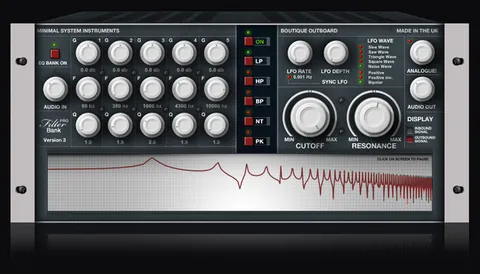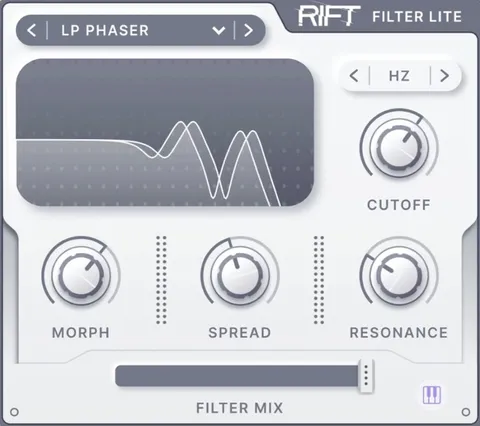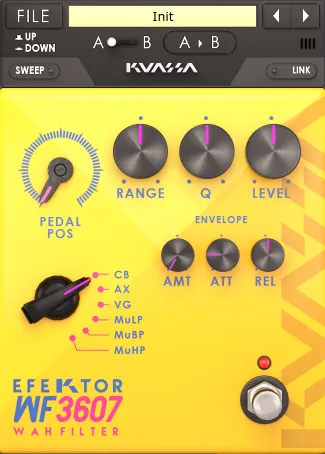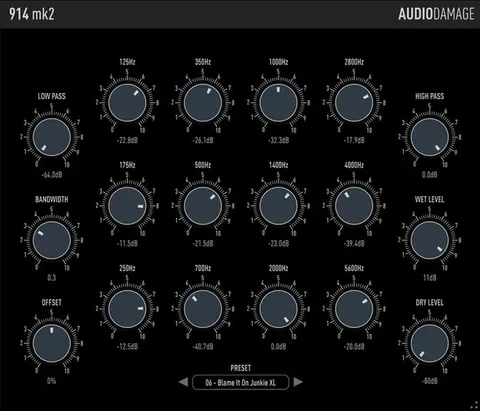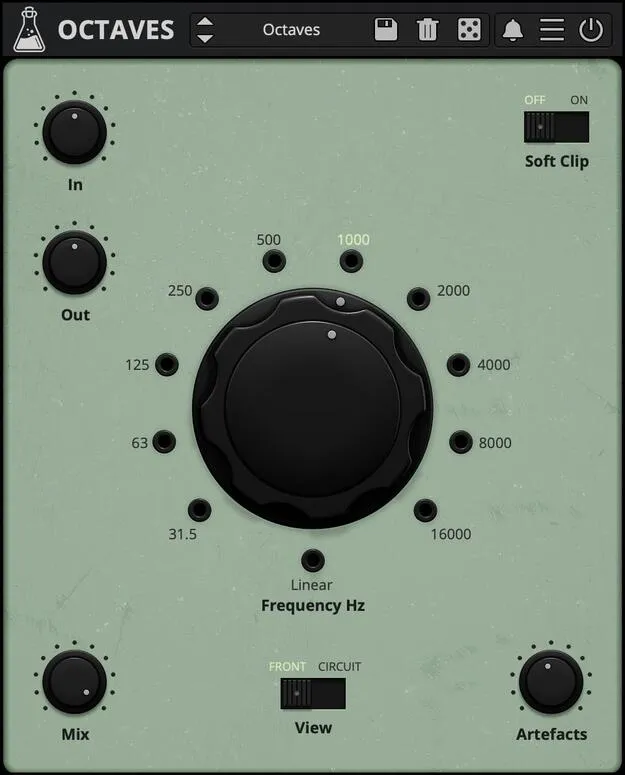
Octaves passive bandpass filter plugin interface by AudioThing

Octaves: Passive Bandpass Filter Plugin by AudioThing Free Download

Rated 4.8/5 on Plugin Boutique (34 ratings)

Octaves is a passive bandpass filter plugin from AudioThing, built with Berlin composer Hainbach, that splits the audio spectrum into octave bands for spectral sound design and effects.

VST3VST2AUAAXCLAPWindowsmacOS64-bit
AVAILABLE ATPlugin Boutique
Free trial available from the developer
01Overview

Octaves is an effects plugin in the filter category, developed by AudioThing in collaboration with Berlin-based composer Hainbach. It models the behavior of passive octave bandpass filters, the heavy laboratory and broadcast tools once used to analyze and reshape sound. The plugin offers 10 + 1 bands, oversampling up to 16x, and controls for impedance, artifacts, brightness, contrast and saturation, so you can work between faithful filtering and rougher, more unstable tones.

Best for

  • Spectral sound design
  • Radio voice effects
  • Experimental drones
  • Percussive pinging
  • Creative filtering of synths
  • Feedback patching
Developer
AudioThing
Category
Filters
Store
Plugin Boutique
02Key features

What you get

  • Passive bandpass filter modeled on octave filter hardware
  • 10 + 1 bands for octave-based spectral filtering
  • Oversampling up to 16x to reduce artifacts
  • Impedance control for resonance and sharper tones
  • Artifacts control that adds band-switching clicks and pops
  • Soft saturation and input, output and mix controls
  • Brightness and contrast controls
  • Resizable window with a preset system and randomizer
03In depth

Sound Character and Spectral Filtering

Octaves divides the spectrum into octave bands, and each band can be focused to isolate a narrow slice of a sound. Developer AudioThing describes the plugin as a retro-scientific take on the filtering used in electronic studios of past decades.

The plugin is built to process dense material. Sawtooth waves, distorted guitar, noise, piano and cymbals are all suitable sources for filtering into tonal or spherical textures.

The Artifacts setting reproduces the clicks and pops of the original hardware when switching bands. Set to high, switching frequencies becomes a percussive effect, and modulating or automating the band switch turns the filter into a simple drum generator.
Workflow, Controls and Hardware Modeling

The rear panel is accessible for deeper tweaking. Impedance acts as a resonance control: keep it at 0 for the natural filter sound, or raise it for a sharper, more intense character. It interacts with volume and soft saturation, so adjust these together.

The Oversampling parameter reduces aliasing from sample rate limits. At 44.1 or 48 kHz, AudioThing recommends 2x or 4x if your CPU can handle it. It also changes the tone subtly, so leaving it off can be useful for a rougher result.

The window is resizable and presets include a randomizer for exploring unexpected settings.

04Specs

Will it run?

Formats, systems and requirements as listed by Plugin Boutique. Missing details are left out, not guessed.

DeveloperAudioThing
TypePlugin
CategoryFilter
FormatsVST3, VST2, AU, AAX, CLAP
Operating systemsWindows, macOS
Architecture64-bit
Free trialYes
05FAQ

Questions, answered

What formats does Octaves support?

Octaves is available in VST3, VST2, AU, AAX and CLAP formats. It runs as a 64-bit plugin.

Which operating systems can run Octaves?

Octaves supports Windows 7 to 11 and macOS 10.13 to macOS 26. The macOS version is a universal 2 binary. Ubuntu 20.04 LTS is also listed as supported.

What are the system requirements for Octaves?

The listed minimum is a 2 GHz CPU and 4 GB of RAM.

Does Octaves have a trial?

Yes, a trial version is available.

What is the Artifacts control used for?

Artifacts reproduces the clicks and pops of the original hardware when switching bands. Setting it to high lets you use band switching as a percussive, pinging effect.

07Developer

More from AudioThing

All AudioThing products →