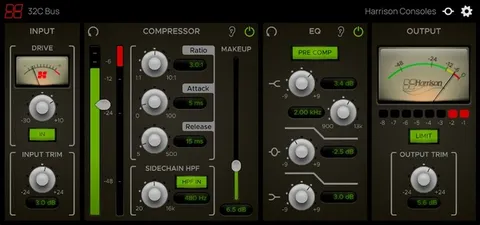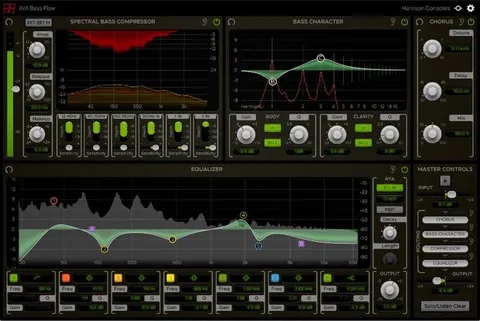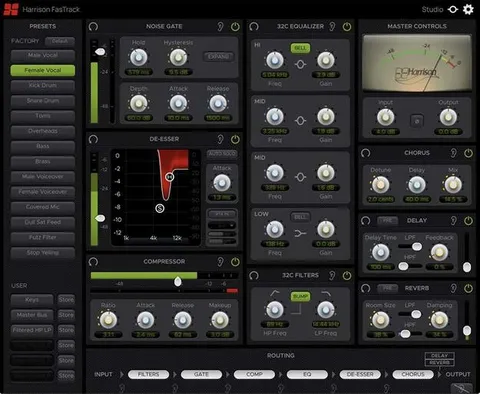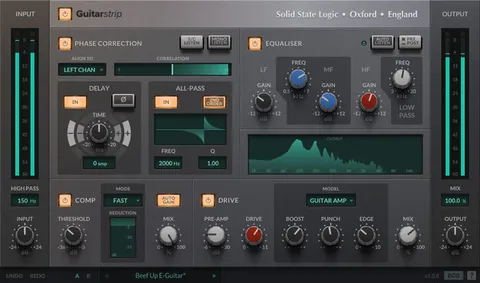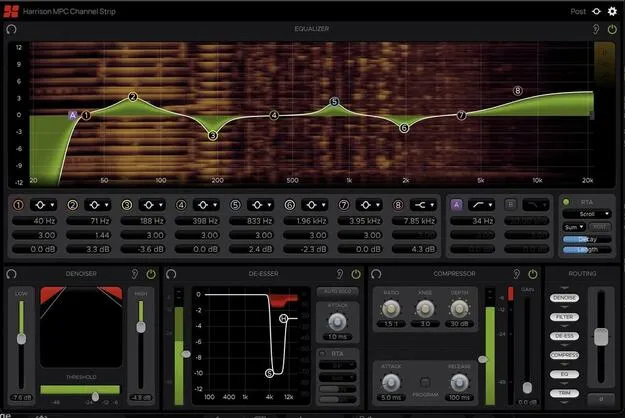
MPC Channel Strip by Harrison Consoles channel strip plugin interface

MPC Channel Strip: Channel Strip Plugin by Harrison Consoles

Rated 4.5/5 on Plugin Boutique (55 ratings)

MPC Channel Strip is a channel strip effects plugin from Harrison Consoles that combines an 8-band parametric equalizer, filters, a de-esser, a denoiser, a compressor and a routing section in one window.

VST3VST2AUAAXWindowsmacOS64-bit
AVAILABLE ATPlugin Boutique
Opens the store in a new tab
01Overview

MPC Channel Strip is an all-in-one signal processing plugin built around six mixing tools. Harrison Consoles describes its DSP as the same used in its MPC digital consoles for film post-production. The processing sections can be monitored together in one resizable window, and the signal flow can be rearranged. The plugin is available in VST3, VST2, AU and AAX formats for Windows and macOS.

Best for

  • Post-production dialogue editing
  • Vocal de-essing
  • Background noise reduction
  • Film audio mixing
  • Channel strip processing
Store
Plugin Boutique
02Key features

What you get

  • Parametric 8-band equalizer with wide RTA display options
  • Pair of multi-pole filters with selectable shapes
  • 2-band de-esser based on Harrison MPC X-Tool DSP
  • 2-band denoiser for reducing background noise
  • Compressor with adjustable parameters and Program Dependent mode
  • Rearrangeable routing with trim and polarity controls
  • Fully automatable parameters
  • Resizable window showing all processing sections at once
03In depth

Processing Tools in One Channel Strip

The plugin combines a parametric 8-band equalizer with a wide range of RTA display options, and a pair of multi-pole filters with several selectable shapes.

It also includes a 2-band de-esser, based on the X-Tool DSP found in Harrison MPC digital consoles, and a 2-band denoiser for reducing unwanted background noise. A compressor offers several adjustable parameters and a selectable Program Dependent mode.
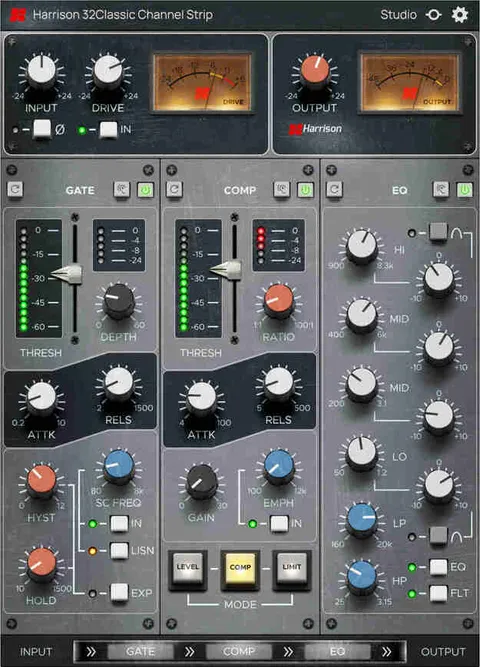
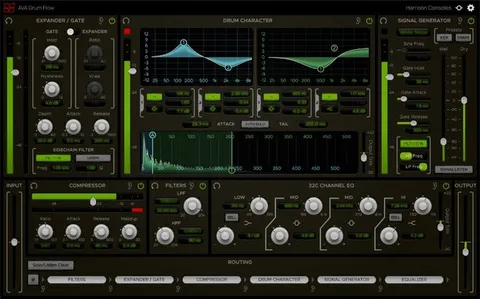
Routing, Trim and Polarity Control

A routing and trim section lets you rearrange the order of the six processing elements by dragging them along the signal chain. Dragging an element onto another slot swaps their positions.

The trim fader adjusts gain between -20 dB and +20 dB, and because it is routable it can act as either an input or output trim depending on its position. A polarity switch inverts the output waveform by 180 degrees.

04Specs

Will it run?

Formats, systems and requirements as listed by Plugin Boutique. Missing details are left out, not guessed.

DeveloperHarrison Consoles
TypePlugin
CategoryChannel Strip
FormatsVST3, VST2, AU, AAX
Operating systemsWindows, macOS
Architecture64-bit
05FAQ

Questions, answered

What formats does MPC Channel Strip support?

MPC Channel Strip is available in VST3, VST2, AU and AAX formats. It runs on Windows and macOS in 64-bit.

What do I need to run MPC Channel Strip?

A free iLok account is required to authorize the software. On macOS it needs macOS 11 Big Sur through macOS 13 Ventura, and on Windows it needs Windows 10 or Windows 11, with at least 4 GB of RAM (8 GB recommended).

Does MPC Channel Strip work on Apple Silicon Macs?

The system requirements list M1 Mac support, alongside Intel Macs running at 2.4 GHz or higher.

What does the denoiser do?

The denoiser works like an expander for frequencies outside the range of the human voice. Its high and low sliders set the maximum gain reduction applied to signals below the threshold.

07Developer

More from Harrison Consoles

All Harrison Consoles products →