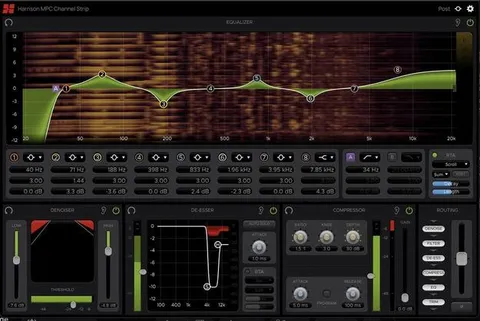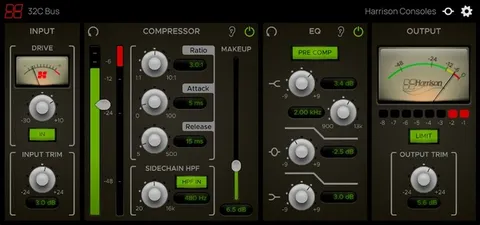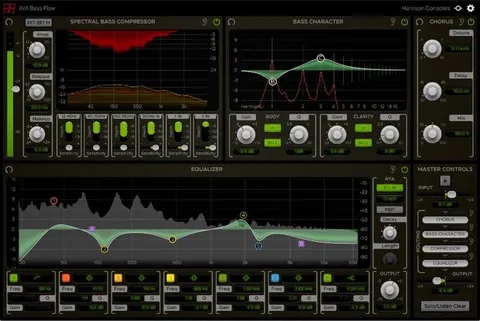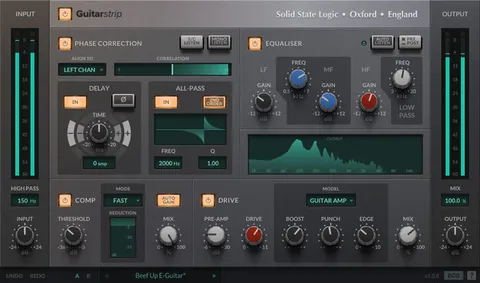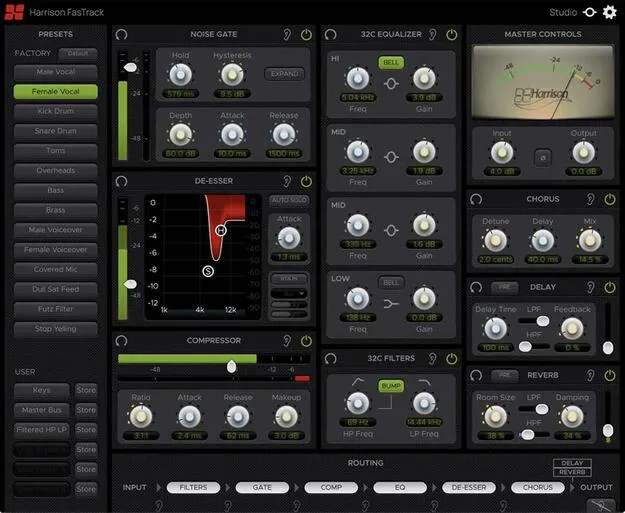
FasTrack by Harrison Consoles channel strip plugin interface

FasTrack: Channel Strip Plugin by Harrison Consoles

Rated 4.5/5 on Plugin Boutique (17 ratings)

FasTrack is a channel strip plugin from Harrison Consoles that combines a noise gate, de-esser, compressor, 32C-style EQ, filters, and chorus, delay and reverb effects in one interface. It is built for fast vocal and live-style processing.

VST3VST2AUAAXWindowsmacOS64-bit
AVAILABLE ATPlugin Boutique
Opens the store in a new tab
01Overview

FasTrack brings a console-style signal chain into a single plugin. Its dynamics, EQ, filters and effects sit in one layout, with a preset panel on the left for quick recall. The developer positions it for voice work in fast-paced settings, including podcasts, live streaming, stage use and karaoke, as well as for producers who want a live console workflow inside a DAW. Its processing elements can be reordered, so the signal path can be shaped to suit the source.

Best for

  • Vocal processing
  • Podcast recording
  • Live streaming audio
  • Karaoke vocal chain
  • Live stage vocals
  • Spoken word cleanup
Store
Plugin Boutique
02Key features

What you get

  • 14 factory presets plus 6 user preset slots
  • Preset panel for quick recall without menus
  • Noise gate with optional expander mode
  • De-esser based on Harrison's De-Esser algorithm
  • Compressor for general dynamics control
  • Harrison 32C-based four-band EQ with BELL toggles
  • Variable high-pass and low-pass filters with BUMP
  • Chorus, delay and reverb in parallel routing
  • Drag-and-drop processing order with VU output meter
03In depth

Dynamics, EQ and Filters for Vocal Processing

The dynamics section includes a noise gate with an optional expander mode for removing background noise below a set threshold. A de-esser, based on Harrison's De-Esser algorithm, is aimed at taming sibilance in speech and vocals. A compressor handles general level control.

The EQ is based on the Harrison 32C channel EQ and has four bands: HI, LOW and two MID bands with proportional Q. The HI and LOW bands default to shelf filters and can be switched to bells. Variable high-pass and low-pass filters sit alongside, and a BUMP button adds gain at the high-pass corner frequency for low-end boost while filtering out content below it.
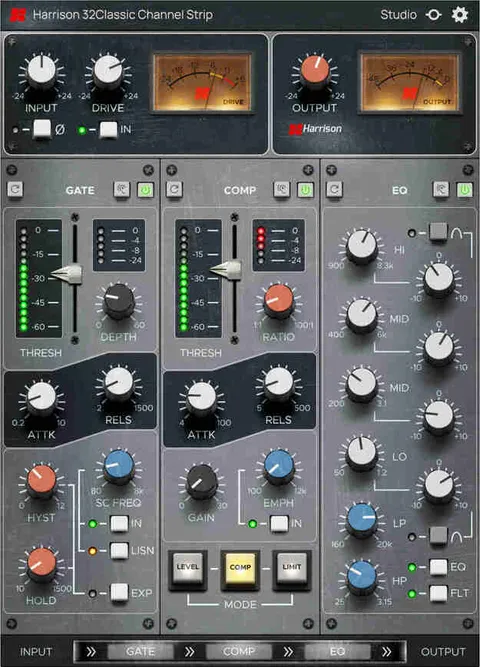
Effects and Signal Routing

Chorus adds width and depth by creating overlaid duplicates of the signal with adjusted pitch and delay. The developer notes it is particularly useful on vocals. The delay and reverb run in parallel with the main path, emulating send and return routing, so their output controls work as effect return faders for blending with the dry signal.

A routing strip shows the order of the six processing elements, which can be reordered by dragging. Input and output stages stay fixed at either end. A master input trim adjusts level before processing, and a VU-style output meter is included.

04Specs

Will it run?

Formats, systems and requirements as listed by Plugin Boutique. Missing details are left out, not guessed.

DeveloperHarrison Consoles
TypePlugin
CategoryChannel Strip
FormatsVST3, VST2, AU, AAX
Operating systemsWindows, macOS
Architecture64-bit
05FAQ

Questions, answered

What formats and operating systems does FasTrack support?

FasTrack is available in VST3, VST2, AU and AAX formats and runs on Windows and macOS. It is a 64-bit plugin.

What do I need to use FasTrack?

FasTrack needs a host that supports the formats above, such as a DAW. A free iLok account is required to authorize the software.

Does FasTrack include presets?

Yes. It includes 14 factory presets, which are accessible from a panel on the left side of the plugin, and 6 user slots for saving your own.

Can I change the order of the processing?

Yes. The routing strip lets you drag processing elements to new positions. The master input and output controls stay fixed at the start and end of the chain.

07Developer

More from Harrison Consoles

All Harrison Consoles products →