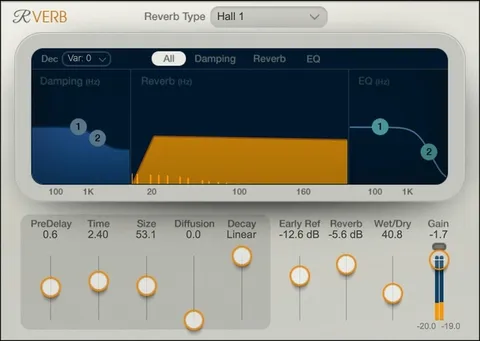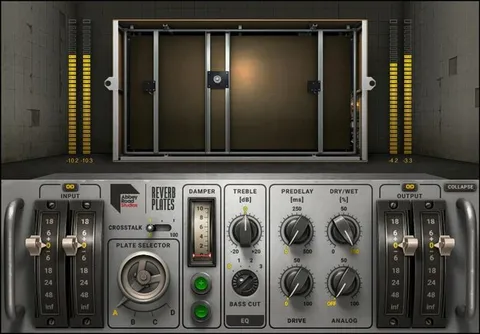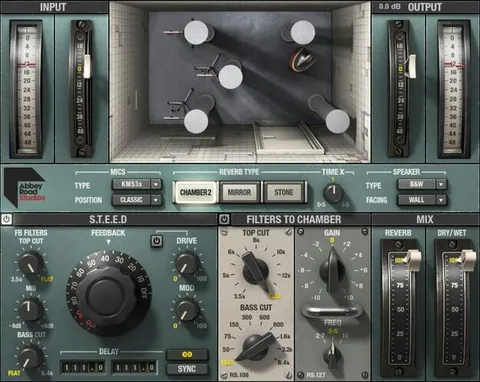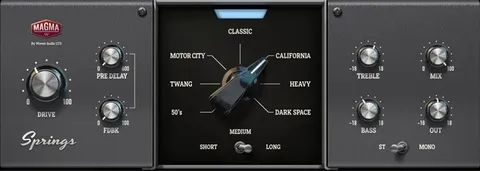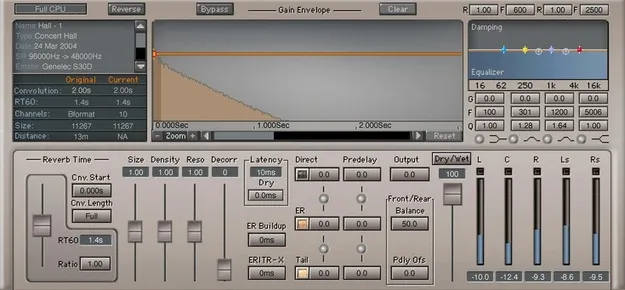
IR360 Convolution Reverb by Waves reverb plugin interface

IR360 Convolution Reverb: Surround Space Reverb by Waves

IR360 Convolution Reverb is a convolution reverb plugin from Waves that loads impulse responses of real acoustic spaces. It ships with over 2,000 spaces, including 5.1 surround environments, and lets you import your own impulses or WAV files.

VST2AUAAXWindowsmacOS
AVAILABLE ATPlugin Boutique
Opens the store in a new tab
01Overview

IR360 Convolution Reverb is built for producers and engineers who need a believable sense of space, especially for immersive and surround mixes. Waves developed it around the IR1 convolution engine, which reproduces the sound of physical rooms from recorded impulse responses. The library covers environments ranging from stairwells to opera houses and arenas. Beyond the built-in spaces, you can capture impulses of your own locations and load them in, which helps match reverb to your field recordings.

Best for

  • Immersive audio mixing
  • Surround reverb
  • Field recording matching
  • Film and game sound
  • Realistic room ambience
  • Custom impulse workflows
Developer
Waves
Category
Reverbs
Store
Plugin Boutique
02Key features

What you get

  • Over 2,000 acoustic spaces in a 4.8 GB impulse library
  • 5.1 surround environments for immersive audio work
  • Editable parameters for sonic flexibility
  • Shorten, extend, or modify the reverb tail
  • Impulses recorded with premium field-recording gear
  • Import third-party impulses or WAV files
  • Includes instructions for creating your own impulses
03In depth

Realistic Spaces and Sound Character

The core of IR360 is its library of impulse responses, totaling 4.8 GB and including more than 2,000 acoustic spaces. Waves says every impulse was recorded with premium field-recording gear, so the spaces are captured from real locations rather than synthesized models.

The plugin offers several editable parameters for shaping the result. You can shorten, extend, or modify the reverb tail, which lets you move a space from a natural room sound toward something more controlled or stylized without leaving the plugin.

For surround work, the library includes 5.1 environments, so the same engine can place a source inside a three-dimensional room rather than a stereo image alone.
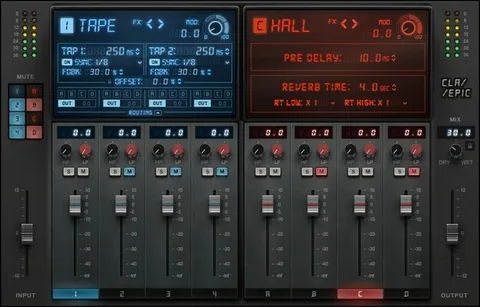
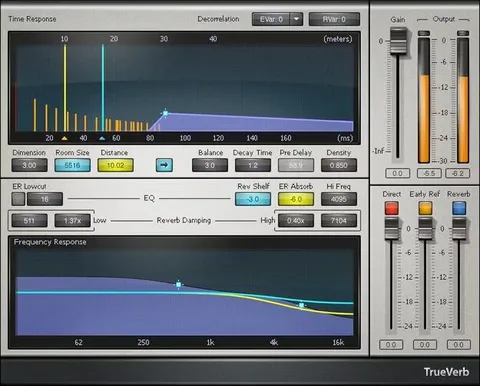
Importing Impulses and Creating Your Own

IR360 accepts third-party impulses and WAV files, so the built-in library is not a closed set. This is useful if you already own impulse collections or have recordings from specific venues you want to reuse.

Waves includes instructions on how to create your own impulses. Following them, you can capture the acoustic character of a space and load it into IR360, which is the workflow Waves describes for matching post-production reverb to on-location field recordings.

This makes the plugin relevant for sound designers, film and game audio workers, and anyone building immersive mixes who needs a consistent reverb tied to real environments.

04Specs

Will it run?

Formats, systems and requirements as listed by Plugin Boutique. Missing details are left out, not guessed.

DeveloperWaves
TypePlugin
CategoryReverb
FormatsVST2, AU, AAX
Operating systemsWindows, macOS
05FAQ

Questions, answered

What formats does IR360 Convolution Reverb support?

IR360 is available in VST2, AU, and AAX formats. It runs on Windows and macOS.

What do I need to run IR360 on my computer?

On Mac, the plugin supports macOS Monterey 12, Ventura 13, Sonoma 14, and Sequoia 15 in VST, AU, and AAX. On PC, it supports Windows 10 and later in VST and AAX.

Can I use my own impulse responses with IR360?

Yes. IR360 can import third-party impulses and WAV files, and Waves includes instructions for creating your own impulses.

How large is the built-in impulse library?

The library is 4.8 GB and contains over 2,000 acoustic spaces.

07Developer

More from Waves

All Waves products →