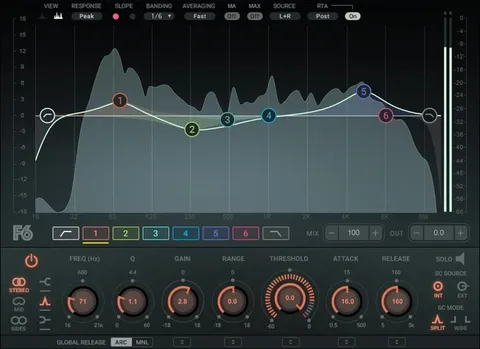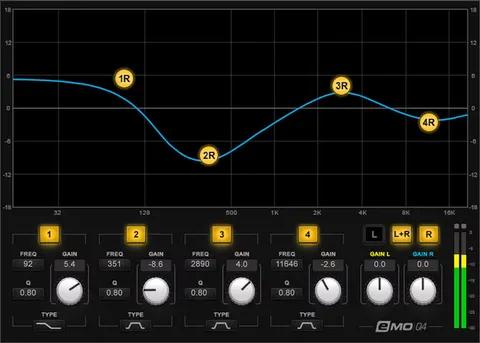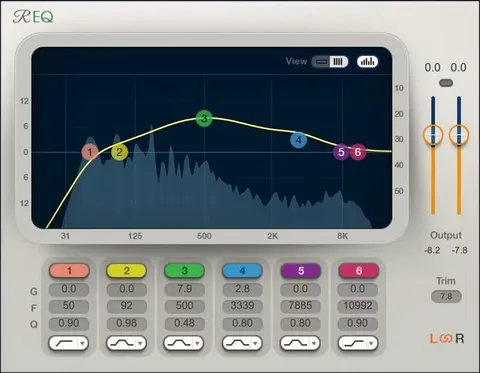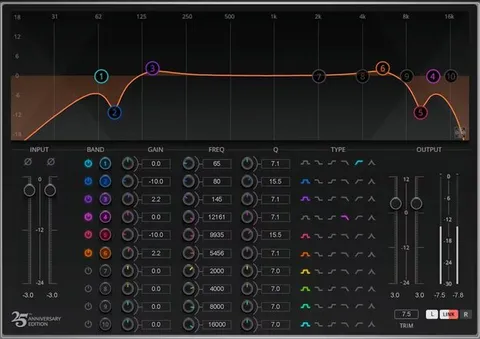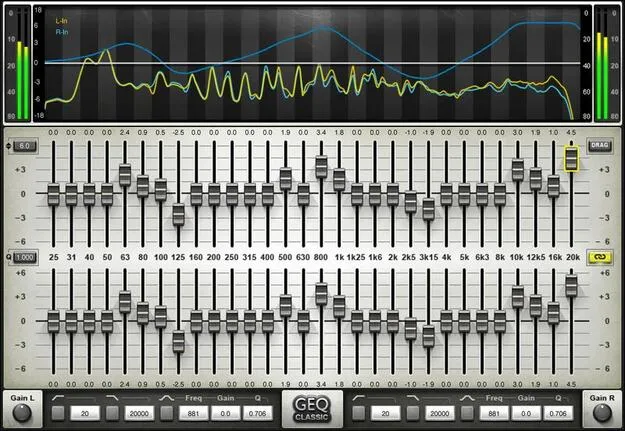
GEQ Graphic Equalizer by Waves 30-band EQ plugin interface

GEQ Graphic Equalizer: 30-Band EQ Plugin by Waves

GEQ Graphic Equalizer is a 30-band EQ plugin from Waves, in the Effects category. It offers ISO graphic bands, a floating parametric stage, and a real-time analyzer, and it runs as a VST2, AU or AAX plugin on Windows and macOS.

VST2AUAAXWindowsmacOS
AVAILABLE ATPlugin Boutique
Opens the store in a new tab
01Overview

GEQ Graphic Equalizer is built around 30 ISO bands with stereo and mono linking. Waves also includes a choice of classic or modern filter topologies, high and lowpass filters, and a dual-input real-time analyzer that can be calibrated. A floating parametric stage with bell response adds flexibility beyond fixed bands. The plugin supports zero-latency operation, so it can be used for global EQ in live sound as well as for tone shaping in the studio.

Best for

  • Room correction
  • Live sound EQ
  • Mix tone shaping
  • Corrective mastering EQ
  • Venue acoustic matching
Developer
Waves
Category
EQ
Store
Plugin Boutique
02Key features

What you get

  • 30 ISO bands of precision graphic equalization
  • Classic and modern EQ filter topologies
  • Modern topology designed to reduce band interaction
  • Classic mode with proportional Q that narrows with gain
  • Floating parametric stage with bell response
  • Dual-input real-time analyzer that can be calibrated
  • Gain range of ±18 dB per band
  • Touchscreen-friendly curve drawing
  • Zero-latency operation for studio and live use
03In depth

Filter Topologies and Band Behavior

GEQ offers two EQ modes. The modern topology is designed to eliminate interaction between bands, so boosting or cutting one band does not disturb its neighbors in the same way it can on older graphic designs. The classic mode uses proportional Q filters, where the bandwidth narrows as gain increases. Switching between the two lets you choose the behavior that suits the material.

Each of the 30 bands offers gain up to ±18 dB, which gives enough range for corrective and creative moves alike. A floating parametric stage adds a bell-response band that can be placed anywhere, useful for targeting a frequency that falls between the fixed bands.
Analysis, Calibration and Live Use

The dual-input real-time analyzer lets you compare two signals while you adjust the curve, and it can be calibrated to your monitoring setup. The interface is touchscreen-friendly, so you can draw EQ curves directly on a touch display.

Waves positions GEQ for venue work as well as production. Zero latency means the processing can sit in a live signal chain, for example to match a room's acoustics, and the same tool is available for mixing in the studio.

04Specs

Will it run?

Formats, systems and requirements as listed by Plugin Boutique. Missing details are left out, not guessed.

DeveloperWaves
TypePlugin
CategoryEQ
FormatsVST2, AU, AAX
Operating systemsWindows, macOS
05FAQ

Questions, answered

What formats does GEQ Graphic Equalizer support?

GEQ Graphic Equalizer is available as a VST2, AU and AAX plugin.

Which operating systems can run GEQ?

GEQ runs on Windows and macOS. The listed requirements cover macOS Monterey 12 through Sequoia 15 for VST and AU, and Windows 10 and later for VST and AAX.

Can GEQ be used for live sound?

Yes. GEQ supports zero-latency operation, which allows it to be used for global EQ in live sound as well as in the studio.

07Developer

More from Waves

All Waves products →