Metering Views and Workflow Features
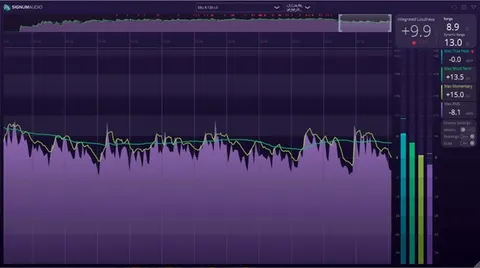
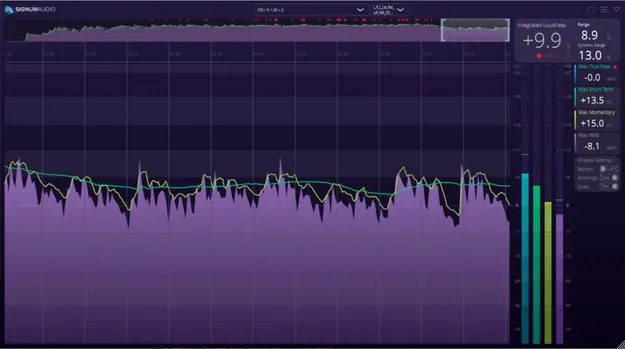
The history overview is fully interactive, so you can jump to any point in a long program and see where loudness drifts. A custom alert system marks problem areas with red (severe) or yellow (warning) pointers, and the thresholds are set in the settings panel.
The plugin re-meters automatically on load and picks up adjustments you make in the DAW, reflecting them on the graphical display. Session data can be reloaded, and metering data can be saved, loaded and exported. The compact read-out is resizable both vertically and horizontally, so you can keep the numbers visible while saving screen space.
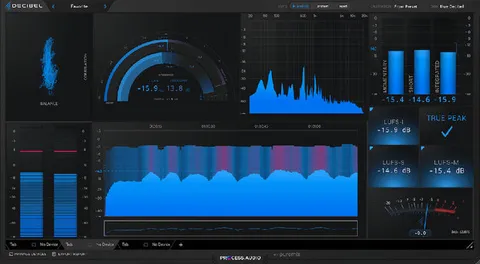
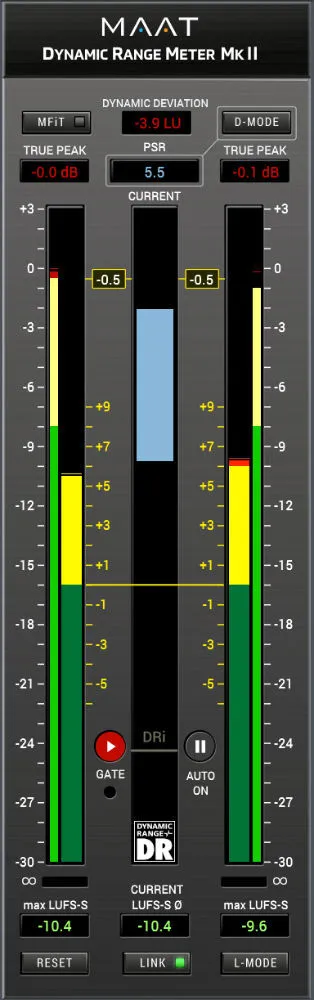
Display settings let you switch between True Peak and metering modes, relative and absolute scales, and max and live readings.