Loudness Metering, Limiting and Presets
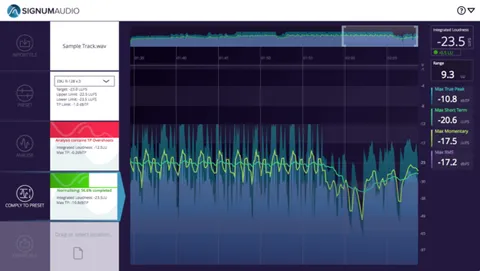
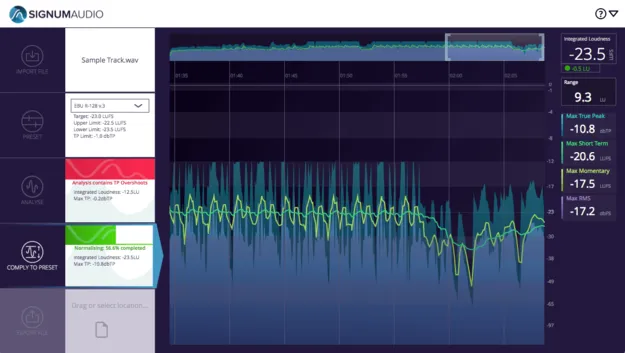
The workflow is built around a short sequence. Drag in a WAV file, select one of the presets or set custom parameters, then click Analyse to get a breakdown with alerts for areas that need attention. Clicking Comply normalises the audio, and the metering graph shows how much true peak limiting was applied.
The built-in presets cover a range of broadcast, streaming and platform standards, including ITU-R BS.1770, EBU R128, ATSC A/85, OP-59, Spotify, YouTube, Apple Check, Netflix, TIDAL and Pandora. You can also create and save your own presets.
Signum Audio states that the integrated true peak limiter is designed to keep peaks from exceeding the threshold while normalising to the target. A gain reduction display shows where and how much limiting occurred.