Metering and Limiting Workflow
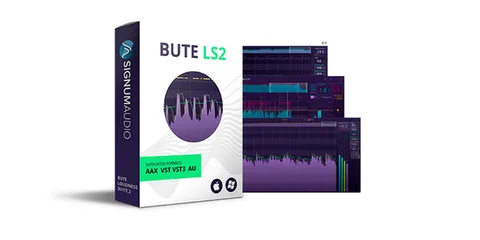
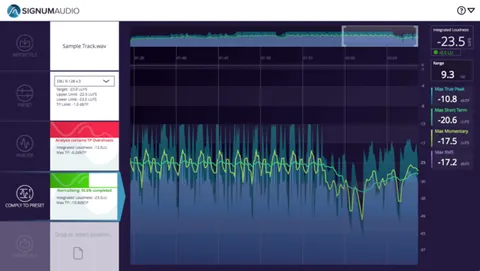
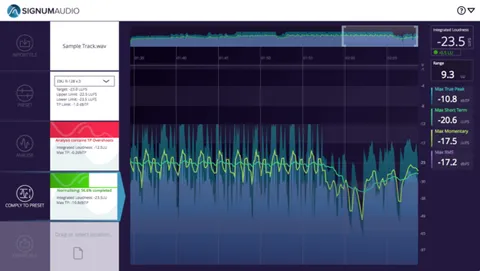
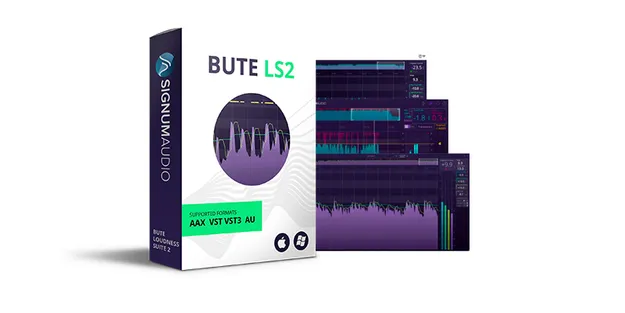
The history overview lets you browse up to 10 hours of loudness data at a glance and jump to any section of a track. A custom alert system marks areas that need attention with red (severe) or yellow (warning) pointers, and the thresholds can be set in the settings panel.
The smart auto re-metering feature syncs to your DAW on load and reflects changes you make in the DAW on the graphical display, so you do not need to re-meter the whole mix after each edit. Display settings let you switch between True Peak and metering, relative and absolute scales, and max and live modes.
The compact read-out view is resizable both vertically and horizontally, keeping readings visible while limiting settings stay accessible.