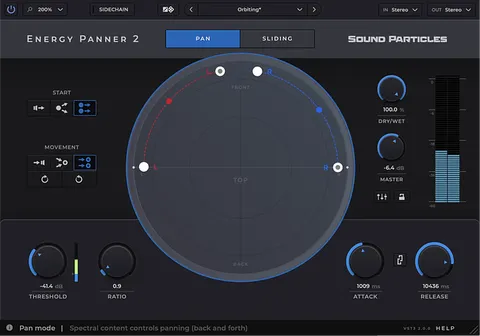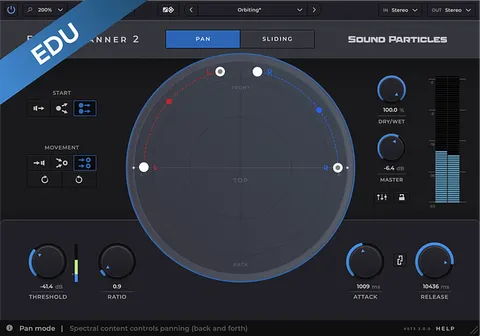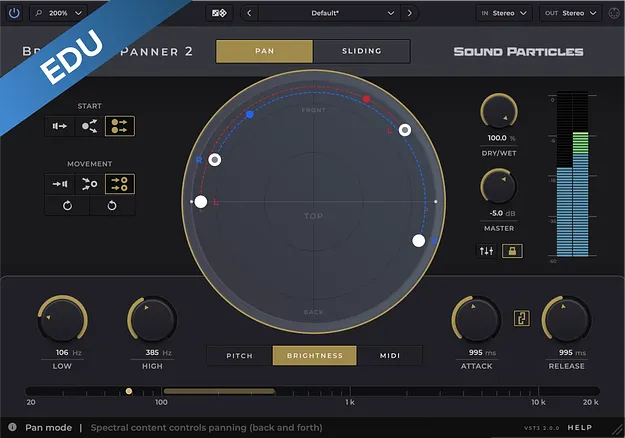
Brightness Panner 2 Educational Version by Sound Particles stereo panner plugin interface

Brightness Panner 2 Educational Version: Frequency-Driven Stereo Panner

Brightness Panner 2 Educational Version is a plugin from Sound Particles that pans audio automatically, driven by spectral brightness, pitch or incoming MIDI notes. It is an educational edition that requires proof of educational status after purchase.

VST3AUAAXWindowsmacOS
AVAILABLE ATPlugin Boutique
Opens the store in a new tab
01Overview

Brightness Panner 2 Educational Version works by reading the frequency content of a track and turning it into pan movement. Instead of drawing automation, you choose whether the trigger is the brightness of the signal, its pitch, or MIDI notes, and the sound's own changes place it in the stereo or multichannel field. The plugin is available in VST3, AU and AAX formats for Windows and macOS. This edition is intended for educational users and requires proof of educational status after purchase.

Best for

  • Stereo width automation
  • Synth melody movement
  • Vocal-reactive panning
  • MIDI-driven spatial mixing
  • Immersive and surround mixes
Category
Stereo Width
Store
Plugin Boutique
02Key features

What you get

  • Pans sound based on spectral brightness, pitch or MIDI notes
  • Point-to-Point, Speaker-to-Point and Point-to-Speaker modes
  • Pan Mode for ping-pong movement and Sliding Mode for continuous motion
  • Real-time visualization in Circular, Polygon and Room View
  • Built-in mixer for balancing each output channel
  • Virtual Center for keeping the center channel free for vocals
  • Custom speaker formats with azimuth, elevation and LFE settings
  • Sidechain input and a Random Dice preset generator
03In depth

How frequency-driven panning works

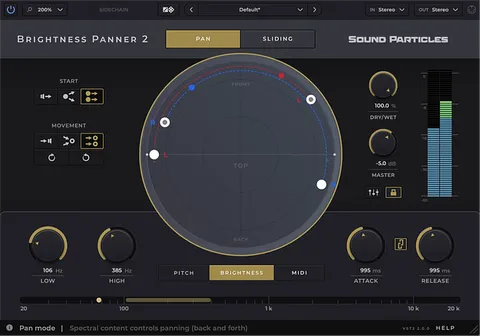
Brightness Panner 2 follows three possible triggers: spectral brightness, pitch, and incoming MIDI notes. With brightness or pitch selected, the position of a sound changes as its tonal character or melody changes. With MIDI, a performance can drive the mix in real time.

Pan Mode gives a ping-pong-style movement between points, while Sliding Mode creates continuous motion along a defined path. Absolute Control sets when and how fast the movement responds to the chosen trigger.
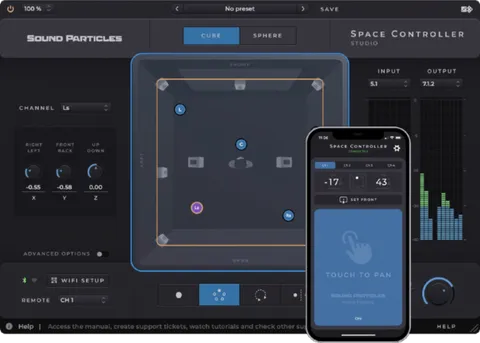
Views, mixing and speaker setup

Sound movement can be followed in three views: Circular, Polygon and Room View. A built-in mixer lets you balance each output channel without switching back to your DAW mixer.

The Virtual Center option reserves the center channel for a lead vocal and redistributes other content to left and right. Custom Formats let you define the channel count, azimuth, elevation and LFE position of your speaker setup. Support covers mono, stereo, surround and immersive formats.

04Specs

Will it run?

Formats, systems and requirements as listed by Plugin Boutique. Missing details are left out, not guessed.

DeveloperSound Particles
TypePlugin
CategoryStereo Width
FormatsVST3, AU, AAX
Operating systemsWindows, macOS
05FAQ

Questions, answered

What formats and operating systems does Brightness Panner 2 Educational Version support?

It is available in VST3, AU and AAX formats. It runs on Windows and macOS.

What are the system requirements?

It requires macOS 10.15 or higher on Intel or Apple Silicon Macs, or Windows 10 or higher. It needs 4 GB or more of RAM and 600 MB of disk space.

Do I need proof of educational status to use this version?

Yes. The educational version requires proof of educational status after purchase.

Can it pan sound without drawing automation?

Yes. Movement is triggered by the sound's brightness, its pitch, or incoming MIDI notes, so no automation lane is needed.

07Developer

More from Sound Particles

All Sound Particles products →