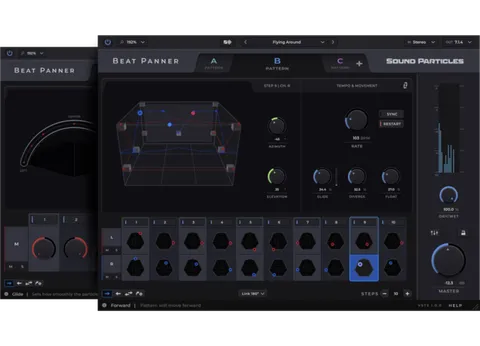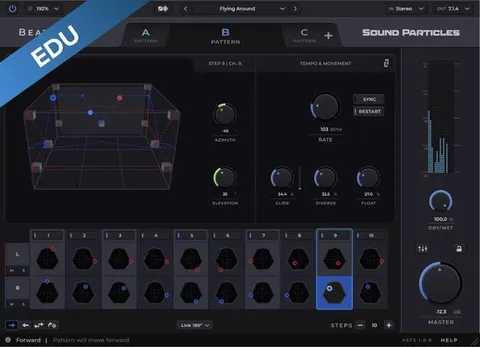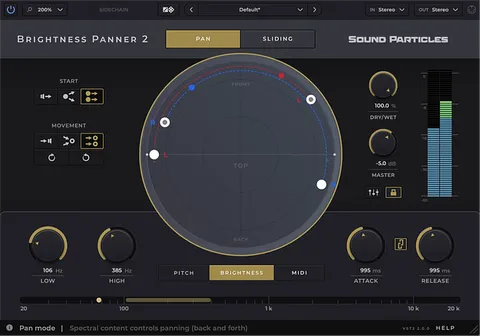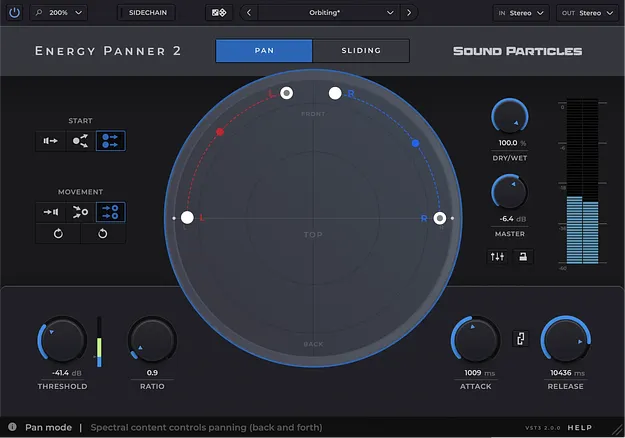
Energy Panner 2 by Sound Particles panning plugin interface

Energy Panner 2: Loudness-Driven Panner Plugin by Sound Particles

Energy Panner 2 is a panning plugin from Sound Particles that moves sounds based on their loudness. It works in plain stereo and in 3D audio, without hand-drawn automation.

AVAILABLE ATPlugin Boutique
Opens the store in a new tab
01Overview

Energy Panner 2 is an effects plugin in the stereo width category, developed by Sound Particles. Instead of asking you to draw every movement, it listens to the intensity of the audio passing through it and turns that intensity into motion. The developer says this lets you add movement to tracks with less programming work. It handles plain stereo as well as 3D audio, so it can fit into a standard mix or a spatial project. A built-in mixer, multiple views and custom speaker formats help you shape the result.

Best for

  • Stereo width movement
  • Automated-feeling panning
  • Dialogue center clearing
  • Sidechain-triggered panning
  • 3D audio mixing
  • Custom speaker layouts
Category
Stereo Width
Store
Plugin Boutique
02Key features

What you get

  • Panning driven by the loudness of the input audio
  • No automation lanes needed for movement
  • Works in plain stereo and 3D audio
  • Independent path with start and end point per input channel
  • Circular, Polygon and Room views for watching movement
  • Built-in mixer for balancing each output channel
  • Threshold, ratio, attack and release controls
  • External sidechain input for triggering movement
03In depth

Loudness-driven movement and panning modes

The core idea of Energy Panner 2 is that the louder a sound gets, the more it moves. The movement comes from the audio itself rather than from automation lanes, so each sound can respond to its own dynamics.

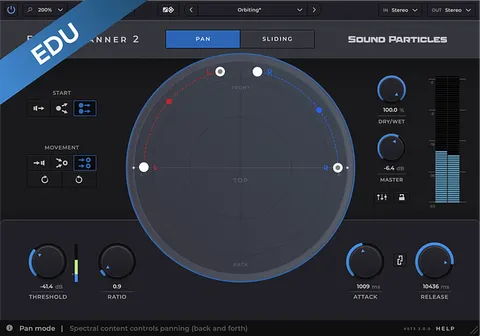
Panning modes set the character of the motion. Pan Mode moves a sound back and forward, while Sliding Mode keeps it moving in one direction. Movement Direction controls how each channel behaves: it can return to its original position, collapse into a single point, follow a path you set, or rotate.

Absolute Control gives you threshold, ratio, attack and release settings, so you can decide when the movement starts and how quickly it responds, in a way similar to a compressor.
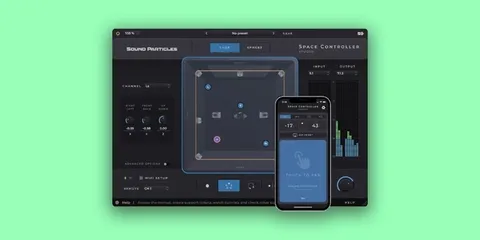
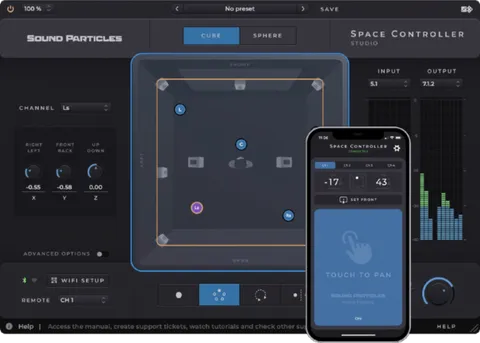
Paths, sidechain and speaker setup

Independent Paths let you create a separate path for every input channel, each with its own start and end point. Sidechain Input lets you trigger the movement from any external signal in your mix. For example, the lead voice can drive the panning of a guitar.

The Virtual Center feature clears the center channel, which can be useful for dialogue or a lead instrument, and sends its content to the left and right speakers.

For setups that go beyond standard layouts, Custom Formats let you define your speaker configuration by channel count, azimuth, elevation and LFE placement. Expanded input and output support is meant to fit the plugin into more sessions and setups.

04Specs

Will it run?

Formats, systems and requirements as listed by Plugin Boutique. Missing details are left out, not guessed.

DeveloperSound Particles
TypePlugin
CategoryStereo Width
05FAQ

Questions, answered

What is Energy Panner 2 used for?

It is used to add panning movement to a sound without drawing automation. The movement follows the loudness of the audio, so louder parts move more.

Can Energy Panner 2 be used in stereo?

Yes. The developer describes it as working in plain stereo as well as in 3D audio.

Do I need automation lanes to use Energy Panner 2?

No. The panning movement is driven by the audio itself, so automation lanes are not needed for the movement.

Can I trigger the panning from another track?

Yes. The Sidechain Input lets you use an external signal in your mix, such as a lead voice, to control the panning of another sound.

07Developer

More from Sound Particles

All Sound Particles products →