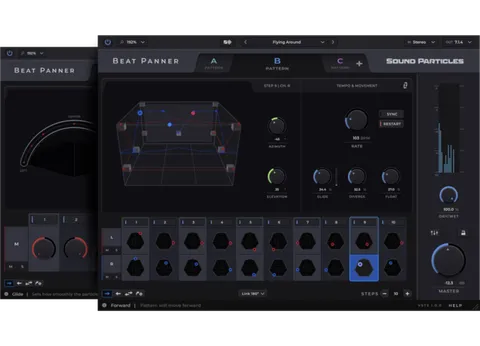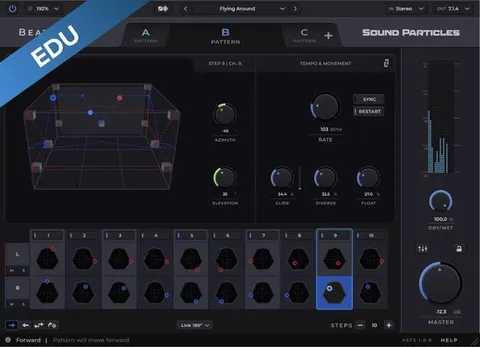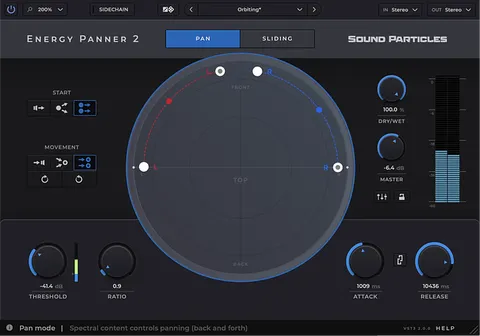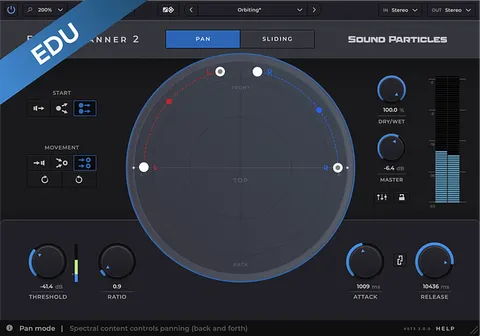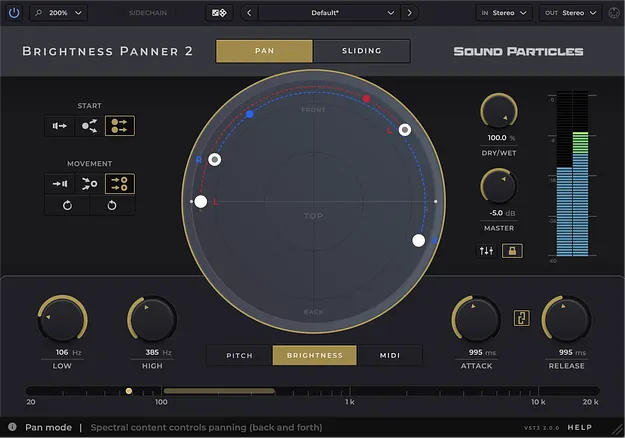
Brightness Panner 2 by Sound Particles stereo panning plugin interface

Brightness Panner 2: Frequency-Driven Stereo Panning Plugin by Sound Particles

Brightness Panner 2 is a stereo width effect plugin by Sound Particles that moves sounds across the stereo field based on their brightness, pitch or incoming MIDI notes. It is available in VST3, AU and AAX formats.

VST3AUAAXWindowsmacOS
AVAILABLE ATPlugin Boutique
Opens the store in a new tab
01Overview

Brightness Panner 2 is built for producers who want panning that follows the sound itself. Instead of drawing automation curves by hand, you choose a trigger, and the spectral brightness, pitch or MIDI notes of the track drive where the sound sits in the field. The developer, Sound Particles, positions it for stereo through 3D audio work, so the same tool can be used for simple stereo placement or for more complex multichannel setups.

Best for

  • Synth line movement
  • Vocal stereo placement
  • Sidechain-driven panning
  • Surround mix placement
  • Immersive audio panning
Category
Stereo Width
Store
Plugin Boutique
02Key features

What you get

  • Movement triggered by brightness, pitch or MIDI notes
  • Pan Mode for ping-pong style panning
  • Sliding Mode for continuous movement along a path
  • Point-to-Point mode with independent input channel paths
  • Circular, Polygon and Room visualization views
  • Built-in mixer for each output channel
  • Virtual Center for keeping a lead vocal in the middle
  • Custom speaker formats with azimuth, elevation and LFE
03In depth

Panning Driven by Sound Content

The core idea is that movement comes from the audio. You can set the plugin to react to the brightness of the signal, to the pitch of the sound, or directly to MIDI notes. Brightness suits sounds with a changing timbre, such as a filter sweep or a vocal whose color shifts across a phrase. Pitch suits melodic lines, where each note can send the sound to a different position. MIDI mode lets a performance drive the mix in real time.

Two panning modes cover different needs. Pan Mode gives a ping-pong style effect, while Sliding Mode creates continuous movement along a defined path. Movement can head toward a single point, follow a custom path or rotate in a circle, and absolute control lets you fine-tune when and how fast the response happens.
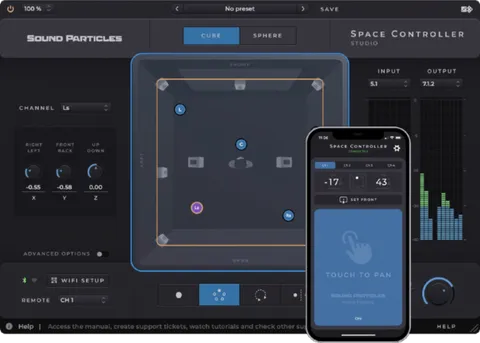
Mixing Controls, Views and Custom Speaker Setups

Brightness Panner 2 includes a built-in mixer, so you can balance each output channel without switching back to your DAW mixer. The Virtual Center option reserves the center channel for a lead vocal and redistributes the other content to left and right. Visualization is available in Circular, Polygon and Room views, and you can define custom speaker setups by channel count, azimuth, elevation and LFE position.

A sidechain input lets one sound's panning react to another track's brightness, for example a saxophone responding to the brightness of a lead vocal. The Random Dice generates preset combinations with one click, which is useful as a starting point.

04Specs

Will it run?

Formats, systems and requirements as listed by Plugin Boutique. Missing details are left out, not guessed.

DeveloperSound Particles
TypePlugin
CategoryStereo Width
FormatsVST3, AU, AAX
Operating systemsWindows, macOS
05FAQ

Questions, answered

What formats does Brightness Panner 2 support?

Brightness Panner 2 is available in VST3, AU and AAX formats.

Which operating systems are supported?

Brightness Panner 2 runs on Windows and macOS. On Mac it requires OS X 10.15 or higher, with Intel or Apple Silicon processors.

What do I need to run Brightness Panner 2?

You need at least 4 GB of RAM and 600 MB of disk space. The developer lists AAX Native, AUv2, AUv3 and VST3 as supported plugin types, and Windows 10 or higher for Windows systems.

Can it pan a sound without drawing automation?

Yes. You can choose brightness, pitch or MIDI notes as the trigger, so the sound's own content drives the panning without an automation lane.

07Developer

More from Sound Particles

All Sound Particles products →