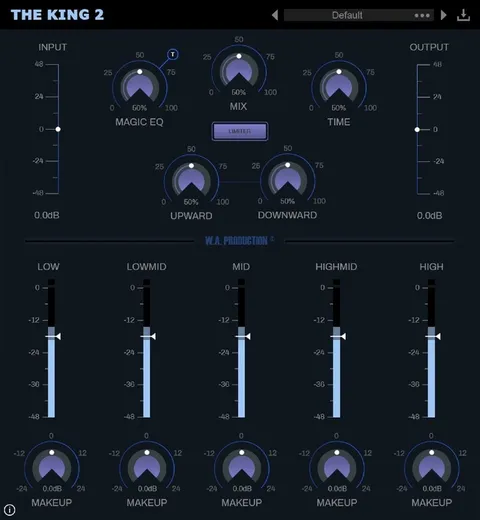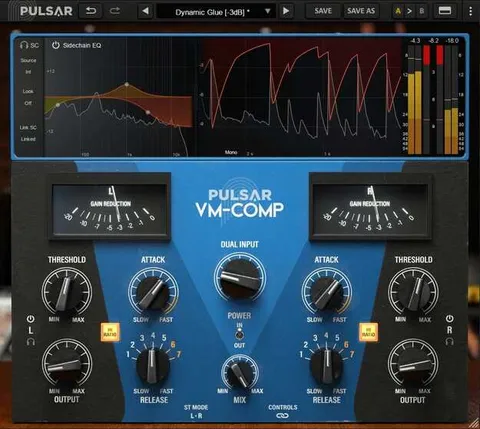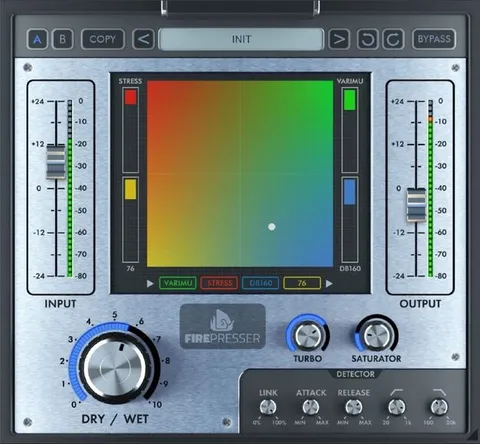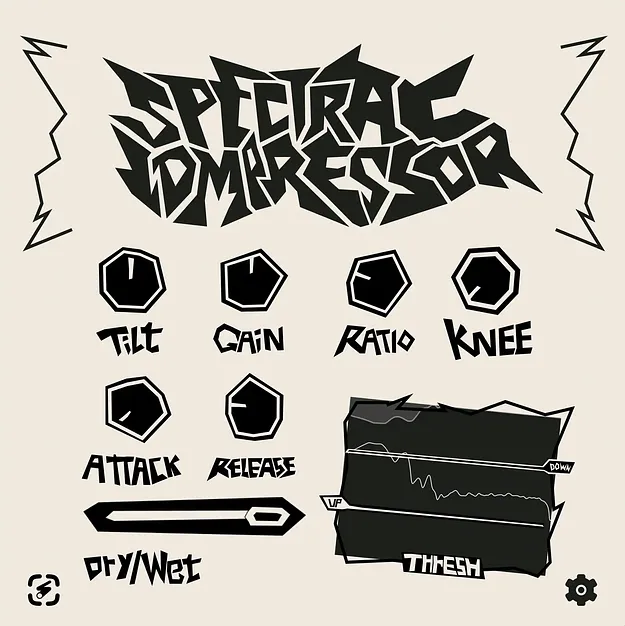
Spectral Compressor by iFeature compressor plugin interface

Spectral Compressor: Frequency-Domain Compressor Plugin by iFeature

Spectral Compressor is a compressor plugin from iFeature that processes individual frequency bands in real time instead of compressing the whole signal. It is available in VST3 and AUv2 formats for Windows and macOS.

VST3WindowsmacOS
AVAILABLE ATPlugin Boutique
Opens the store in a new tab
01Overview

Spectral Compressor works in the frequency domain, so it analyzes and processes separate frequency bands rather than treating the signal as one block. That approach is aimed at taming peaks, tightening low end and adding presence where you need it. The developer describes the plugin as preserving the natural character of the source. Its window is freely resizable, and its Quality setting, Clipping modes, External Sidechain routing and stereo processing options give you control over how it behaves in a mix.

Best for

  • Taming harsh peaks
  • Tightening low end
  • Vocal presence and smoothing
  • Sidechain-style mix carving
  • Mid/Side mix dynamics
  • Warm saturation on peaks
Developer
iFeature
Category
Compressors
Store
Plugin Boutique
02Key features

What you get

  • Frequency-domain processing of individual bands in real time
  • Five Quality modes from Low Latency to Ultra
  • Built-in Soft and Hard Clipping modes
  • External Sidechain routing for dynamic triggering
  • Independent Left/Right or Mid/Side processing
  • Standard Stereo linking for cohesive dynamics
  • Fully resizable plugin window
  • VST3 and AUv2 formats
03In depth

Spectral Compression Control and Sound

Rather than applying one gain curve to the full signal, Spectral Compressor reduces level within specific bands as they exceed their threshold. This lets you deal with a harsh resonance in the upper mids without dulling the rest of the track. The plugin offers five Quality modes, from Low Latency to Ultra, so you can trade CPU load against spectral precision. Lower settings suit tracking and heavy sessions, while higher settings give more detail for final mixing.

Soft and Hard Clipping modes are built in. Soft clipping adds warm saturation, while hard clipping gives a more aggressive edge. Because both live inside the plugin, you can shape peaks at the same stage as the compression.

Routing, Sidechain and Stereo Options

External Sidechain routing lets you trigger compression from a separate audio source, which is useful for carving space for one element against another. Stereo handling is flexible: you can process Left and Right or Mid and Side channels independently, or link them in standard Stereo mode for a cohesive stereo image.

The window scales by dragging any corner, so you can size it to fit your screen and workflow.

04Specs

Will it run?

Formats, systems and requirements as listed by Plugin Boutique. Missing details are left out, not guessed.

DeveloperiFeature
TypePlugin
CategoryCompressor
FormatsVST3
Operating systemsWindows, macOS
05FAQ

Questions, answered

What formats does Spectral Compressor support?

Spectral Compressor is available in VST3 and AUv2 formats. It runs on Windows 10 and later and on macOS 10.13 and later, with a Universal build for macOS.

What do I need to use Spectral Compressor?

You need a host that supports VST3 or AUv2. The developer lists compatibility with any such host, running on Windows 10 or later or macOS 10.13 or later.

Does Spectral Compressor support sidechain compression?

Yes. The External Sidechain routing lets you trigger compression from an external audio source to carve out space in your mix.

Can I use Spectral Compressor in stereo and Mid/Side?

Yes. You can process Left/Right or Mid/Side channels independently, or link them together in standard Stereo mode.

07Developer

More from iFeature

All iFeature products →