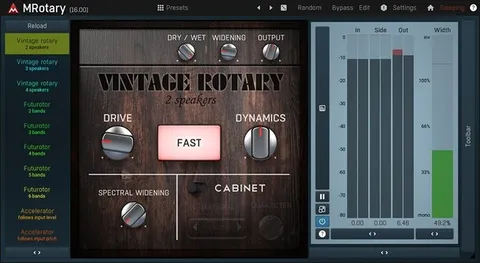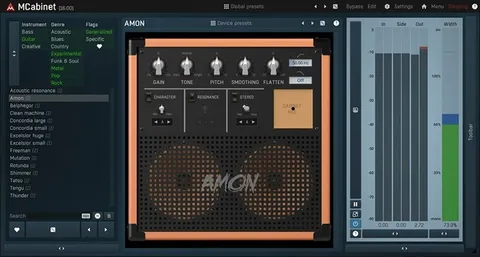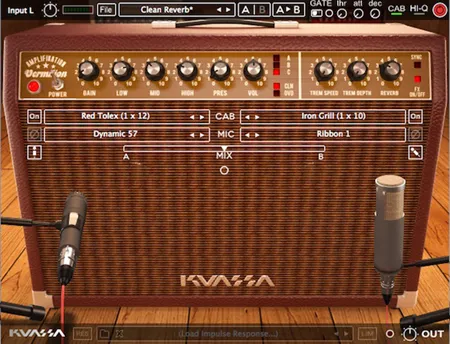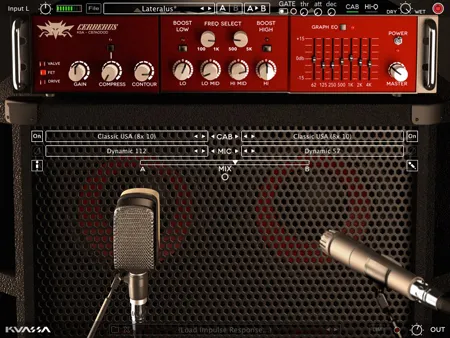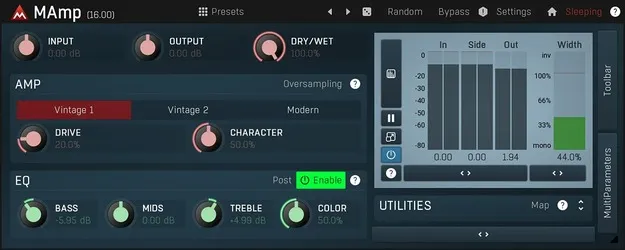
MAmp by MeldaProduction amp simulator plugin interface

MAmp: Vintage Amp Simulator Plugin by MeldaProduction Free Download

Rated 4.6/5 on Plugin Boutique (72 ratings)

MAmp is an amp simulator plugin from MeldaProduction for saturation and creative distortion. It is available in VST3, VST2, AU and AAX formats for Windows and macOS.

VST3VST2AUAAXWindowsmacOS64-bit
AVAILABLE ATPlugin Boutique
Free trial available from the developer
01Overview

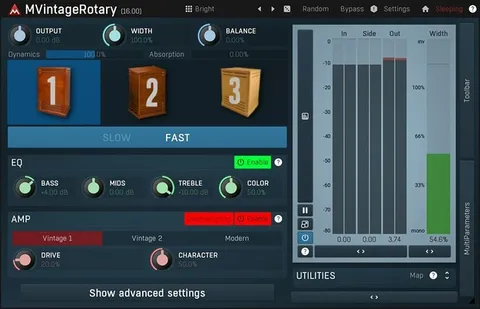
MAmp is a distortion and saturation plugin built around a vintage-style amp sound. The developer positions it for two jobs: adding soft saturation to bring out harmonic content, and creating more aggressive distortion effects. Its distortion algorithm comes from MeldaProduction's MVintageRotary, which is modeled on analog components while using digital processing. MAmp is available for Windows and macOS in 64-bit versions.

Best for

  • Soft saturation
  • Creative distortion
  • Guitar and amp tones
  • Modulated distortion
  • Surround processing
  • Sound design
Store
Plugin Boutique
02Key features

What you get

  • Vintage-style distortion algorithm from MVintageRotary
  • Adjustable oscillator shape technology
  • Four multiparameters for shaping the sound
  • Versatile modulators for parameter movement over time
  • M/S, single channel and up to 8-channel surround processing
  • Adjustable up-sampling from 1x to 16x
  • MIDI learn for controller assignment
  • Global preset management and online preset exchange
  • No dongle or internet access required for activation
  • Free-for-life updates
03In depth

Distortion character and modulation

MeldaProduction describes MAmp's distortion algorithm as inspired by vintage analog components, but not limited to them. The plugin is also built for movement. Its modulators can change parameters over time or in response to playing dynamics, so distortion can increase when you play louder, for example.

MAmp includes adjustable oscillator shape technology and four multiparameters, which give you several ways to shape the sound from a single control point. Smart randomisation can generate new starting points for sound design.
Workflow, processing and interface

MAmp supports M/S, single channel and surround processing of up to 8 channels, which makes it usable beyond standard stereo tracks. Automatic gain compensation (AGC) helps keep level changes from skewing your comparisons, and a safety limiter is included. Adjustable up-sampling from 1x to 16x lets you choose the processing resolution.

The interface is stylable and resizable and uses GPU acceleration. A visualization engine provides classic meters and time graphs. MIDI controllers can be assigned with MIDI learn, and presets can be managed globally and exchanged online.

04Specs

Will it run?

Formats, systems and requirements as listed by Plugin Boutique. Missing details are left out, not guessed.

DeveloperMeldaProduction
TypePlugin
CategoryAmp Simulator
FormatsVST3, VST2, AU, AAX
Operating systemsWindows, macOS
Architecture64-bit
Free trialYes
05FAQ

Questions, answered

What is MAmp used for?

MAmp is used for soft saturation that adds harmonic content and for creative distortion. Its modulators can also automate changes to the sound over time or in response to playing dynamics.

Which formats and operating systems does MAmp support?

MAmp is available in VST3, VST2, AU and AAX formats. It runs on Windows 8, 10 and 11 (64-bit) and on macOS 10.14 and newer (64-bit), including native Apple Silicon support on macOS.

Does MAmp require a dongle or internet connection to activate?

No. MAmp does not require a dongle, and activation does not need internet access. A free trial is available.

07Developer

More from MeldaProduction

All MeldaProduction products →