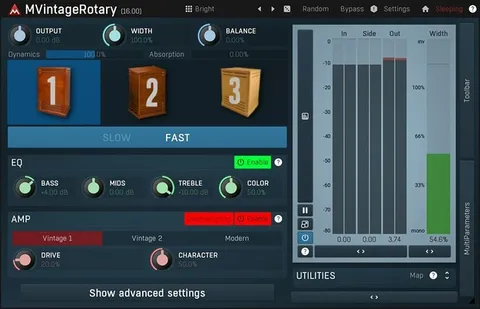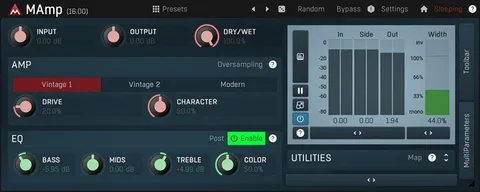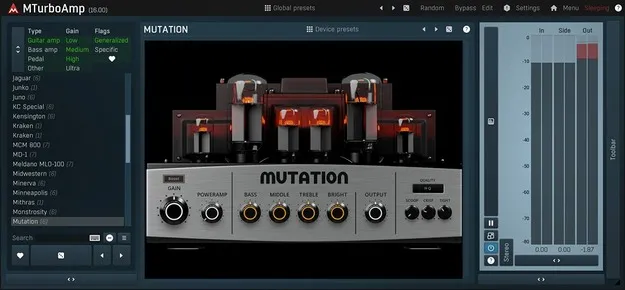
MTurboAmp by MeldaProduction guitar amp and distortion pedal plugin interface

MTurboAmp: Guitar Amp and Distortion Pedal Plugin by MeldaProduction Free Download

Rated 4.6/5 on Plugin Boutique (174 ratings)

MTurboAmp is a guitar amp simulator plugin from MeldaProduction that bundles almost 30 amp heads and a dozen distortion pedals. It lets you edit every model's internal settings and build your own amps and pedals from scratch.

VST3VST2AUAAXWindowsmacOS64-bit
AVAILABLE ATPlugin Boutique
Free trial available from the developer
01Overview

MTurboAmp is aimed at guitarists and producers who want a wide range of virtual amps and distortion pedals in one plugin. Its library includes almost 30 amp heads and about a dozen pedals, and the developer says the number will grow with each release. Beyond choosing a model, you can open its internals and change parameters, which makes MTurboAmp useful for shaping a tone rather than just selecting a preset sound.

Best for

  • Guitar tone shaping
  • Distortion pedal design
  • Custom amp creation
  • Electric guitar tracking
  • Amp sim for mixing
Store
Plugin Boutique
02Key features

What you get

  • Almost 30 amp heads included
  • A dozen distortion pedals included
  • Internal parameter access for every model
  • Ten-band dynamic EQs with hi-pass and low-pass filters on input and output
  • Nine-stage distortion creator for amp modules
  • Custom GUI Designer with knobs, switches, LEDs, sliders and buttons
  • Design amps and pedals from scratch
  • Available in VST3, VST2, AU and AAX formats
03In depth

Deep Editing and Custom Amp Design

MTurboAmp goes beyond adjusting front-panel knobs. You can access the internal settings of any model and change the parameters of each one. The plugin's EQ base frequencies, ranges and gains can all be edited, so small changes can produce large differences in tone.

For users who want something original, MTurboAmp also includes tools to design amps and distortion pedals from scratch. The amp module is built around two ten-band dynamic EQs, one for the input and one for the output, each with high-pass and low-pass filters. The core of the amp is a nine-stage distortion creator.
Custom Interface Design

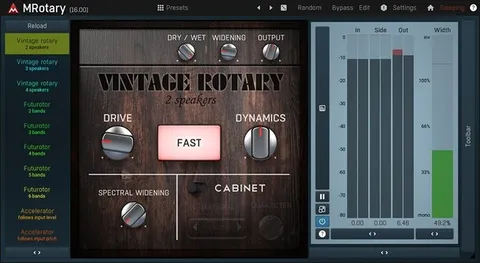
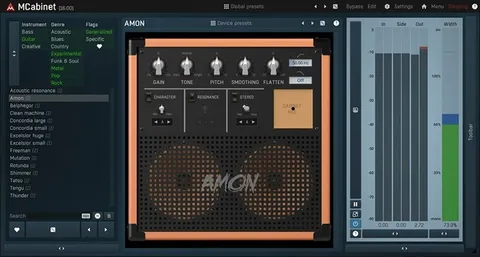
The Custom GUI Designer lets you build an amp's front panel with knobs, switches, LEDs, sliders and buttons. You can use predesigned controls or import your own, so a custom amp can have a traditional look or an experimental one.

04Specs

Will it run?

Formats, systems and requirements as listed by Plugin Boutique. Missing details are left out, not guessed.

DeveloperMeldaProduction
TypePlugin
CategoryAmp Simulator
FormatsVST3, VST2, AU, AAX
Operating systemsWindows, macOS
Architecture64-bit
Free trialYes
05FAQ

Questions, answered

What formats does MTurboAmp support?

MTurboAmp is available in VST3, VST2, AU and AAX formats. It runs on Windows and macOS.

What do I need to run MTurboAmp?

On Windows you need Windows 8, 10 or 11 (64-bit) and a VST, VST3 or AAX compatible host. On macOS you need macOS 10.14 or newer (64-bit) and a VST, VST3, AU or AAX compatible host. Both platforms need an Intel or AMD processor with SSE2 support, and macOS also supports Apple Silicon natively.

Does MTurboAmp let me edit the amp models?

Yes. You can access the internal settings of any model and change the parameters of each one, including the EQ base frequencies, ranges and gains.

Can I create my own amps with MTurboAmp?

Yes. The plugin includes components for building amps and distortion pedals from scratch, and the Custom GUI Designer lets you create the front panel.

Is there a trial version?

Yes, MTurboAmp offers a trial.

07Developer

More from MeldaProduction

All MeldaProduction products →