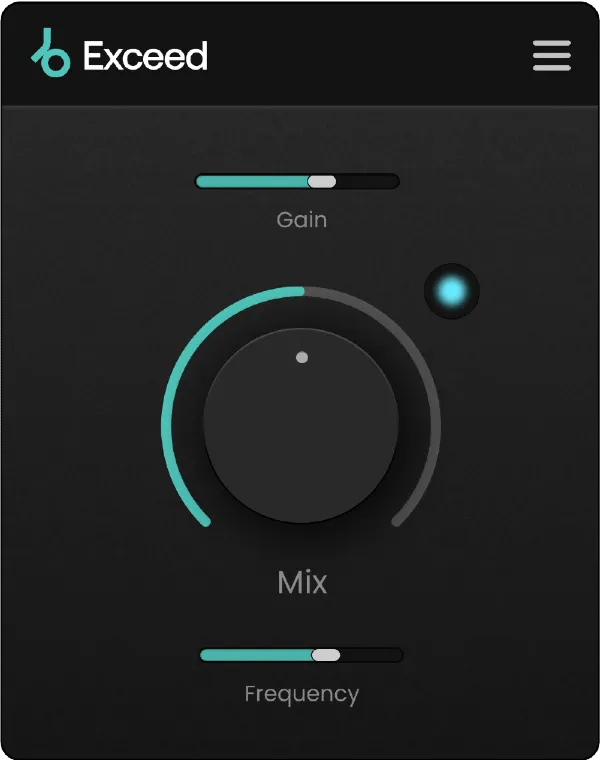
Exceed multi-effect audio enhancer plugin interface by Plugin Boutique

Exceed: Multi-Effect Audio Enhancer by Plugin Boutique

Rated 4.5/5 on Plugin Boutique (311 ratings)

Exceed is a multi-effect enhancer plugin from Plugin Boutique that adds warmth, punch and clarity to individual tracks, busses and masters. It runs on Windows and macOS.

VST3VST2AUAAXStandaloneWindowsmacOS64-bit
AVAILABLE ATPlugin Boutique
Opens the store in a new tab
01Overview

Exceed is an effect for polishing audio. It combines saturation, parallel processing and stereo imaging, applied separately to a high and a low frequency band. Plugin Boutique positions it for masters, busses and individual tracks, where it can add crunch, presence and control. A single Mix knob sets how much of the effect is blended into the signal, so the processing can be kept subtle or pushed further to add life to a sound. It ships with 20 presets to start from.

Best for

  • Master bus polish
  • Tightening bass
  • Adding presence to instruments
  • Mix bus finishing
  • Reviving flat sounds
Category
Enhancers
Store
Plugin Boutique
02Key features

What you get

  • Multi-effect for polishing audio on tracks, busses and masters
  • Two dedicated algorithms for high and low frequency bands
  • Saturation, parallel processing and stereo imaging combined
  • Single Mix knob for blending the effect amount
  • Includes 20 presets to start from
  • Supports VST3, VST2, AU, AAX and Standalone formats
  • 64-bit only on Windows and macOS
03In depth

Sound and processing on two frequency bands

Exceed uses two algorithms, one for the high frequency band and one for the low frequency band. Plugin Boutique says the algorithms are tailored to the different processing needs of each range. Across these bands, Exceed applies saturation for crunch and character, parallel processing for punch and control, and stereo imaging for definition and width.

The approach suits both ends of the spectrum. The high band can add presence and clarity to instruments, while the low band can tighten bass on an individual bass part or a full mix.
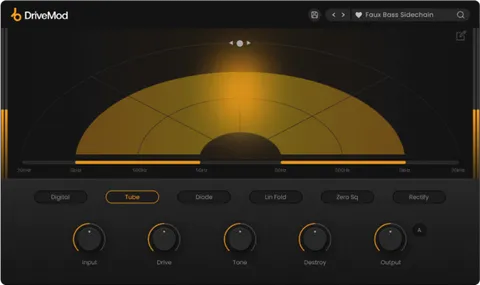
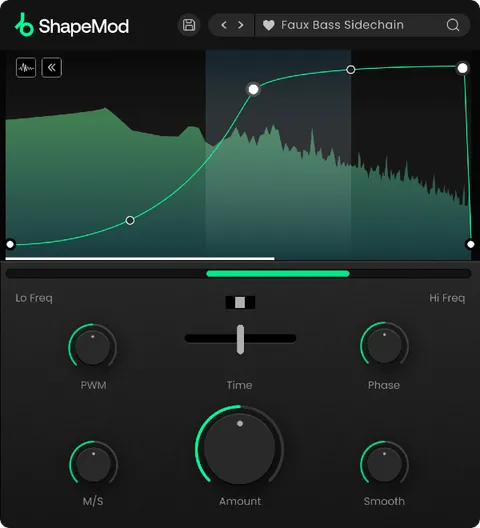
Using the Mix control on masters, busses and tracks

The central Mix parameter sets the amount of Exceed's effect applied to the signal. Low settings give a subtle enhancement, while higher settings add more obvious character.

The plugin is aimed at finishing work: adding the last touch to a master, adding warmth and presence to instruments, or bringing life back into sounds that feel flat. Because there is one main control, it is quick to dial in during a mix session.

04Specs

Will it run?

Formats, systems and requirements as listed by Plugin Boutique. Missing details are left out, not guessed.

DeveloperPlugin Boutique
TypePlugin
CategoryEnhancer
FormatsVST3, VST2, AU, AAX, Standalone
Operating systemsWindows, macOS
Architecture64-bit
05FAQ

Questions, answered

What is Exceed used for?

Exceed is used to add warmth, punch and clarity to audio. The developer suggests using it on masters, busses or individual tracks, including basses and full mixes.

Which plugin formats and operating systems does Exceed support?

Exceed is available in VST3, VST2, AU, AAX and Standalone formats. It runs on Windows and macOS, and works only as a 64-bit plugin.

What do I need to run Exceed?

On macOS you need macOS 10.15 or higher, and it is natively compatible with Apple Silicon. On Windows you need Windows 7 or higher. It works in DAWs such as Ableton Live, Pro Tools, Logic Pro, FL Studio, Cubase, Nuendo, Reaper and Reason.

07Developer

More from Plugin Boutique

All Plugin Boutique products →