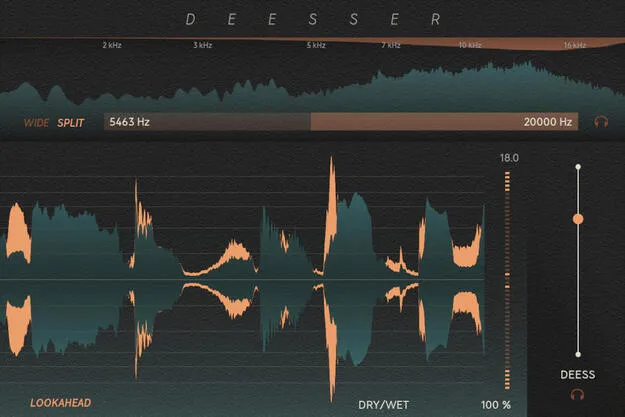
Deesser by Softube de-esser plugin interface with frequency analyzer

Deesser: Vocal De-Esser Plugin by Softube

Rated 4.7/5 on Plugin Boutique (35 ratings)

Deesser is a de-esser plugin from Softube that reduces sibilance in vocals and tames harsh frequencies in a full mix. It uses frequency detection and a relative threshold to keep the tonal quality of the audio intact.

VST3VST2AUAAXWindowsmacOS64-bit
AVAILABLE ATPlugin Boutique
Opens the store in a new tab
01Overview

Deesser is a plugin from Softube built around one job: controlling sibilance. Its interface is designed so that most of the work happens with a single Deess slider, while a frequency range sets where the detector listens. Softube says the tool aims for a smoother, more natural result that keeps the overall tone of the audio intact. Its low latency and low CPU load make it suitable for tracking as well as mixing.

Best for

  • Vocal de-essing
  • Vocal clarity and intelligibility
  • Tracking vocals
  • Taming harsh frequencies in a mix
  • Full mix harshness control
Developer
Softube
Category
De Essers
Store
Plugin Boutique
02Key features

What you get

  • Sibilance taming with a transparent sound
  • Frequency detection with an adjustable detector range
  • Relative, level-independent threshold
  • Frequency analyzer showing spectrum and gain reduction
  • Waveform View with gain reduction meter in dB
  • Low latency and low CPU use suitable for tracking
  • Simple interface with a single Deess slider
03In depth

How the Detection and Relative Threshold Work

Deesser uses frequency detection to decide where it should listen for problematic frequencies. You set that range by dragging the filter widget or typing in values directly.

Its threshold is relative and level-independent. According to Softube, changes to input level made earlier in your chain do not change how the de-essing responds, so you can adjust gain upstream without retuning the plugin.

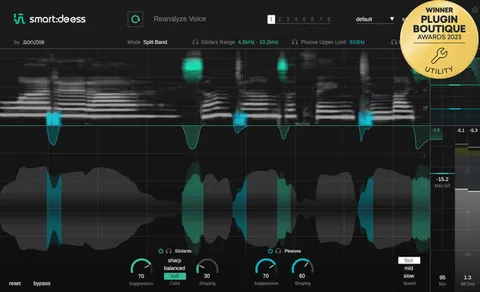
The frequency analyzer shows the energy across the spectrum and where gain reduction is applied, which helps you match the detector range to the sibilant band.
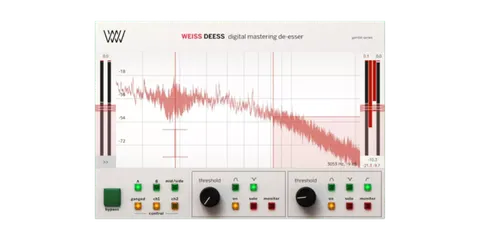
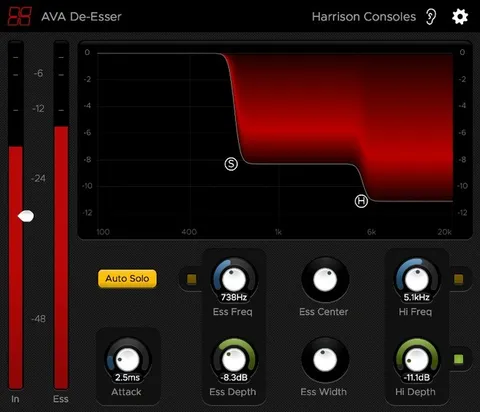
Interface and Workflow for Vocal De-Essing

The layout is kept to the essentials. The frequency analyzer sits on top, a Waveform View shows the incoming audio alongside the amount of de-essing, and a gain reduction meter in dB sits beside the waveform.

Softube describes the design as fast and intuitive, aimed at improving vocal clarity and intelligibility. The same approach can be used on a full mix to tame harsh frequencies, not only on isolated vocal tracks.

04Specs

Will it run?

Formats, systems and requirements as listed by Plugin Boutique. Missing details are left out, not guessed.

DeveloperSoftube
TypePlugin
CategoryDe Esser
FormatsVST3, VST2, AU, AAX
Operating systemsWindows, macOS
Architecture64-bit
05FAQ

Questions, answered

What formats does Deesser support?

Deesser is available in VST3, VST2, AU and AAX formats.

Which operating systems does Deesser run on?

Deesser runs on Windows and macOS. It is a 64-bit plugin. The listed macOS versions are Big Sur 11, Monterey 12 and Ventura 13, and the listed Windows versions are Windows 10 (64-bit) and Windows 11.

What do I need to run Deesser?

You need a Softube account and an iLok account, a computer with an AU, VST, VST3 or AAX compatible DAW host, and internet access for downloading installers and managing licenses.

Can Deesser be used on a full mix?

Yes. Softube says it can help tame harsh frequencies across a full mix, not only on vocal tracks.

07Developer

More from Softube

All Softube products →