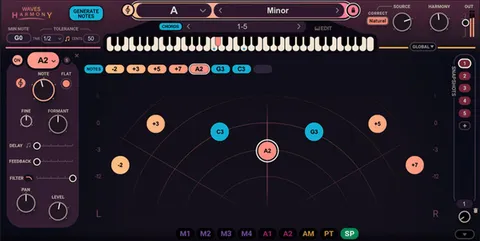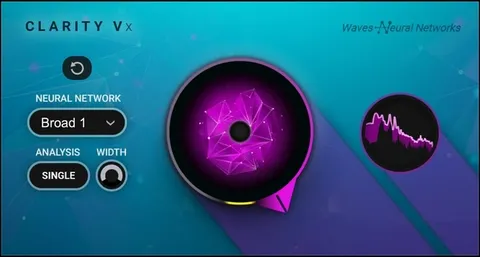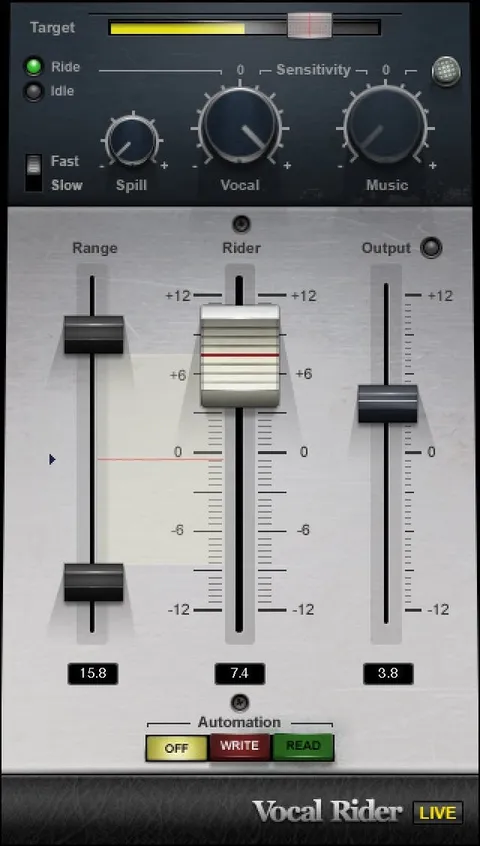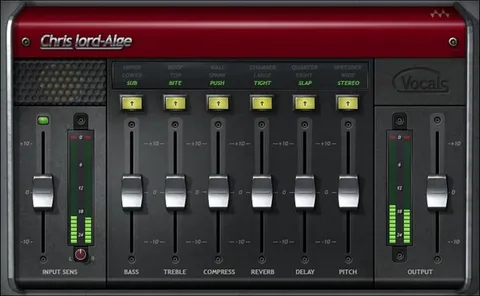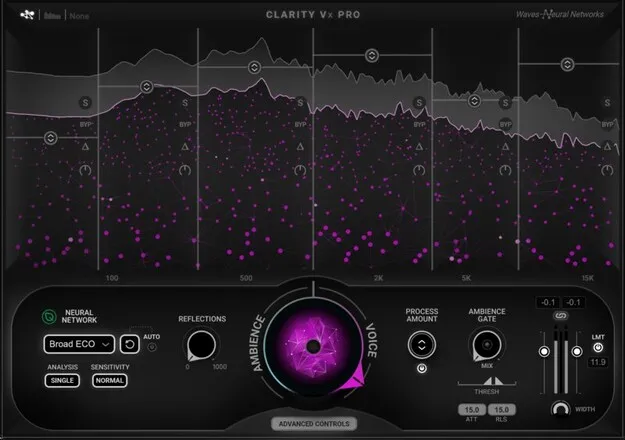
Clarity Vx Pro by Waves voice noise reduction plugin interface

Clarity Vx Pro: AI Voice Noise Reduction Plugin by Waves

Rated 5.0/5 on Plugin Boutique (8 ratings)

Clarity Vx Pro is a Waves audio plugin that uses neural networks to reduce noise in voice and dialogue recordings in real time. It is available in VST2, AU and AAX formats for Windows and macOS.

VST2AUAAXWindowsmacOS
AVAILABLE ATPlugin Boutique
Opens the store in a new tab
01Overview

Clarity Vx Pro is built for cleaning up spoken audio. Its noise reduction runs in real time inside your DAW, so you can edit and mix dialogue with the video and other audio tracks playing. Waves says the plugin processes its noise reduction tasks in a single pass, and the main workflow centers on one primary control with optional advanced settings for finer adjustment.

Best for

  • Dialogue post-production
  • Voice cleanup
  • Film and video audio
  • Podcast noise removal
  • Vocal recording repair
  • Background ambience fills
Developer
Waves
Store
Plugin Boutique
02Key features

What you get

  • AI-based noise reduction for voice, powered by Waves Neural Networks
  • Real-time processing with full automation support
  • Single-pass noise reduction for faster results
  • Four neural networks to choose from
  • Edit and mix dialogue in context with video and audio tracks playing
  • Six-band section with process amount, solo, delta and bypass
  • Reflections control to restore natural room reflections
  • Neural networks ambience gate between replicas
  • Mono/stereo width control
03In depth

Noise reduction and voice quality

Waves describes Clarity Vx Pro's neural networks as the result of training on millions of voice files, with results checked by human evaluators. The plugin offers four neural networks, so you can pick the one that suits the recording.

A six-band section provides process amount, solo, delta, bypass, pure gain and VCA control. A reflections control is intended to bring back natural room reflections that noise removal can strip away, and a mono/stereo width control lets you adjust the stereo image.
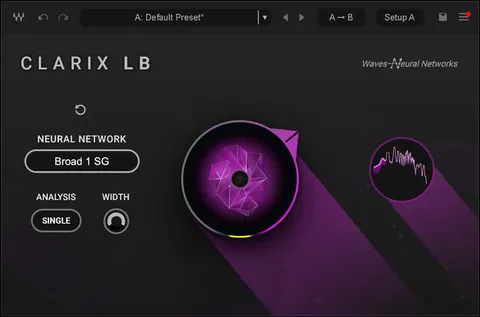
Dialogue editing workflow in your DAW

Clarity Vx Pro runs in real time with full automation, so you can automate its settings without loading multiple instances. Its ambience gate lowers the voice level between replicas, which helps keep background sound consistent across a scene.

A separate function keeps background ambience while removing voice, which can be used to create fills for dialogue edits. The plugin is available in VST2, AU and AAX formats on Windows and macOS.

04Specs

Will it run?

Formats, systems and requirements as listed by Plugin Boutique. Missing details are left out, not guessed.

DeveloperWaves
TypePlugin
CategoryVocal Processing
FormatsVST2, AU, AAX
Operating systemsWindows, macOS
05FAQ

Questions, answered

What formats does Clarity Vx Pro support?

Clarity Vx Pro is available in VST2, AU and AAX formats.

Which operating systems are supported?

Clarity Vx Pro runs on Windows and macOS. The listed requirements include macOS Monterey 12 through Sequoia 15 and Windows 10 or later.

Can I automate Clarity Vx Pro's settings?

Yes. The plugin supports full automation in real time, and you can automate its settings without loading multiple instances.

What is the reflections control for?

Waves says the reflections control smoothly brings back natural reflections that noise reduction can remove.

07Developer

More from Waves

All Waves products →