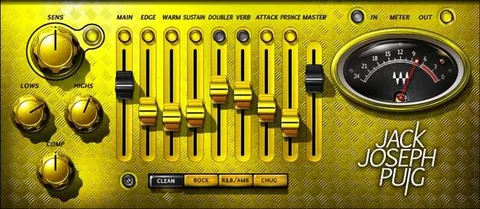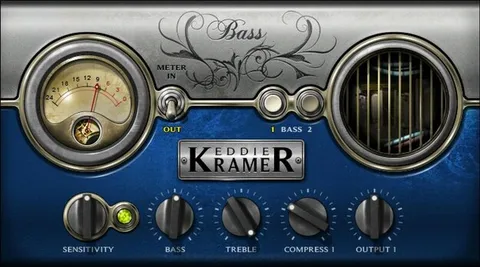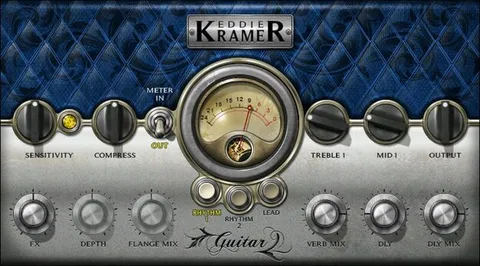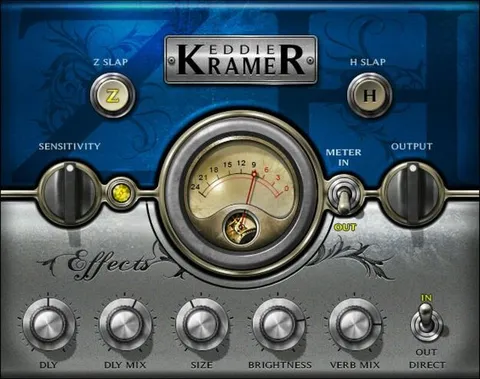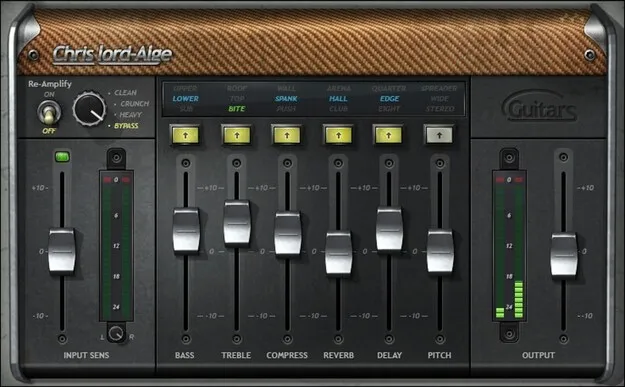
CLA Guitars by Waves multi-effect guitar plugin interface

CLA Guitars: Guitar Effects Plugin by Waves

Rated 4.6/5 on Plugin Boutique (5 ratings)

CLA Guitars is a multi-effect plugin from Waves for processing guitar tracks. It combines 6 effects with 3 modes, Clean, Crunch and Heavy, and was developed in close association with engineer Chris Lord-Alge.

VST2AUAAXWindowsmacOS
AVAILABLE ATPlugin Boutique
Opens the store in a new tab
01Overview

CLA Guitars is a multi-effect plugin designed around guitar sounds, from delicate acoustic parts to hard rock. Waves developed it in close association with Chris Lord-Alge, and the plugin is built around his approach to guitar tones. Its six effects are organized into three modes, so you can move from a clean sound to a heavier one without rebuilding your chain. The developer describes the aim as getting usable guitar sounds quickly. The plugin is available in VST2, AU and AAX formats for Windows and macOS.

Best for

  • Rock guitar mixing
  • Acoustic guitar processing
  • Hard rock tones
  • Quick guitar starting points
  • Stereo guitar widening
Developer
Waves
Store
Plugin Boutique
02Key features

What you get

  • Six effects covering common guitar processing needs
  • Three modes: Clean, Crunch and Heavy
  • Three optimized tonal colors for each effect
  • Fader-based editing for quick adjustments
  • Choice between DI and re-amping options
  • Pro-level presets to start the mixing process
  • Stereo imaging created with pitch processing
03In depth

Sound Modes and Tonal Options

The plugin offers three modes, Clean, Crunch and Heavy, which cover a range from acoustic-style delicacy to driven rock tones. Each of the six effects has three optimized tonal colors, so you can shape the character of a part without building a new signal chain.

Waves says the effects cover the core sounds needed for current music. The modes are a practical starting point when you need a guitar to sit in a specific place in a mix.
Workflow, Presets and Routing

Editing is built around faders. Turning up a fader increases the amount of an effect, which keeps adjustments fast during tracking and mixing. You can choose between DI and re-amping options, depending on how your guitar was recorded.

Pro-level presets are included to give mixing a quick start. The plugin also offers stereo imaging through pitch processing, which can widen a guitar part.

04Specs

Will it run?

Formats, systems and requirements as listed by Plugin Boutique. Missing details are left out, not guessed.

DeveloperWaves
TypePlugin
CategoryMulti Effect
FormatsVST2, AU, AAX
Operating systemsWindows, macOS
05FAQ

Questions, answered

What formats and operating systems does CLA Guitars support?

CLA Guitars is available in VST2, AU and AAX formats. It runs on Windows and macOS.

What are the system requirements for CLA Guitars?

On Mac, the listed requirements are macOS Monterey 12, Ventura 13, Sonoma 14 or Sequoia 15, with VST, AU or AAX formats. On PC, Windows 10 or later is required, with VST or AAX formats.

What is the difference between DI and re-amping options in CLA Guitars?

CLA Guitars lets you choose between DI and re-amping options. The choice depends on how your guitar part was recorded.

07Developer

More from Waves

All Waves products →