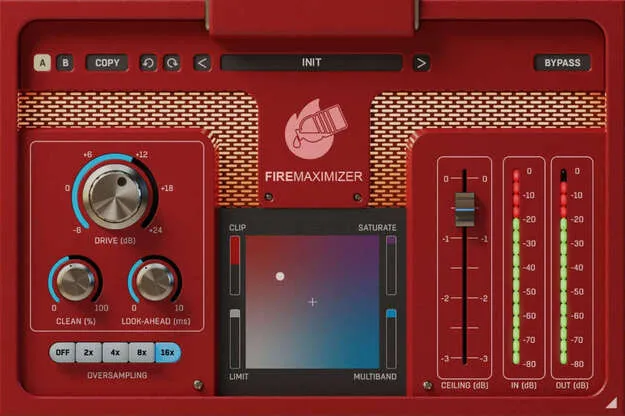
FireMaximizer mastering plugin photorealistic interface by United Plugins

FireMaximizer: Mastering Limiter and Clipper Plugin by United Plugins Free Download

Rated 4.7/5 on Plugin Boutique (273 ratings)

FireMaximizer is a mastering effects plugin from United Plugins that combines clipper, saturator and limiter algorithms. It is available for Windows and macOS in VST3, VST2, AU and AAX formats.

VST3VST2AUAAXWindowsmacOS64-bit
AVAILABLE ATPlugin Boutique
Free trial available from the developer
01Overview

FireMaximizer is built for mastering and loudness processing, but it can also add punch to individual tracks. The plugin offers clipper, saturator and limiter styles, so you can move between transparent limiting and more aggressive saturation. Its internal 64-bit processing and up to 16x oversampling aim to keep the processing clean at high levels. A 15-day trial is available, and licensing uses license files rather than an iLok or dongle.

Best for

  • Master bus limiting
  • Modern metal mastering
  • EDM track punch
  • Drum processing
  • Vocal saturation
  • Guitar saturation
Category
Mastering
Store
Plugin Boutique
02Key features

What you get

  • Clipper, saturator, limiter and multiband limiter algorithms
  • Up to 16x oversampling for high-resolution processing
  • 64-bit internal audio processing at any sampling rate
  • Photorealistic GUI with resizable interface
  • Smart bypass with latency compensation
  • Intelligent sleep mode during silence to reduce CPU use
  • License-file activation with no iLok or dongle
  • Free updates for the life of the plugin
03In depth

Clipping, Saturation and Limiting in One Plugin

FireMaximizer brings together clipper, saturator and limiter algorithms in a single effect. According to United Plugins, the algorithms range from transparent to aggressive, which makes the plugin suitable for different styles. Clippers and saturators are aimed at punchy, aggressive results for genres like modern metal and EDM. The limiters are described as producing transparent sound across genres, from ambient and classic music to pop.

Up to 16x oversampling is available for high precision, with the developer noting that it has a significant impact on the final sound.
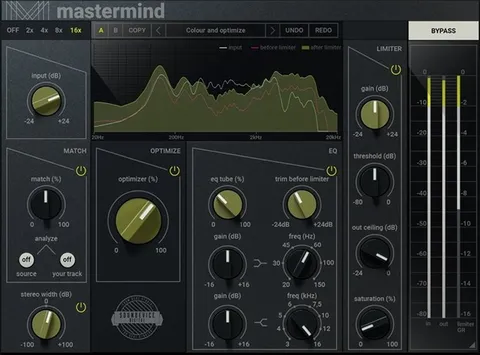
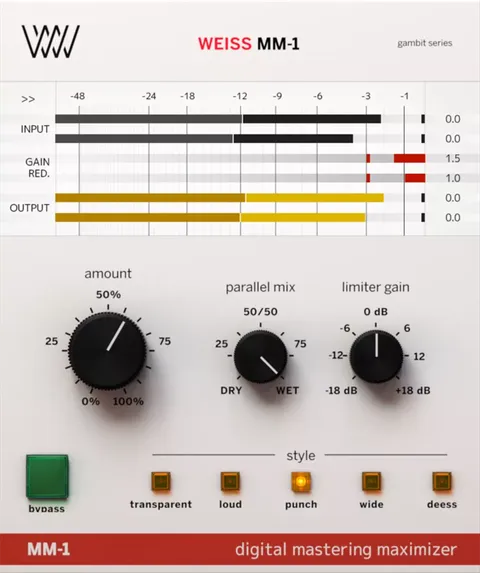
Using FireMaximizer on Master and Instrument Tracks

The plugin is primarily intended for the master track, but United Plugins says it works on individual instruments as well. The developer names drums, acoustic and electric guitars, and vocals as sources that benefit from it.

The photorealistic interface can be resized by dragging the arrow in the bottom right corner, so you can shrink it to save screen space or enlarge it for easier control. Smart bypass is designed to avoid clicks and noises when automating the parameter, and latency is compensated so bypassed and active states stay in sync.

04Specs

Will it run?

Formats, systems and requirements as listed by Plugin Boutique. Missing details are left out, not guessed.

DeveloperUnited Plugins
TypePlugin
CategoryMastering
FormatsVST3, VST2, AU, AAX
Operating systemsWindows, macOS
Architecture64-bit
Free trialYes
05FAQ

Questions, answered

What formats and operating systems does FireMaximizer support?

FireMaximizer is available in VST3, VST2, AU and AAX formats. It runs on Windows and macOS, and the plugin is 64-bit.

What do I need to run FireMaximizer?

On macOS, it requires macOS 10.10 or later, with Apple Silicon and macOS 11 Big Sur supported, and a VST2, VST3, AAX or AU compatible host. On Windows, it requires Windows 8 through Windows 11 (32 or 64-bit) and a VST2, VST3 or AAX compatible host. Both platforms need an Intel or AMD processor with SSE2 support.

Does FireMaximizer require an iLok or internet connection?

No. United Plugins says no iLok, dongle or internet access is needed for activation, which uses license files instead.

Is there a trial version of FireMaximizer?

Yes. United Plugins offers a 15-day unlimited trial version for free.

07Developer

More from United Plugins

All United Plugins products →