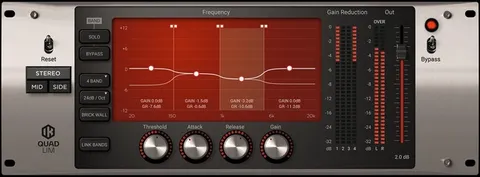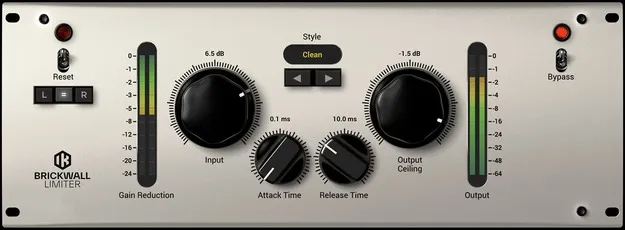
Brickwall Limiter by IK Multimedia limiter plugin interface

Brickwall Limiter: Mastering Limiter Plugin by IK Multimedia

Brickwall Limiter is a limiter plugin from IK Multimedia, designed for mastering to bring a track or mix up to finished, loud levels. It offers a choice of custom limiting algorithms, called Styles, for clean or saturated results.

VST3VST2AUAAXWindowsmacOS64-bit
AVAILABLE ATPlugin Boutique
Opens the store in a new tab
01Overview

Brickwall Limiter is built to act as a final stage in the chain, raising the level of a track or mix while keeping transient peaks under a set ceiling. You set the Output Ceiling, then raise the input until the desired loudness is reached. IK Multimedia designed it primarily for mastering, though it can also be used on mix buses. Its Styles let you choose how the limiting colors the signal.

Best for

  • Mastering final mixes
  • Raising track loudness
  • Mix bus limiting
  • Adding saturated color
  • Transparent loudness control
Developer
IK Multimedia
Category
Limiters
Store
Plugin Boutique
02Key features

What you get

  • Multiple custom limiting algorithms called Styles
  • Clean Style aimed at minimal distortion
  • Advanced Styles blending smooth saturation with limiting
  • Sat Styles using saturation as the limiting process
  • Output Ceiling control to prevent digital overs
  • Input control to set the amount of limiting
  • Designed for mastering, usable on mix buses
  • Supports VST3, VST2, AU and AAX on Windows and macOS
03In depth

Limiting Styles: Clean, Advanced and Saturation

The Brickwall Limiter offers a set of custom algorithms, which IK Multimedia calls Styles. The Clean settings aim to be as transparent as possible, with minimal distortion on the program material.

The Advanced settings combine smooth saturation with limiting, adding some extra punch and color compared with Clean. The Sat settings use different forms of saturation as the limiting process itself, for a more colored sound.

Because the Styles behave differently, you can pick the one that suits each source best and compare them quickly.
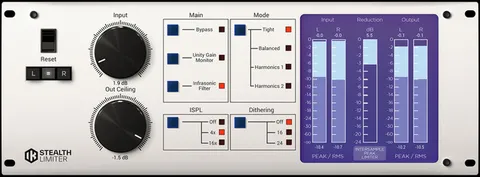
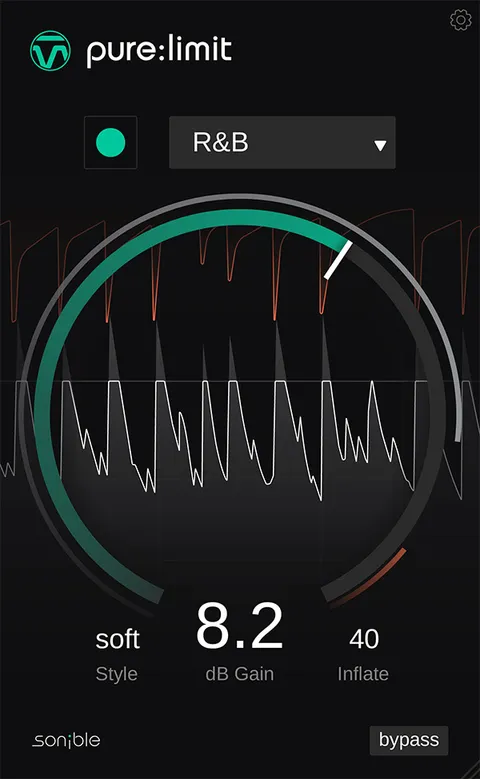
Loudness and Sound Quality in Mastering

A limiter raises perceived loudness, and a louder master often sounds better to the listener. IK Multimedia cautions that too much limiting squashes dynamics and can introduce distortion.

Use the Brickwall Limiter with restraint on a mix, and balance the level increase against the sound quality you want to keep.

04Specs

Will it run?

Formats, systems and requirements as listed by Plugin Boutique. Missing details are left out, not guessed.

DeveloperIK Multimedia
TypePlugin
CategoryLimiter
FormatsVST3, VST2, AU, AAX
Operating systemsWindows, macOS
Architecture64-bit
05FAQ

Questions, answered

What is the Brickwall Limiter used for?

It is a limiter intended for mastering, used as a final tool to bring a track or mix up to loud, modern RMS levels. The Output Ceiling sets the maximum peak level, and the input is raised to reach the desired loudness.

Which plugin formats does Brickwall Limiter support?

Brickwall Limiter is available in VST3, VST2, AU and AAX formats. Support varies by operating system, with AU on macOS and VST2, VST3 and AAX on both Windows and macOS.

What do I need to run Brickwall Limiter?

On macOS you need an Apple M1 or Intel Core i5 processor, 8 GB of RAM and macOS 10.15 or newer. On Windows you need a Core i5 or equivalent, 8 GB of RAM, Windows 10 64-bit or newer and an ASIO-compatible sound card. Both require about 9 GB of hard drive space and an internet connection for the web-based Custom Shop.

07Developer

More from IK Multimedia

All IK Multimedia products →