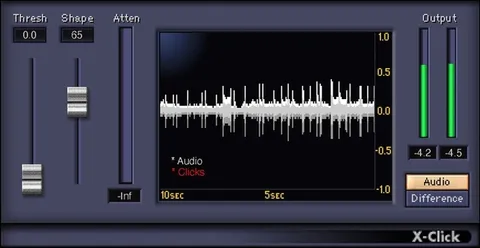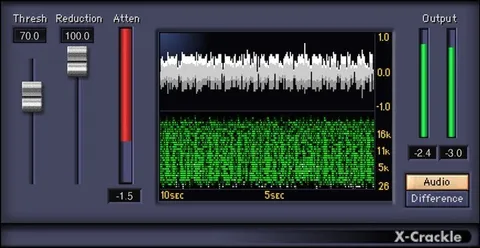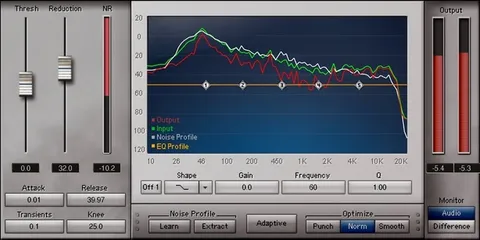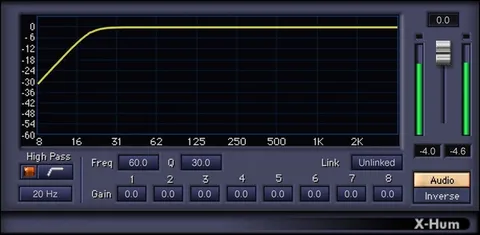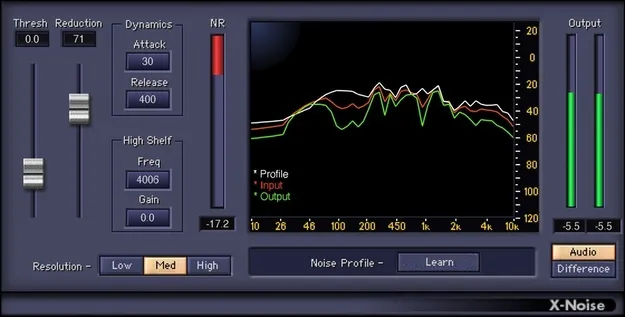
X-Noise noise reduction plugin interface by Waves

X-Noise: Broadband Noise Reduction Plugin by Waves

X-Noise is a broadband noise reduction plugin from Waves that removes unwanted noise, such as preamp hiss or room rumble, by learning a noiseprint from a section of audio and subtracting it.

VST2AUAAXWindowsmacOS
AVAILABLE ATPlugin Boutique
Opens the store in a new tab
01Overview

X-Noise targets the noise that creeps into recordings: preamp hiss on a vocal, room rumble picked up by a ribbon microphone, or computer noise on a guitar track. Rather than re-recording, you isolate a passage that contains only the unwanted noise, click Learn, and the plugin subtracts that noise wherever it appears. Its controls are modeled on a dynamics processor, so reduction amount, smoothing and tone can be adjusted with familiar settings.

Best for

  • Vocal hiss removal
  • Room rumble reduction
  • Ribbon mic cleanup
  • Guitar amp noise cleanup
  • Mix noise cleanup
  • Noise sound design
Developer
Waves
Store
Plugin Boutique
02Key features

What you get

  • Dynamics processor-style Threshold and Reduction controls
  • Works on individual tracks or complete mixes
  • Attack and Release controls smooth reduction processing
  • Frequency-based spectral display for visual feedback
  • High-shelf filter for high-frequency boost or cut
  • Two saveable noise profiles for easy comparisons
  • Selectable resolution for frequency or time-domain processing
  • Difference mode monitors only the removed noise
  • 13 factory presets for when noise cannot be isolated
03In depth

How the noiseprint method works

X-Noise builds its reduction from a sample of the noise itself. Select a section of audio containing only the noise you want to remove, then click Learn. The plugin subtracts that noise profile wherever it appears in the audio.

The Threshold and Reduction controls set how much noise is removed. Attack and Release smooth how the reduction is applied over time, and a high-shelf filter lets you add a high-frequency boost or cut afterward. A frequency-based spectral display gives visual feedback as you adjust.
Workflow and practical use

X-Noise works on individual tracks or on complete mixes. Two noise profiles can be saved for quick comparisons. The resolution can be optimized for frequency-domain or time-domain processing.

When no clean noise section is available, 13 factory presets are included as a starting point. The Difference mode monitors only the noise being removed, which the developer suggests can also be used for sound design.

04Specs

Will it run?

Formats, systems and requirements as listed by Plugin Boutique. Missing details are left out, not guessed.

DeveloperWaves
TypePlugin
CategoryAudio Restoration
FormatsVST2, AU, AAX
Operating systemsWindows, macOS
05FAQ

Questions, answered

What formats does X-Noise support?

X-Noise is available in VST2, AU and AAX formats.

Which operating systems can run X-Noise?

X-Noise runs on Windows and macOS. The listed macOS requirements cover Monterey 12, Ventura 13, Sonoma 14 and Sequoia 15, and Windows 10 or later.

Can X-Noise be used on a full mix?

Yes. X-Noise works with individual tracks or with complete mixes.

What if I cannot find a section containing only noise?

X-Noise includes 13 factory presets that can serve as a starting point when the noise cannot be isolated.

07Developer

More from Waves

All Waves products →