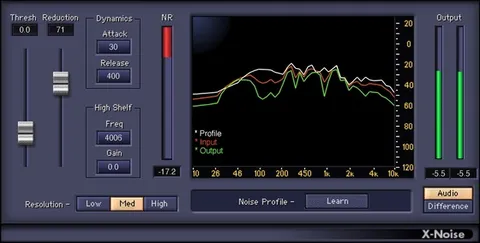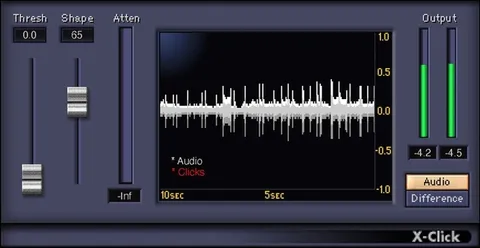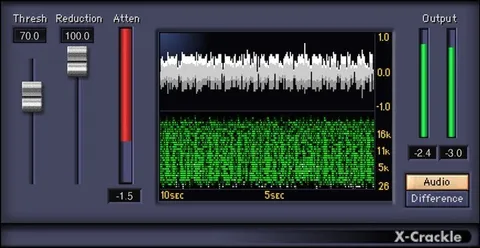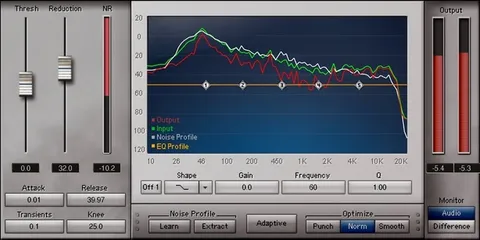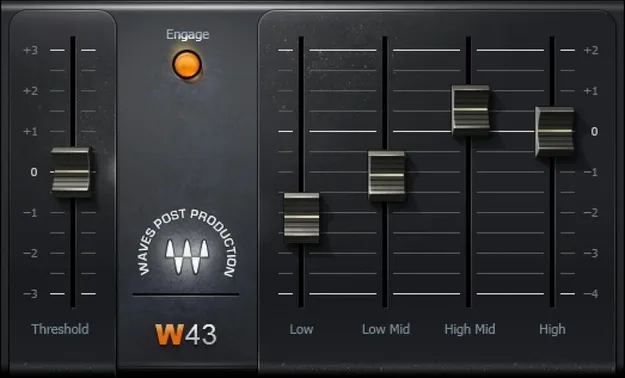
W43 Noise Reduction Plugin by Waves audio restoration interface

W43 Noise Reduction Plugin: Audio Restoration Tool by Waves

W43 Noise Reduction Plugin is a noise reduction tool from Waves for post-production audio. It uses four dynamic EQ bands to cut continuous low-level noise while leaving louder sounds largely unaffected.

VST2AUAAXWindowsmacOS
AVAILABLE ATPlugin Boutique
Opens the store in a new tab
01Overview

W43 Noise Reduction Plugin is aimed at post-production work where steady background noise needs to disappear without leaving a trace. Waves says the plugin emulates an industry-standard hardware system built on analog noise reduction technology. Each of its four dynamic EQ engines increases attenuation in its band as the noise in that band gets quieter. The plugin is positioned for continuous noise such as fans, lighting hum and other ambient sounds, and for cleaning up on-location recordings of sound effects.

Best for

  • Post-production dialogue cleanup
  • Location sound effects restoration
  • Fan and HVAC noise removal
  • Video sync-critical noise reduction
  • Ambient lighting hum reduction
Developer
Waves
Store
Plugin Boutique
02Key features

What you get

  • Four frequency bands for selective noise reduction
  • Dynamic EQ engines that deepen attenuation as noise falls
  • Threshold and slider controls for quick, simple editing
  • Natural, artifact-free processing without warbly noise
  • Designed for post-production audio challenges
  • Zero latency to maintain perfect picture sync
  • Available as VST2, AU and AAX plugin formats
03In depth

How W43 Reduces Noise

W43 works across four frequency bands, so it can treat noise selectively rather than applying one broad reduction to the whole signal. The developer describes the processing as natural and artifact-free, avoiding the warbly artifacts that can come with broadband noise reduction.

The workflow is simple. You set a threshold and then lower the slider or sliders until the noise is reduced. Because the processing is dynamic, louder sounds in the same recording are left alone.
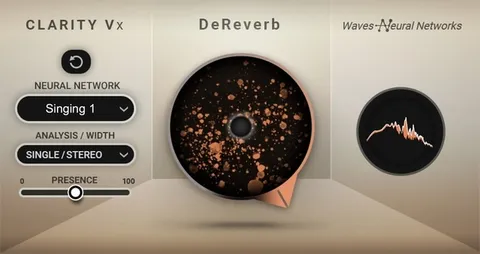
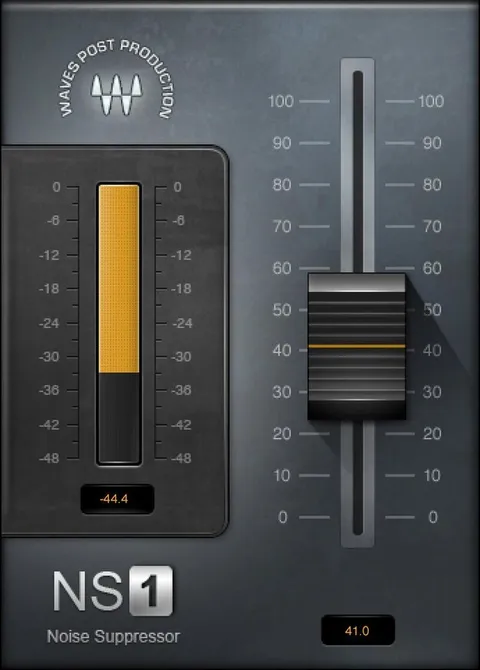
Post-Production and Sound Effects Workflow

Waves designed W43 for the particular demands of post-production audio. Zero latency means the plugin will not shift audio against picture, so it can be used in video sessions where sync must be preserved.

It is well suited to cleaning up audio-only recordings of sound effects captured on location, where ambient fans, lights or room tone sit under the sound you want to keep.

04Specs

Will it run?

Formats, systems and requirements as listed by Plugin Boutique. Missing details are left out, not guessed.

DeveloperWaves
TypePlugin
CategoryAudio Restoration
FormatsVST2, AU, AAX
Operating systemsWindows, macOS
05FAQ

Questions, answered

What is W43 designed to remove?

W43 is optimized for continuous noise from sources such as fans, lighting and other low-level ambient sounds.

Does W43 add latency?

No. Waves states that W43 has zero latency, which keeps audio in sync with picture during post-production.

Which formats and operating systems does W43 support?

W43 is available in VST2, AU and AAX formats. Waves lists support for Windows and macOS. On Mac, the listed requirements are macOS Monterey 12, Ventura 13, Sonoma 14 and Sequoia 15 for VST, AU and AAX. On PC, Windows 10 and later is listed for VST and AAX.

07Developer

More from Waves

All Waves products →