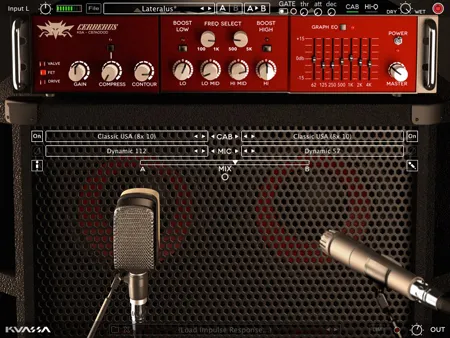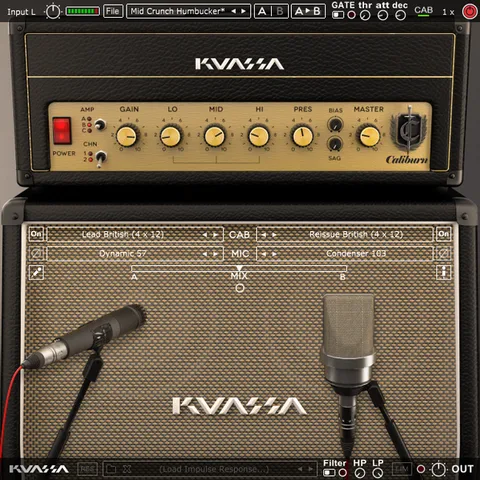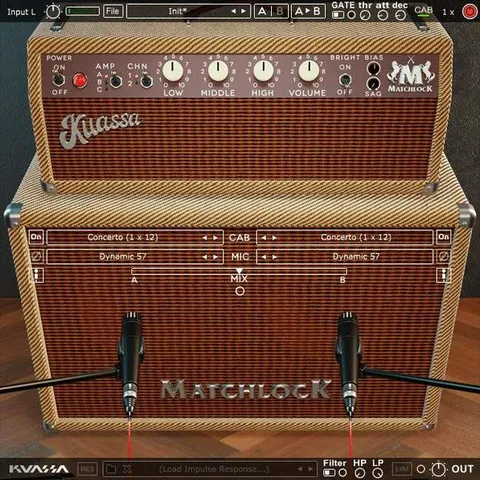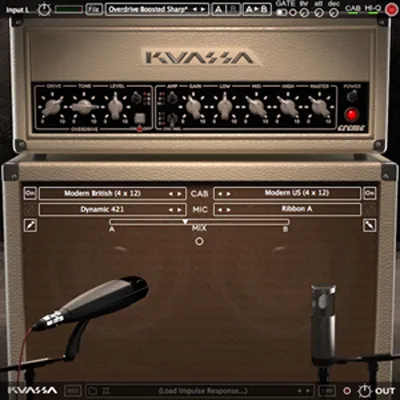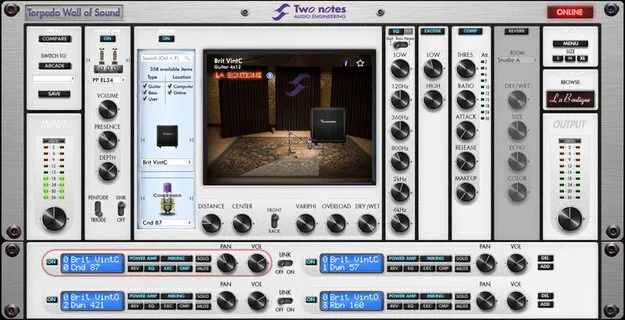
Torpedo Wall of Sound Plugin Boutique Edition cabinet simulator plugin interface

Torpedo Wall of Sound | Plugin Boutique Edition: Guitar and Bass Cabinet Simulator Plugin Free Download

Rated 4.3/5 on Plugin Boutique (113 ratings)

Torpedo Wall of Sound | Plugin Boutique Edition is an effects plugin from Two Notes Audio Engineering for virtual miking, power amp simulation and post effects for guitar and bass. It is available as VST3, VST2, AU and AAX on Windows and macOS.

VST3VST2AUAAXWindowsmacOS64-bit
AVAILABLE ATPlugin Boutique
Free trial available from the developer
01Overview

Torpedo Wall of Sound | Plugin Boutique Edition uses Two Notes DynIR technology to model electric guitar and bass speaker cabinets. Each cabinet offers 8 microphones, dual mic placement and adjustable mic positions, with multiple rooms available. The Plugin Boutique Edition includes 10 DynIR cabinets, and the developer offers access to a larger collection of more than 600 cabinets. The plugin is a 64-bit effects processor that runs in common DAW formats.

Best for

  • Guitar cabinet simulation
  • Bass cabinet simulation
  • Re-amping guitar parts
  • Amp modeling workflows
  • Direct DAW recording from a preamp
Store
Plugin Boutique
02Key features

What you get

  • Virtual miking, power amp simulation and post effects for guitar and bass
  • DynIR technology with 8 microphones per cabinet
  • Dual mic placement and adjustable mic positions, with multiple rooms
  • 10 DynIR cabinets included in the Plugin Boutique Edition
  • Access to over 600 guitar and bass cabinets through expansion
  • Stack up to 20 stereo DynIR cabinet channels
  • Arcade Mode for quick tone finding
  • Simulation Mode for full parameter control
03In depth

Cabinet Modeling and Sound Shaping

The plugin is built around DynIR cabinet simulation. Two Notes says each DynIR is based on a large set of studio-grade impulse responses and can be shaped to suit different tones. Each cabinet has 8 microphones, and you can combine two mics on one cabinet and move them across front and back mic positions.

Each channel also includes a tube power amp emulation, 8 room acoustics and a set of studio-grade effects. These include a 6-band EQ, a 2-band exciter, a studio compressor and a tweakable reverb. The processing chain is meant to help shape guitar and bass tones after the cabinet stage.

Workflow: Arcade Mode and Simulation Mode

Arcade Mode shows the most important controls in a simple layout, so you can dial in a tone quickly. Simulation Mode exposes the full set of controls and parameters for detailed editing.

You can stack up to 20 stereo DynIR cabinet channels. The plugin fits re-amping, amp modeling and direct recording from a preamp into a DAW.

04Specs

Will it run?

Formats, systems and requirements as listed by Plugin Boutique. Missing details are left out, not guessed.

DeveloperTwo Notes Audio Engineering
TypePlugin
CategoryAmp Simulator
FormatsVST3, VST2, AU, AAX
Operating systemsWindows, macOS
Architecture64-bit
Free trialYes
05FAQ

Questions, answered

What formats does Torpedo Wall of Sound support?

The plugin is available in VST3, VST2, AU and AAX formats. It runs on Windows (64- and 32-bit) and macOS.

What do I need to run Torpedo Wall of Sound on a Mac?

The listed requirements are macOS X 10.9 or later. The plugin is M1 compatible through Rosetta. Supported formats are VST3, AU, AAX and VST.

How many cabinets are included?

The Plugin Boutique Edition includes 10 DynIR cabinets. The developer says the wider collection contains over 600 guitar and bass speaker cabinets.

07Developer

More from Two Notes Audio Engineering

All Two Notes Audio Engineering products →