Drawing Time-Bending Waveforms and LFO Control
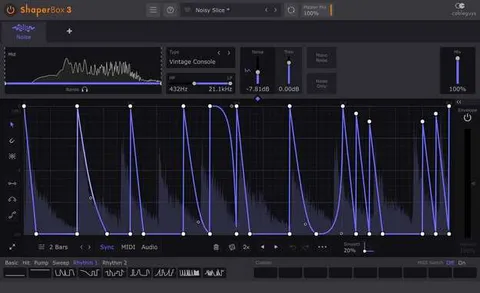
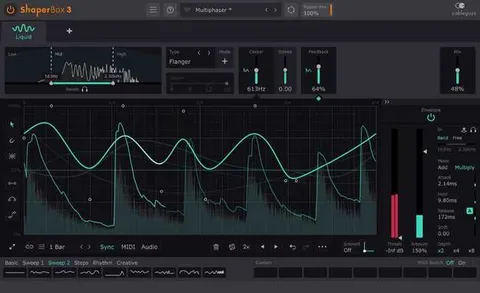
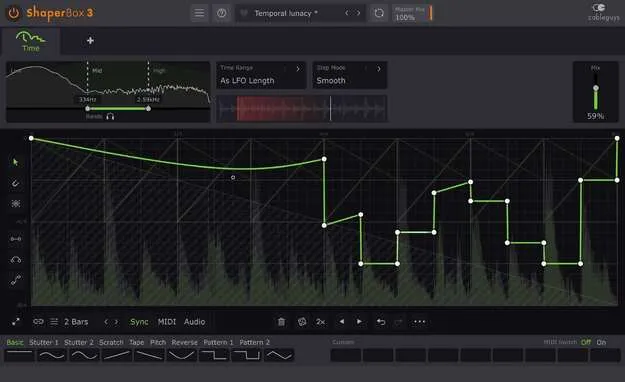
The core of TimeShaper 3 is its waveform editor. You draw the LFO shape that controls playhead position, and the curve-editing tools are built for quick changes. Wave Presets cover common uses, and nine slots let you store custom waves that are saved with the patch. You can flip, resize, move or randomize a wave or selection, copy and paste waves between any Shapers, and undo or redo LFO edits without limit.
The LFO loop length can be set in beats and bars, or in Hertz and milliseconds. Loops run from 1/128 to 32 bars with sample-accurate sync. For detailed work, the LFO can be expanded, and the 2x/3x button doubles or triples a pattern with one click. The oscilloscope offers a Magnitude mode and a Freeze option, and the spectrum view is designed to be smooth and accurate.