Spectral Balance and Unmasking Across Tracks
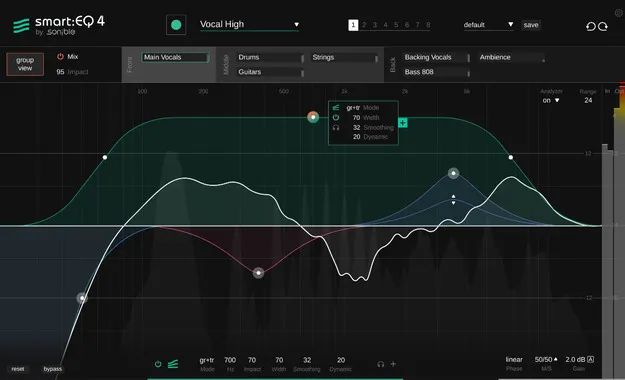
The smart:filter analyzes each track and balances its spectrum against a chosen target profile, such as drums, bass, vocals or the default Universal Profile. Its cross-channel processing lets instances work together rather than in isolation.
In Group mode, you can arrange up to ten tracks into an unmasking hierarchy by dragging and dropping them. Elements can be set to the front, middle or background of the mix. The smart:filter can run in Track, Group, or Track & Group mode, depending on whether you want to balance the channel, only reduce masking, or do both.