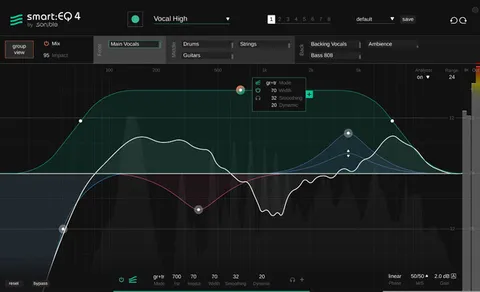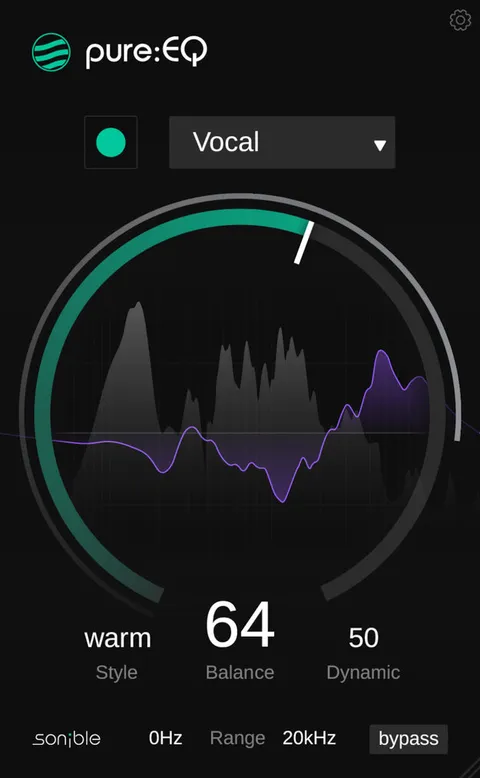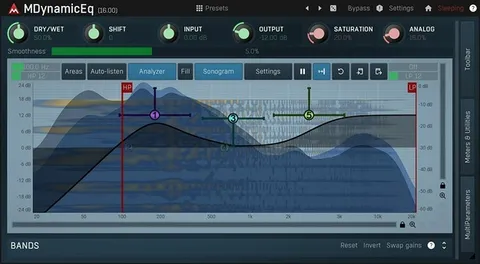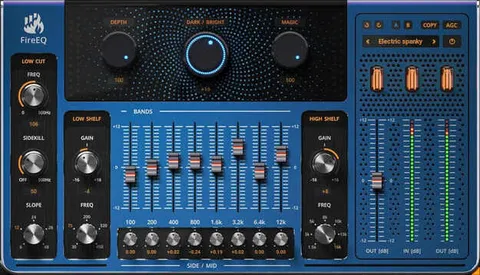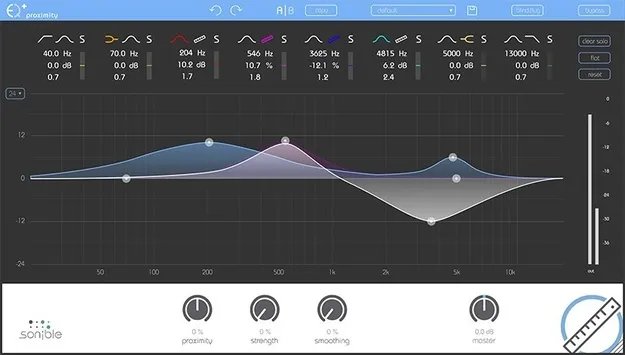
proximity:EQ+ by sonible EQ plugin interface

proximity:EQ+: Room Acoustics EQ Plugin by sonible Free Download

Rated 4.3/5 on Plugin Boutique (5,142 ratings)

proximity:EQ+ is an EQ plugin from sonible that edits the perceived proximity of audio sources by adjusting direct sound and reverberation. It is available in VST3, VST2, AU and AAX formats for Windows and macOS.

VST3VST2AUAAXWindowsmacOS64-bit
AVAILABLE ATPlugin Boutique
Free trial available from the developer
01Overview

proximity:EQ+ is built for situations where the recording room works against the mix. Its controls for direct sound and reverberation let you move a voice closer to the listener, clear up a fuzzy piano recording, or add room ambience to a choir or a film scene. The developer describes it as a tool that separates direct sound from echo, so room problems can be addressed after tracking rather than only at the microphone. Mixing engineers and sound designers are the main audiences it addresses.

Best for

  • Interview voice clarity
  • Choir post-production
  • Film scene ambience
  • Fuzzy piano cleanup
  • Spaciousness matching in mixes
  • Game and film sound design
Developer
sonible
Category
EQ
Store
Plugin Boutique
02Key features

What you get

  • Adjustable direct sound and reverberation controls
  • Pulls voices closer to the listener by amplifying direct sound
  • Reduces room acoustic particles to clarify fuzzy recordings
  • Increases room reverberation for orchestral and choir body
  • Creates ambience and fade-out effects for film post-production
  • Separates direct sound from echo to improve tracks
  • Available in VST3, VST2, AU and AAX formats
  • Supports 64-bit operation on Windows and macOS
03In depth

Controlling Room Acoustics After Recording

The plugin works on the balance between direct sound and reverberation. Raising the direct sound brings a source forward, which helps with interviews where the microphone could not be placed close enough to the speaker's mouth. Reducing room reflections can clean up a recording where the notes of a piano blur together.

Increasing the reverberation does the opposite. It adds room character to a recording that was captured too close, such as choir parts, and it can create ambience for film post-production, including fading out a scene or simulating a camera move through a space.
Mixing and Sound Design Use Cases

For mixing engineers, proximity:EQ+ is aimed at complex or time-critical tasks where the spaciousness of individual tracks needs to match across a project of any size. Its signal processing is described by the developer as highly specialized for this purpose.

Sound designers can use the plugin for subtle changes to natural sounds or for heavier reshaping of complex audio material when building sounds or customizing soundscapes for film and games.

04Specs

Will it run?

Formats, systems and requirements as listed by Plugin Boutique. Missing details are left out, not guessed.

Developersonible
TypePlugin
CategoryEQ
FormatsVST3, VST2, AU, AAX
Operating systemsWindows, macOS
Architecture64-bit
Free trialYes
05FAQ

Questions, answered

What is proximity:EQ+ used for?

proximity:EQ+ adjusts the perceived distance of audio sources by changing the balance between direct sound and room reverberation. It is used for cleaning up recordings, adding room ambience and matching spaciousness across tracks.

Which formats and operating systems does proximity:EQ+ support?

proximity:EQ+ is available in VST3, VST2, AU and AAX formats. It runs on Windows and macOS in 64-bit form.

What do I need to install proximity:EQ+?

You need the iLok License Manager installed on your computer to install sonible software. An iLok account or a physical iLok USB dongle is not required, and activation is optional. On an M1 Mac, the host DAW may need to run under Rosetta.

Is there a trial version of proximity:EQ+?

Yes, proximity:EQ+ offers a trial.

07Developer

More from sonible

All sonible products →