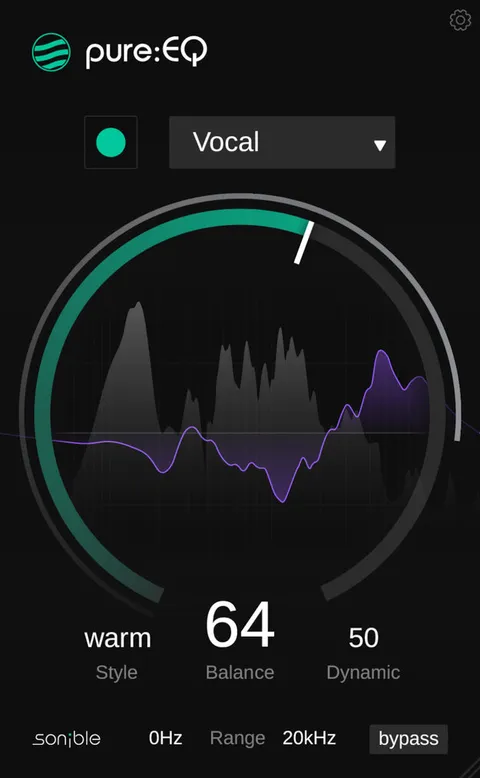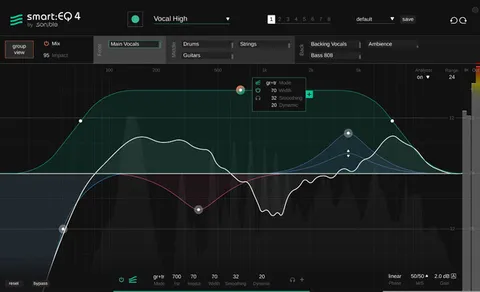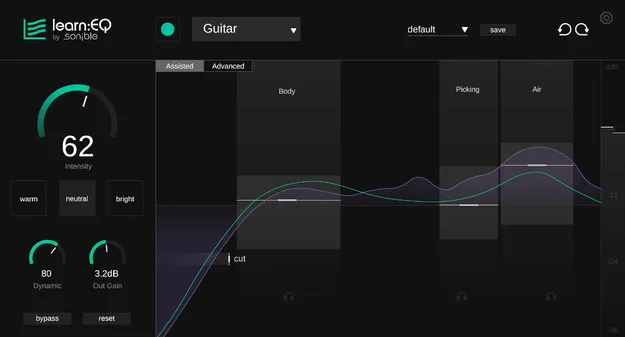
learn:EQ by sonible AI equalizer plugin interface

learn:EQ: AI-Assisted Equalizer Plugin by sonible

Rated 4.6/5 on Plugin Boutique (25 ratings)

learn:EQ is an AI-powered equalizer plugin from sonible that applies an automatic EQ curve and shows visual feedback on the frequency spectrum. It is built to help users understand how and why EQ changes affect a mix.

VST3VST2AUAAXWindowsmacOS64-bit
AVAILABLE ATPlugin Boutique
Opens the store in a new tab
01Overview

learn:EQ is an equalizer plugin from sonible that combines AI-based EQ processing with clear visual feedback on the frequency spectrum. The developer positions it for aspiring producers, musicians and educators who want to learn tonal shaping. Its aim is to make equalization simpler while showing how each adjustment changes the mix. It is available in VST3, VST2, AU and AAX formats for Windows and macOS.

Best for

  • Learning EQ basics
  • Mix corrections
  • Tonal shaping for vocals
  • Educational EQ training
  • Quick starting EQ curves
Developer
sonible
Category
EQ
Store
Plugin Boutique
02Key features

What you get

  • Automatic EQ curve generated from AI analysis
  • Tone sliders for intuitive sound shaping
  • Assisted view with visual frequency spectrum feedback
  • Advanced view for practical mixing use
  • Helps isolate problem areas in the spectrum
  • Built to explain how EQ changes affect a mix
03In depth

Automatic EQ Curves and Tone Sliders

learn:EQ generates an automatic EQ curve based on AI analysis of the audio passing through it. This gives you a starting point instead of building a curve from scratch.

For direct control, the tone sliders offer an intuitive way to shape the sound without working through individual frequency bands. Sonible presents the sliders as a simpler route into tonal adjustment for users still building their EQ skills.
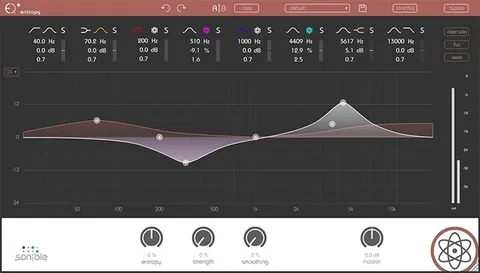
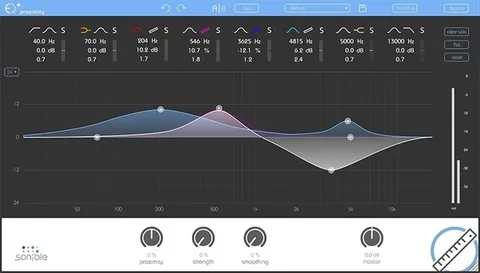
Assisted and Advanced Views for Learning EQ

The plugin offers two views. The Assisted view guides you through the process with visual feedback, helping you isolate problem areas in the frequency spectrum.

The Advanced view gives you more direct access for practical mixing work. Switching between the two lets you move from guided learning to hands-on control as your experience grows.

04Specs

Will it run?

Formats, systems and requirements as listed by Plugin Boutique. Missing details are left out, not guessed.

Developersonible
TypePlugin
CategoryEQ
FormatsVST3, VST2, AU, AAX
Operating systemsWindows, macOS
Architecture64-bit
05FAQ

Questions, answered

What formats does learn:EQ support?

learn:EQ is available in VST3, VST2, AU and AAX formats.

Which operating systems can run learn:EQ?

learn:EQ runs on Windows and macOS. It is 64-bit only on both platforms.

What do I need to run learn:EQ?

On Mac, macOS 10.13 or later is required, and M1 Apple Silicon is supported. On Windows, Windows 10 or later is required. Both platforms recommend at least 4 GB of RAM and an Intel Dual Core i5 CPU, and support sample rates from 44.1 kHz to 192 kHz.

Who is learn:EQ designed for?

The developer describes learn:EQ as designed for aspiring producers, musicians and educators who want to understand equalization.

07Developer

More from sonible

All sonible products →