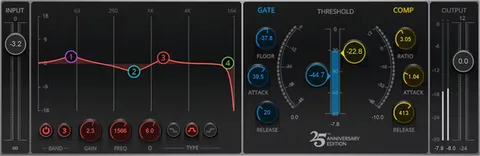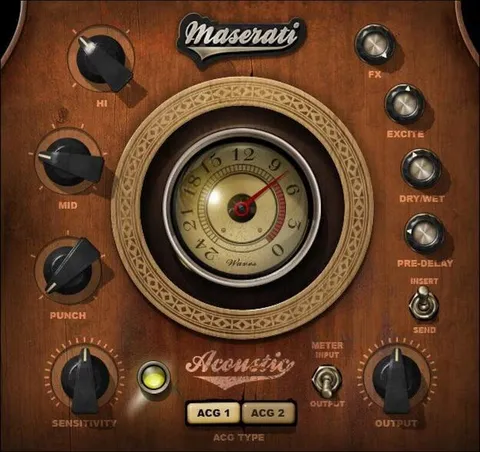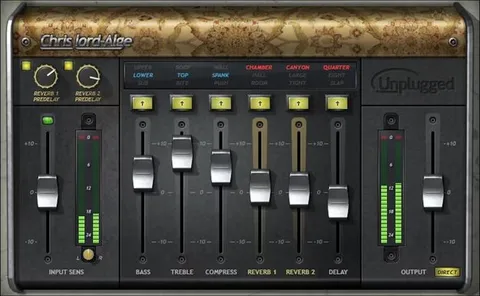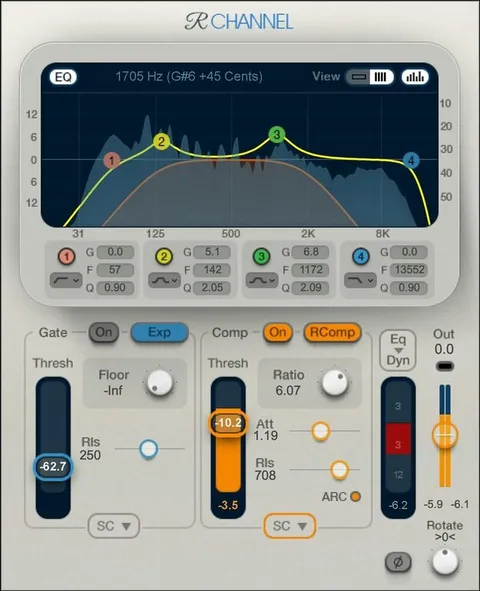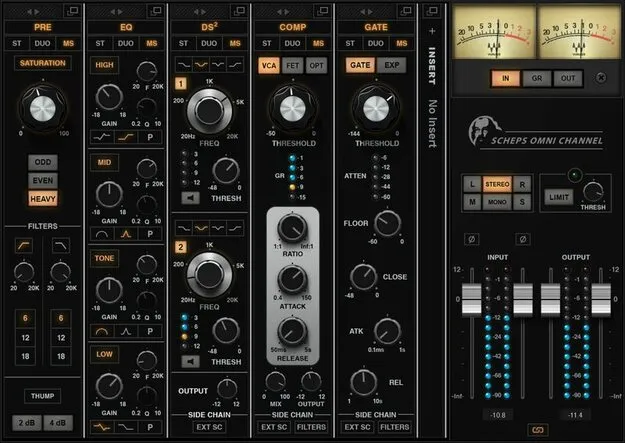
Scheps Omni Channel 2 channel strip plugin interface by Waves

Scheps Omni Channel 2: Channel Strip Plugin by Waves

Rated 4.8/5 on Plugin Boutique (23 ratings)

Scheps Omni Channel 2 is a channel strip plugin by Waves that combines preamp saturation, compression, EQ, de-essing and gating in a single window. It is available in VST2, AU and AAX formats for Windows and macOS.

VST2AUAAXWindowsmacOS
AVAILABLE ATPlugin Boutique
Opens the store in a new tab
01Overview

Scheps Omni Channel 2 brings five processing modules into one channel strip: preamp color, EQ, de-essing, compression and gating. The plugin was developed with Grammy-winning mixer Andrew Scheps, and it includes 250 presets from Andrew Scheps and other mixers. The second version adds a fourth saturation color, a soft-knee compressor, and a 24dB-per-octave filter with resonance. It supports routing any VST3 plugin into its insert point, and it runs with zero latency.

Best for

  • Vocal channel processing
  • Mix bus color
  • Drum channel strips
  • Sibilance control
  • Creative filter sweeps
  • Live channel processing
Developer
Waves
Store
Plugin Boutique
02Key features

What you get

  • Five modules: preamp color, EQ, de-essing, compression and gating
  • Four analog preamp saturation colors with filtering
  • Four compression types with A/B/C/D comparison
  • DS2 dual de-esser for sibilance control
  • Re-orderable signal chain across all modules
  • Internal and external sidechains with filters
  • 250 presets by Andrew Scheps and other Grammy-winning mixers
  • FOCUS presets highlight key controls for your mix
  • Hosts any VST3 plugin in the Insert slot
  • Zero latency for studio and live use
03In depth

Sound, Saturation and Compression Options

The channel strip offers four analog preamp saturation colors, with filtering available for each. Version 2 adds CRUSH, a saturation setting aimed at aggressive distortion. For dynamics, you can choose from four compression types: VCA, FET, OPT and the new SOFT soft-knee compressor. An A/B/C/D comparison lets you audition settings against each other quickly.

The new 24dB-per-octave filter has strong resonance, which the developer positions for creative effects such as filter sweeps.
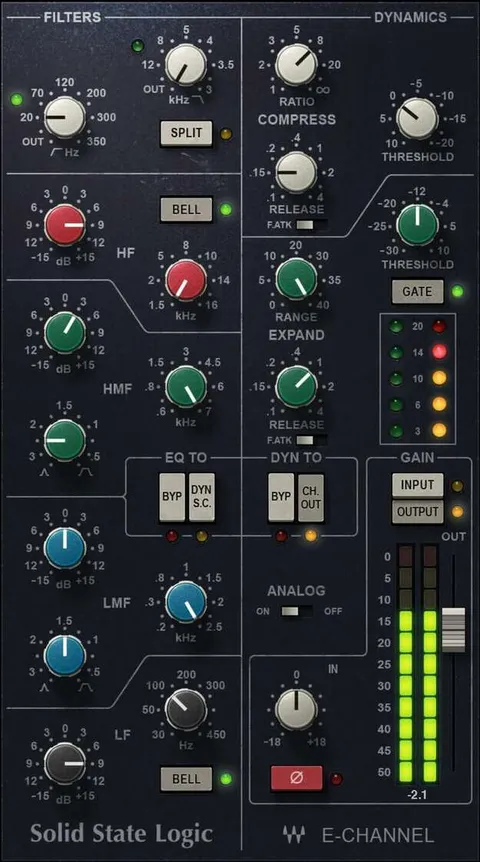
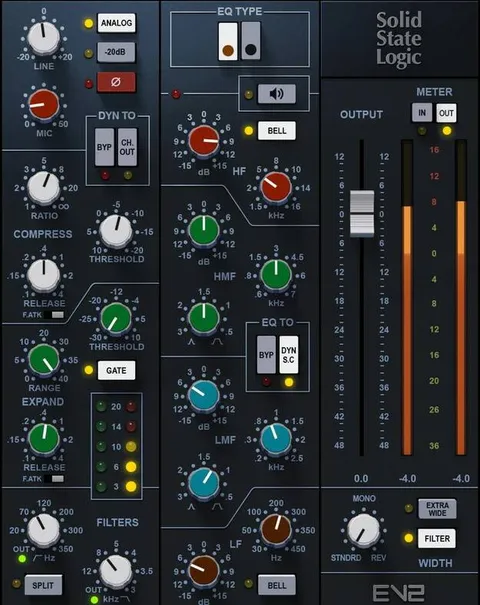
Workflow, Routing and Key Controls

Modules can be re-ordered to change the signal chain. Each module offers internal and external sidechains with filters, and routing options per module include internal MS, Duo and Stereo.

The FOCUS presets are designed to highlight the key controls for a given mix. The DS2 dual de-esser is meant to go beyond conventional sibilance control. Because the plugin hosts any VST3 plugin in its Insert slot, you can add outside effects to the Omni signal flow.

04Specs

Will it run?

Formats, systems and requirements as listed by Plugin Boutique. Missing details are left out, not guessed.

DeveloperWaves
TypePlugin
CategoryChannel Strip
FormatsVST2, AU, AAX
Operating systemsWindows, macOS
05FAQ

Questions, answered

What formats does Scheps Omni Channel 2 support?

Scheps Omni Channel 2 is available in VST2, AU and AAX formats. It runs on Windows and macOS.

Which operating systems are required?

The listed requirements are macOS Monterey 12, Ventura 13, Sonoma 14 and Sequoia 15 for Mac, and Windows 10 or later for PC. Mac versions are offered in VST, AU and AAX, and PC versions in VST and AAX.

Can I load other plugins inside Omni?

Yes. Omni's Insert slot can host any VST3 plugin, from Waves or other manufacturers, so you can add outside effects to the Omni signal flow.

Does Omni Channel 2 add latency?

The developer describes the plugin as zero latency, which it presents as suited to both studio mixing and live use.

07Developer

More from Waves

All Waves products →