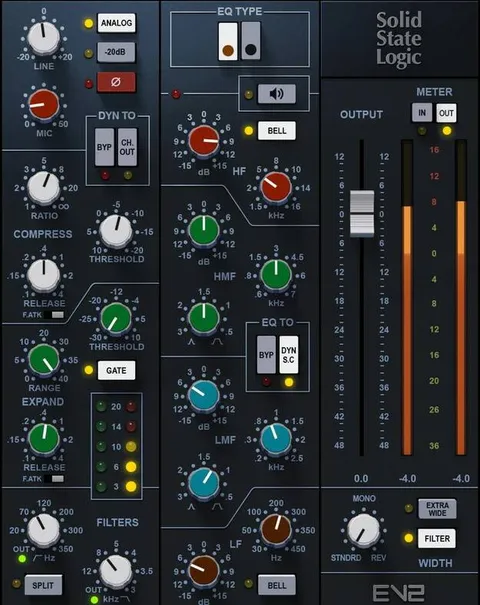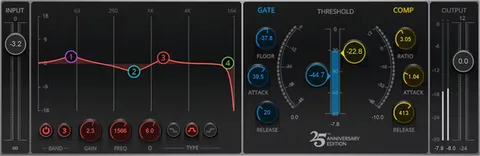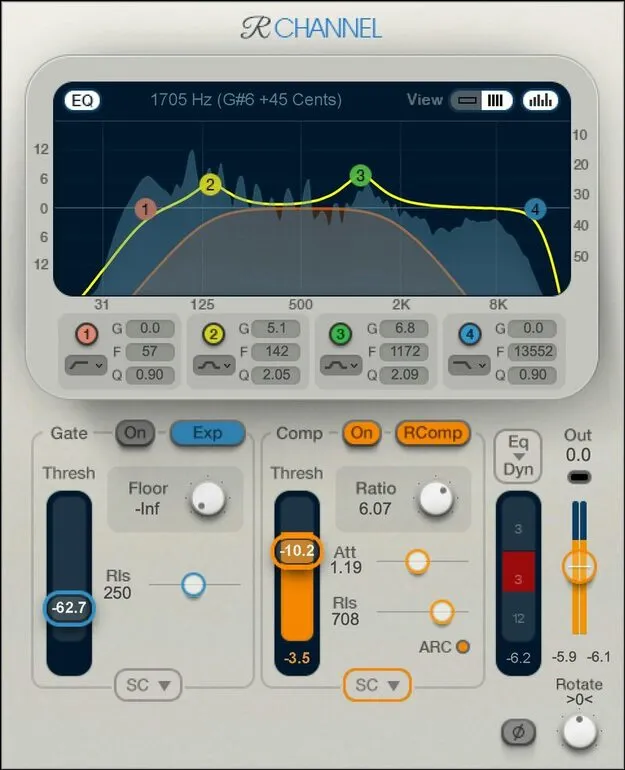
Renaissance Channel by Waves channel strip plugin interface

Renaissance Channel: Channel Strip Plugin by Waves

Renaissance Channel is a channel strip plugin from Waves that combines compression, expansion, gating, sidechaining and four bands of EQ in a single effect.

VST2AUAAXWindowsmacOS
AVAILABLE ATPlugin Boutique
Opens the store in a new tab
01Overview

Renaissance Channel is part of Waves' Renaissance collection, bringing several processing stages into one plugin. Its compressor can switch between R-Comp and R-Vox modes, with R-Vox aimed at voice processing. The expander can also work as a gate, and the compressor and expander/gate each have their own sidechain. A four-band EQ with multiple response curves rounds out the chain. Presets let you save and recall complete processor settings in one click.

Best for

  • Vocal channel processing
  • Dynamics and gating
  • Mix bus channel strip
  • Sidechain-keyed compression
  • Stereo image adjustment
Developer
Waves
Store
Plugin Boutique
02Key features

What you get

  • Switch between R-Comp and R-Vox voice-optimized compression
  • Expander can also function as a gate
  • Compressor and expander/gate have separate sidechains
  • 4-band EQ with multiple response curves
  • Rotation adds image control alongside console panning
  • Display with switchable background spectrum analyzer
  • Preset saving for complete processor settings
  • Available in VST2, AU and AAX formats
03In depth

Compression, Expansion and Gating in One Channel Strip

Renaissance Channel gives you a compressor and an expander/gate in the same plugin. You can switch the compressor between R-Comp and R-Vox, the voice-optimized mode in the Renaissance lineup. The expander can double as a gate, so you can handle dynamics and noise control without loading a second effect.

The compressor and the expander/gate each have a separate sidechain. That lets you key each stage from a different source, which is useful when one part of a track should react to a different signal than another.
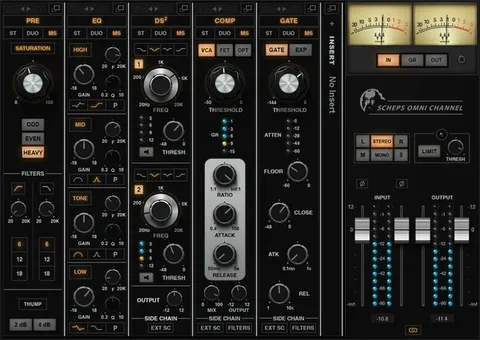
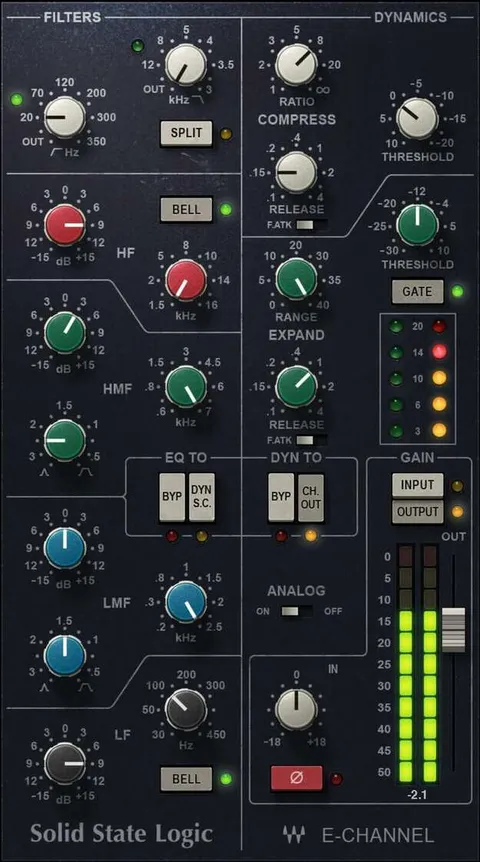
EQ, Stereo Image and Metering

The four-band EQ offers multiple response curves, so you can shape tone in different styles within one stage. Rotation adds image control alongside console-style panning, giving you a second way to place a signal in the stereo field.

The display includes a switchable background spectrum analyzer, so you can see frequency content while you adjust the controls.

04Specs

Will it run?

Formats, systems and requirements as listed by Plugin Boutique. Missing details are left out, not guessed.

DeveloperWaves
TypePlugin
CategoryChannel Strip
FormatsVST2, AU, AAX
Operating systemsWindows, macOS
05FAQ

Questions, answered

What formats does Renaissance Channel support?

Renaissance Channel is available in VST2, AU and AAX formats.

Which operating systems does Renaissance Channel run on?

Renaissance Channel runs on Windows and macOS. On Mac it supports macOS Monterey 12, Ventura 13, Sonoma 14 and Sequoia 15. On PC it requires Windows 10 or later, in VST and AAX formats.

Can the expander be used as a gate?

Yes. The expander can also serve as a gate, so one stage handles both expansion and gating.

What is the difference between R-Comp and R-Vox?

Renaissance Channel lets you switch the compressor between R-Comp and R-Vox, which is a voice-optimized compression mode.

07Developer

More from Waves

All Waves products →