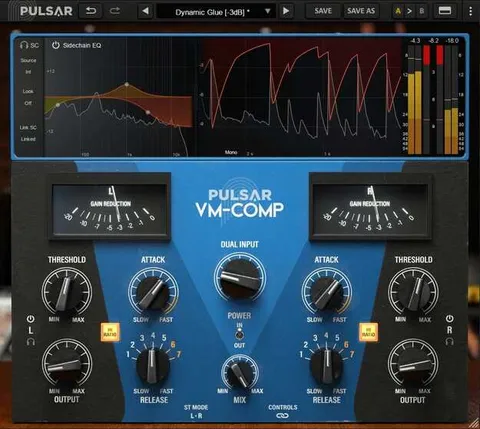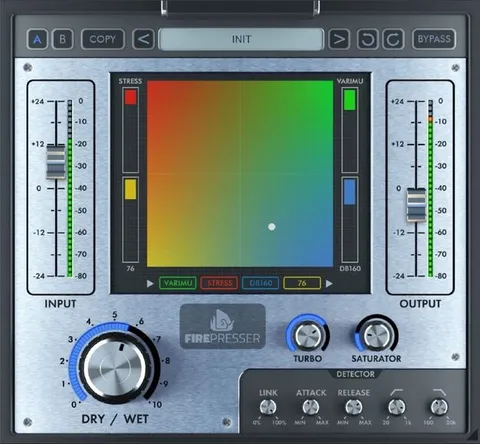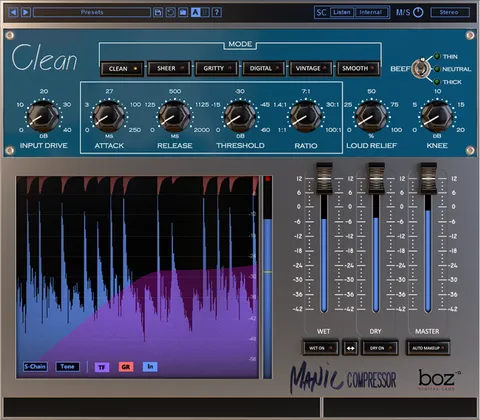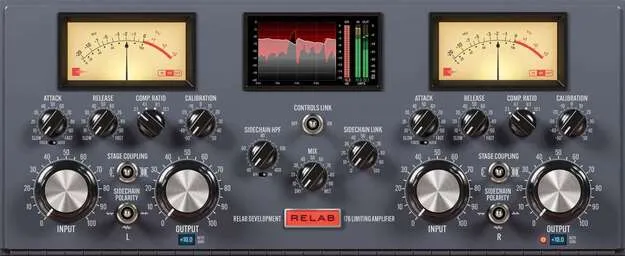
Relab 176 compressor plugin by Relab Development interface

Relab 176: 1960s-Style Tube Compressor Plugin by Relab Development

Relab 176 is a compressor and limiter plugin by Relab Development, modeled on a 1960s 176-style hardware design. It is available in VST3, AU and AAX formats for Windows and macOS.

VST3AUAAXWindowsmacOS64-bit
AVAILABLE ATPlugin Boutique
Opens the store in a new tab
01Overview

Relab 176 is a compressor and limiter plugin from Relab Development that models the 176-style hardware compressor associated with the 1960s. The developer describes the emulation as covering the tubes, transformers, timing networks and power supply interaction of the original circuit. The plugin keeps a fixed-threshold, variable-gain design, with four ratios and a set of calibration controls that shift tube bias and threshold together. It runs on Windows and macOS in 64-bit versions.

Best for

  • Kick drum transient control
  • Vocal plosive control
  • Bus compression
  • Gentle program leveling
  • Vintage-style low-end thump
  • Gain staging with Reference Level
Category
Compressors
Store
Plugin Boutique
02Key features

What you get

  • Four hardware ratios: 2:1, 4:1, 8:1 and 12:1
  • Fixed-threshold, variable-gain compressor design
  • Program-dependent attack and release from RC-tube networks
  • Fixed/Auto release toggle for program-adaptive timing
  • Sidechain Polarity control for positive, negative or both halves
  • Transformer or resistor Stage Coupling switch
  • Calibration control shifting threshold, harmonics and dynamic feel
  • Advanced trims for 6BC8 bias, anode balance and 12AX7 bias
03In depth

Compression Behavior and Timing

The Relab 176 uses four hardware ratios, 2:1, 4:1, 8:1 and 12:1. Knee position and slope change with each ratio, so the compression can range from gentle leveling to firmer limiting.

Attack and release times are not set in fixed milliseconds. The developer says they come from resistor-capacitor networks coupled to the tube gain stage, so they respond to signal level, transient size and tube nonlinearity. A Fixed/Auto toggle changes how the release adapts to the program.

The Stage Coupling switch selects between a transformer path and a resistor path. The transformer path gives faster attack, with sub-millisecond attack described as possible. The resistor path gives slower attack and a flatter tone with more low-frequency thump.
Detection and Calibration Controls

The Sidechain Polarity control changes how the detector responds to the positive, negative or both halves of the waveform. Polarity-selective detection can target specific transient edges, such as the attack of a kick drum or plosives in vocals.

Calibration shifts the internal tube bias and balance, which changes threshold, harmonic profile and dynamic feel. Clicking the Relab logo opens advanced controls: three trim pots for 6BC8 bias, 6BC8 anode balance and 12AX7 bias, plus a Reference Level control for gain staging.

04Specs

Will it run?

Formats, systems and requirements as listed by Plugin Boutique. Missing details are left out, not guessed.

DeveloperRelab Development
TypePlugin
CategoryCompressor
FormatsVST3, AU, AAX
Operating systemsWindows, macOS
Architecture64-bit
05FAQ

Questions, answered

What formats and operating systems does Relab 176 support?

Relab 176 is available in VST3, AU and AAX formats. It runs on Windows and macOS, in 64-bit versions only.

What do I need to run Relab 176?

On macOS, the plugin requires macOS 10.15 (Catalina) or later and an Apple Silicon M1 or newer CPU. On Windows, it requires Windows 10 or later and an Intel Core i7 (8th-gen or newer) or AMD Ryzen 5 (3000-series or newer) with AVX2 support. Both platforms need 8 GB of RAM minimum, with 16 GB or more recommended, and an iLok account for authorization.

Which host applications are compatible with Relab 176?

The listed compatible hosts are Pro Tools 2020.11 and later (AAX), Cubase 9.5 and later (VST3), Nuendo 8 and later (VST3), Ableton Live 10 and later, and Reaper 7 and later (both 64-bit).

Does Relab 176 need an iLok dongle?

An iLok account is required for authorization. A dongle is optional.

07Developer

More from Relab Development

All Relab Development products →