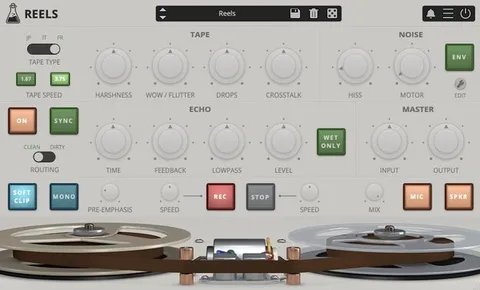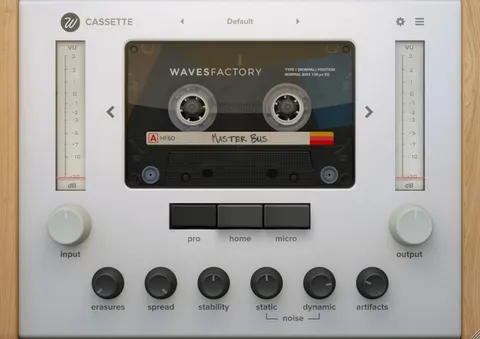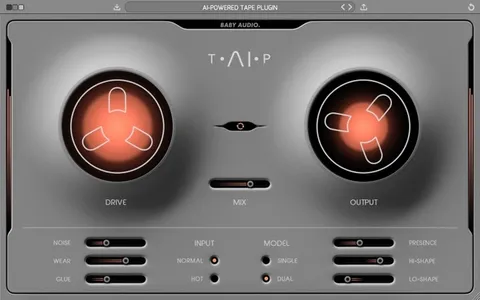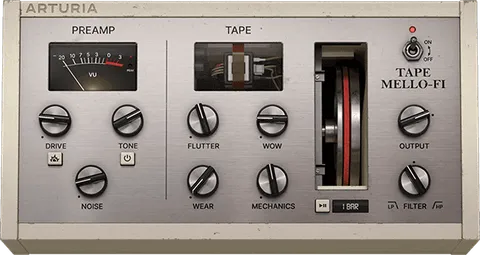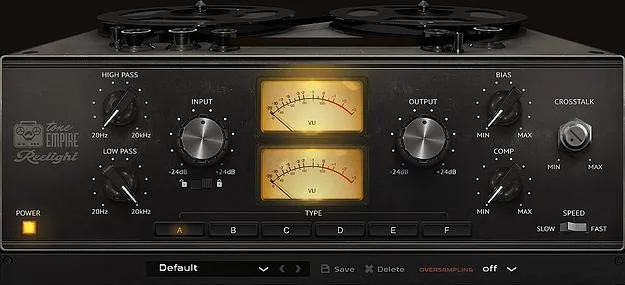
Reelight PRO by Tone Empire tape emulation plugin interface

Reelight PRO: Tape Emulation Plugin by Tone Empire Free Download

Rated 4.6/5 on Plugin Boutique (389 ratings)

Reelight PRO is a tape emulation plugin from Tone Empire that models six tape machines, with separate controls for speed, bias, input saturation, crosstalk and tape compression.

VST3VST2AUAAXWindowsmacOS64-bit
AVAILABLE ATPlugin Boutique
Free trial available from the developer
01Overview

Reelight PRO is built to recreate the sound of analog tape in a digital session. It models six tape machines at different speeds and levels, so you can shape warmth, saturation and compression by machine rather than relying on one generic tape sound. Tone Empire says its dynamic impulse response systems and DSP modeling work together to capture the character of the original hardware. Each tape characteristic is exposed as its own control, and a set of presets gives you a starting point.

Best for

  • Mix bus warmth
  • Drum saturation
  • Vocal tape color
  • Lo-fi production
  • Track-by-track tape effects
Developer
Tone Empire
Store
Plugin Boutique
02Key features

What you get

  • Six tape machine models, selectable A to F
  • Separate speed control from 3 1/2 ips to 30 ips
  • Bias control for tape saturation
  • Dedicated Comp control for tape-style compression
  • Crosstalk control for multitrack tape bleed
  • 12 dB/oct analog-style high-pass and low-pass pre-filters
  • Input and output gain from -24 dB to +24 dB
  • 2x to 8x selectable oversampling
  • Included presets per machine and category
03In depth

Tape Machine Models and Sound Character

Reelight PRO includes six tape models: the AMPEX ATR 700, STUDER A 812, STUDER A 80, TEAC A2300 SD, AEG TELEFUNKEN M20 and REVOX B77 mk2. Each machine is selectable through labeled A to F switches.

Speed options vary by machine, from 3 1/2 ips to 30 ips. Bias adds saturation alongside input gain saturation, and the Comp control imitates the envelope behavior of tape compression. Crosstalk recreates the signal bleed between adjacent tracks on multitrack tape, producing a mono-spatial effect.
Workflow, Filters and Controls

The input gain runs from -24 dB to +24 dB with 0 dB at center, and drives the tape harder as you raise it. A Lock option applies automatic gain compensation to the output. Output gain has the same -24 dB to +24 dB range.

Twelve dB per octave high-pass and low-pass filters, from 20 Hz to 20 kHz, sit before the tape algorithms. Oversampling ranges from 2x to 8x, so you can trade CPU load for a smoother result. Reelight PRO has no wet/dry control: each effect is adjusted individually, which avoids the phasing that a blended dry signal can introduce.

04Specs

Will it run?

Formats, systems and requirements as listed by Plugin Boutique. Missing details are left out, not guessed.

DeveloperTone Empire
TypePlugin
CategoryTape Emulation
FormatsVST3, VST2, AU, AAX
Operating systemsWindows, macOS
Architecture64-bit
Free trialYes
05FAQ

Questions, answered

What formats does Reelight PRO support?

Reelight PRO is available in VST3, VST2, AU and AAX formats.

Which operating systems does Reelight PRO run on?

Reelight PRO runs on Windows 10 or later and macOS 10.13.6 or later, including Intel and native M1 Macs. It is 64-bit only and will not run on 32-bit systems.

What do I need to use Reelight PRO?

You need a 64-bit host that supports the plugin format you choose, an AMD Ryzen or equivalent processor, 2 GB of RAM and 300 MB of hard disk space. The screen resolution should be at least 1024×768.

Does Reelight PRO have a wet/dry control?

No. Tone Empire explains that blending a dry signal back in creates phasing, so each effect is controlled individually instead.

07Developer

More from Tone Empire

All Tone Empire products →