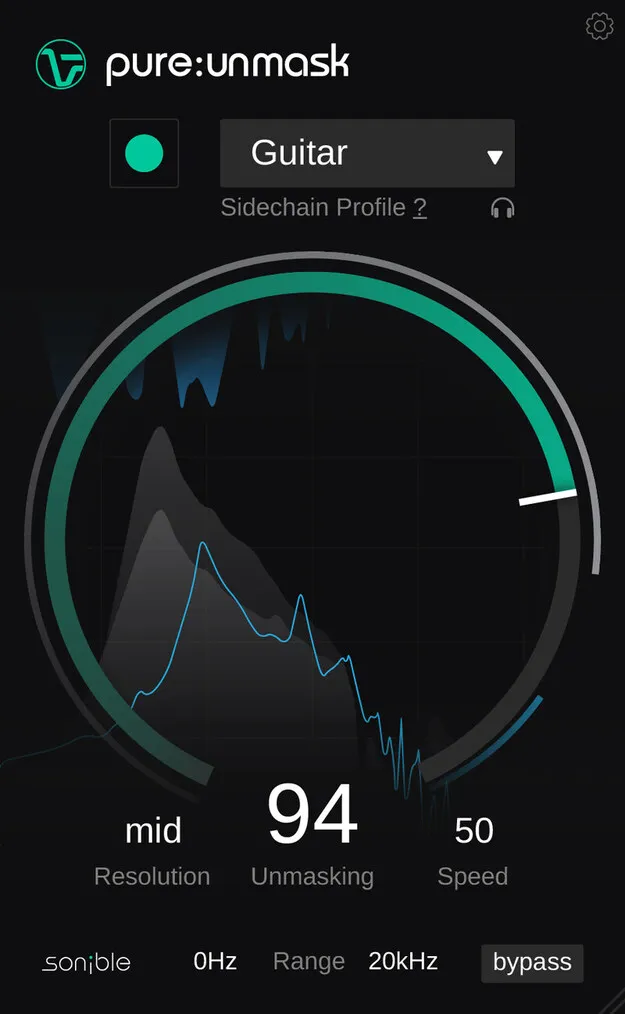
pure:unmask by sonible sidechain dynamics plugin interface

pure:unmask: Sidechain-Driven Mix Clarity Plugin by sonible Free Download

Rated 4.6/5 on Plugin Boutique (73 ratings)

pure:unmask is a sidechain dynamics plugin from sonible that lowers competing frequencies on a background track so a prioritized track stays clear in the mix.

VST3VST2AUAAXWindowsmacOS64-bit
AVAILABLE ATPlugin Boutique
Free trial available from the developer
01Overview

pure:unmask is built for a common mixing problem: two sounds occupying the same frequency range. You place it on the channel that should step back, feed it a sidechain signal from the track that should stay in front, and the plugin analyzes both signals. Using AI-based analysis and spectral processing, it dynamically reduces the competing frequencies on the background channel. Its four main controls shape the amount and behavior of the effect.

Best for

  • Kick and bass separation
  • Vocal and guitar clarity
  • Piano and guitar balance
  • Dense mix cleanup
  • Sidechain frequency masking
Developer
sonible
Store
Plugin Boutique
02Key features

What you get

  • AI-based analysis combined with spectral processing
  • Sidechain input from the prioritized track
  • Four main controls: Unmasking, Resolution, Speed, Range
  • Speed control for slow harmonic or fast rhythmic material
  • Range control to limit processing to a frequency window
  • Automatic parametrization for high-quality results
  • Characteristic profiles matched to the sidechain signal
03In depth

How the Sidechain Routing Works

The plugin sits on the channel you want to sculpt, the background track, and takes a sidechain input from the channel you want to unmask, the prioritized track. Once the routing is connected, pure:unmask analyzes both signals and applies its processing to create separation between them.

Setup is light. You load the plugin, route the sidechain, and select a profile that fits the sidechain signal. The developer states that the processing aims to avoid pumping artifacts.
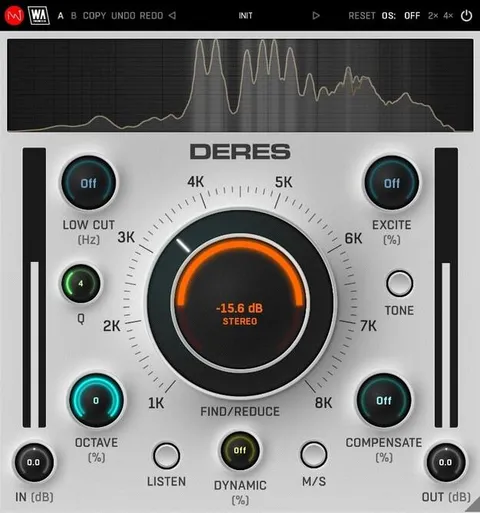
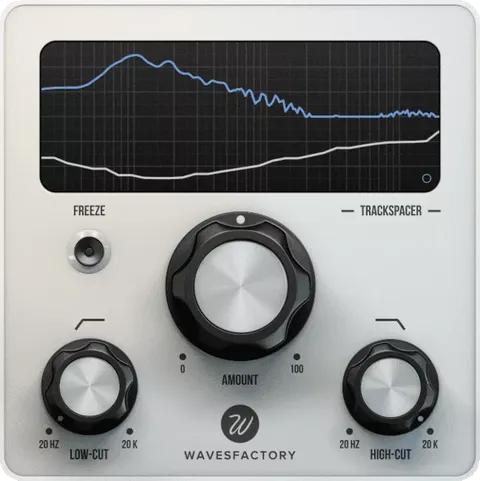
Controls for Tuning Spectral Unmasking

The Unmasking control is the large central knob and sets the overall strength of the effect. Resolution sets the width of the spectral processing bands. Speed changes the attack and release times, so you can tailor the effect to slower, harmonic sources such as piano against guitar, or to faster, rhythmic pairs such as kick against bass.

The Range control limits the unmasking to a chosen low and high frequency window, which helps when the overlap sits in a specific part of the spectrum.

04Specs

Will it run?

Formats, systems and requirements as listed by Plugin Boutique. Missing details are left out, not guessed.

Developersonible
TypePlugin
CategoryDynamics Processor
FormatsVST3, VST2, AU, AAX
Operating systemsWindows, macOS
Architecture64-bit
Free trialYes
05FAQ

Questions, answered

What formats does pure:unmask support?

pure:unmask is available in VST3, VST2, AU and AAX formats. It runs on Windows and macOS and is a 64-bit plugin.

What do I need to run pure:unmask?

On macOS it requires macOS 10.13 or later, with M1 Apple Silicon supported. On Windows it requires Windows 10 or later. Both platforms recommend at least 4 GB of RAM and an Intel Dual Core i5 or better, with sample rates from 44.1 kHz to 192 kHz.

How do I set up pure:unmask in my mix?

Load the plugin on the channel that should step back and route a sidechain input from the prioritized channel. Then select a profile that fits the sidechain signal and adjust the four main controls.

Which DAWs are compatible with pure:unmask?

The listed compatible hosts are Logic Pro, Ableton Live, Pro Tools 11 and later, Reaper, Cubase, Nuendo, FL Studio and Studio One.

07Developer

More from sonible

All sonible products →